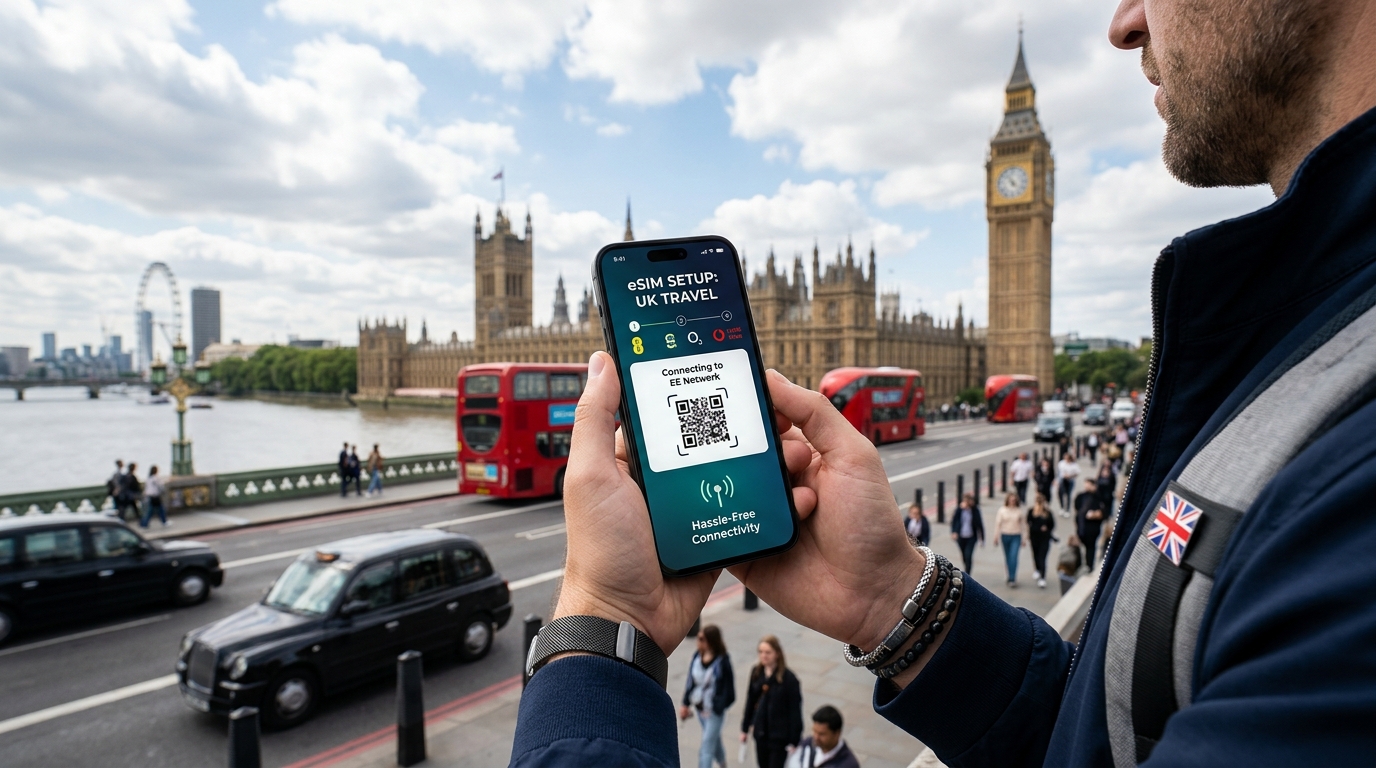
前往英國旅行?您的完整 eSIM 設定指南,讓您無憂連接
前往英國旅行可以是一個令人振奮的體驗,這裡擁有豐富的歷史、充滿活力的文化和壯麗的風景。然而,在探索這個多元化國家時,保持連接對於導航、溝通和分享您的冒險至關重要。這時,eSIM 便成為了一個現代解決方案,簡化了連接過程,無需麻煩的實體 SIM 卡。本指南將帶您了解在英國設定 eSIM 所需的一切,包括兼容性、啟用及最佳數據計劃。
什麼是 eSIM?
eSIM(嵌入式 SIM)是一種數字 SIM,允許您在不需要實體 SIM 卡的情況下啟用蜂窩計劃。這項技術嵌入在您的設備中,使您能夠無縫切換不同的運營商和計劃。使用 eSIM 相較於傳統 SIM 卡的優勢包括:
- 便利性:無需攜帶或更換實體 SIM 卡。
- 多個計劃:輕鬆切換不同的數據計劃或運營商。
- 即時啟用:通過 QR 碼或應用程序立即啟用您的計劃。
- 節省空間:為您的設備釋放空間以容納其他功能。
在英國旅行時使用 eSIM 的好處
🇬🇧 英国 高速 eSIM & 电话卡套餐
无需插卡开箱即用,支持热点共享,即使高速流量用尽也可维持 Google 地图/移动支付顺畅运行。
選擇在英國使用 eSIM 的旅行者可以享受幾個好處:
- 具成本效益的選擇:許多當地運營商為旅行者提供具有競爭力的價格。
- 靈活的數據計劃:根據您的旅行行程選擇短期計劃。
- 無漫遊費用:使用當地數據計劃,避免高額的漫遊費用。
- 可靠的覆蓋範圍:主要的英國運營商如 EE 和 Vodafone 在城市和鄉村地區提供廣泛的覆蓋。
兼容性檢查:您的設備是否支持 eSIM?
在您可以設定 eSIM 之前,您需要確保您的設備支持 eSIM 技術。以下是一些流行設備的快速檢查清單,這些設備均兼容 eSIM:
eSIM 兼容設備
| 設備類型 | 型號 |
|---|---|
| iPhone | iPhone XS, XS Max, XR, 11, 11 Pro, 12, 13, 14, SE (第二代) |
| Android 手機 | Google Pixel 3 及以後型號,Samsung Galaxy S20 及以後型號,OnePlus 9 及以後型號 |
| 平板電腦 | iPad Pro (11 吋和 12.9 吋),iPad Air (第三代及以後型號) |
| 智能手錶 | Apple Watch Series 3 及以後型號,Samsung Galaxy Watch Active 2 及以後型號 |
要檢查您的設備是否支持 eSIM,請參考製造商的網站或您的設備設置。
如何在英國設定您的 eSIM:逐步指南
設定 eSIM 是簡單的。請按照以下步驟在英國連接:
步驟 1:選擇您的 eSIM 供應商
選擇一個可靠的 eSIM 供應商。MollySIM 以其用戶友好的啟用過程和出色的覆蓋範圍而脫穎而出。他們提供的數據計劃速度可達 384kbps,這是許多競爭對手的三倍。請訪問 MollySIM 探索他們的產品。
步驟 2:購買您的 eSIM 計劃
- 訪問 MollySIM 網站。
- 選擇一個符合您旅行需求的計劃。選項通常從 1GB 到無限數據,適用於各種時長。
- 使用您首選的支付方式完成購買。
步驟 3:接收您的 eSIM QR 碼
一旦您的購買確認,您將通過電子郵件收到一個 QR 碼。此碼對於啟用您的 eSIM 至關重要。
步驟 4:啟用您的 eSIM
對於 iPhone 用戶:
- 前往設置 > 蜂窩網絡 > 添加蜂窩計劃。
- 掃描您收到的 QR 碼。
- 按提示標記您的計劃(例如:“旅行數據”)。
- 如果提示,選擇您的默認線路以進行通話和消息。
對於 Android 用戶:
- 前往設置 > 網絡與互聯網 > 移動網絡。
- 點擊 添加運營商。
- 掃描 QR 碼或手動輸入激活碼。
- 按提示完成設置。
步驟 5:測試您的連接
啟用後,通過瀏覽互聯網或使用需要數據的應用程序來測試您的連接。如果遇到任何問題,請重啟您的設備並檢查設置。
英國旅行者最佳 eSIM 數據計劃
以下是一些在英國可用的最佳 eSIM 數據計劃的比較表,包括 MollySIM、EE 和 Vodafone 的產品:
| 供應商 | 計劃類型 | 數據配額 | 時長 | 價格(約) | 速度(kbps) | 啟用過程 |
|---|---|---|---|---|---|---|
| MollySIM | 旅行數據 | 5GB | 30 天 | $30 | 384 | QR 碼 |
| EE | 按需付費 | 1GB | 30 天 | $15 | 300 | 應用/商店 |
| Vodafone | 預付數據 | 5GB | 30 天 | $25 | 300 | 應用/商店 |
| Three | 按需付費 | 12GB | 30 天 | $20 | 300 | 應用/商店 |
選擇計劃時的關鍵考量
- 數據需求:根據您的使用習慣評估您需要多少數據。
- 停留時間:選擇與您的旅行計劃相符的計劃。
- 覆蓋範圍:確保供應商在您計劃訪問的地區有良好的覆蓋。
在英國有效使用 eSIM 的小貼士
- 監控您的數據使用:跟踪您的數據消耗,以避免超支費用。
- 關閉漫遊:禁用漫遊功能,以確保您僅使用當地 eSIM。
- 盡可能使用 Wi-Fi:在咖啡館、酒店和公共場所連接 Wi-Fi,以節省數據。
- 下載離線地圖:使用 Google 地圖等應用下載離線地圖,減少數據使用。
常見 eSIM 問題的故障排除
雖然設定 eSIM 通常是簡單的,但您可能會遇到一些問題。以下是常見問題的解決方案:
無服務/錯誤消息
- 檢查啟用:確保您的 eSIM 已正確啟用。
- 重啟設備:簡單的重啟可以解決連接問題。
- 更新運營商設置:前往設置 > 通用 > 關於,檢查是否有任何運營商更新。
數據速度緩慢
- 網絡擁擠:如果有可用的話,嘗試切換到不同的網絡。
- 檢查數據配額:確保您沒有超過數據限制。
在計劃之間切換
如果您有多個 eSIM,您可以輕鬆地在它們之間切換:
對於 iPhone 用戶:
- 前往 設置 > 蜂窩網絡。
- 選擇您想使用的計劃並切換開啟。
對於 Android 用戶:
- 前往 設置 > 網絡與互聯網 > 移動網絡。
- 選擇您想啟用的計劃。
結論
為您的英國旅行設定 eSIM 是一個明智的選擇,能夠實現無憂的連接。能夠輕鬆切換運營商、避免漫遊費用,並從多種數據計劃中選擇,讓您在不便攜帶實體 SIM 卡的情況下保持連接。MollySIM 提供了出色的解決方案,具有競爭力的價格和可靠的服務。
為了獲得無縫的體驗,請訪問 MollySIM 探索為您的英國冒險量身定制的最佳 eSIM 選項。祝您旅行愉快,享受保持連接所帶來的安心!
🇬🇧 英国 高速 eSIM & 电话卡套餐
无需插卡开箱即用,支持热点共享,即使高速流量用尽也可维持 Google 地图/移动支付顺畅运行。