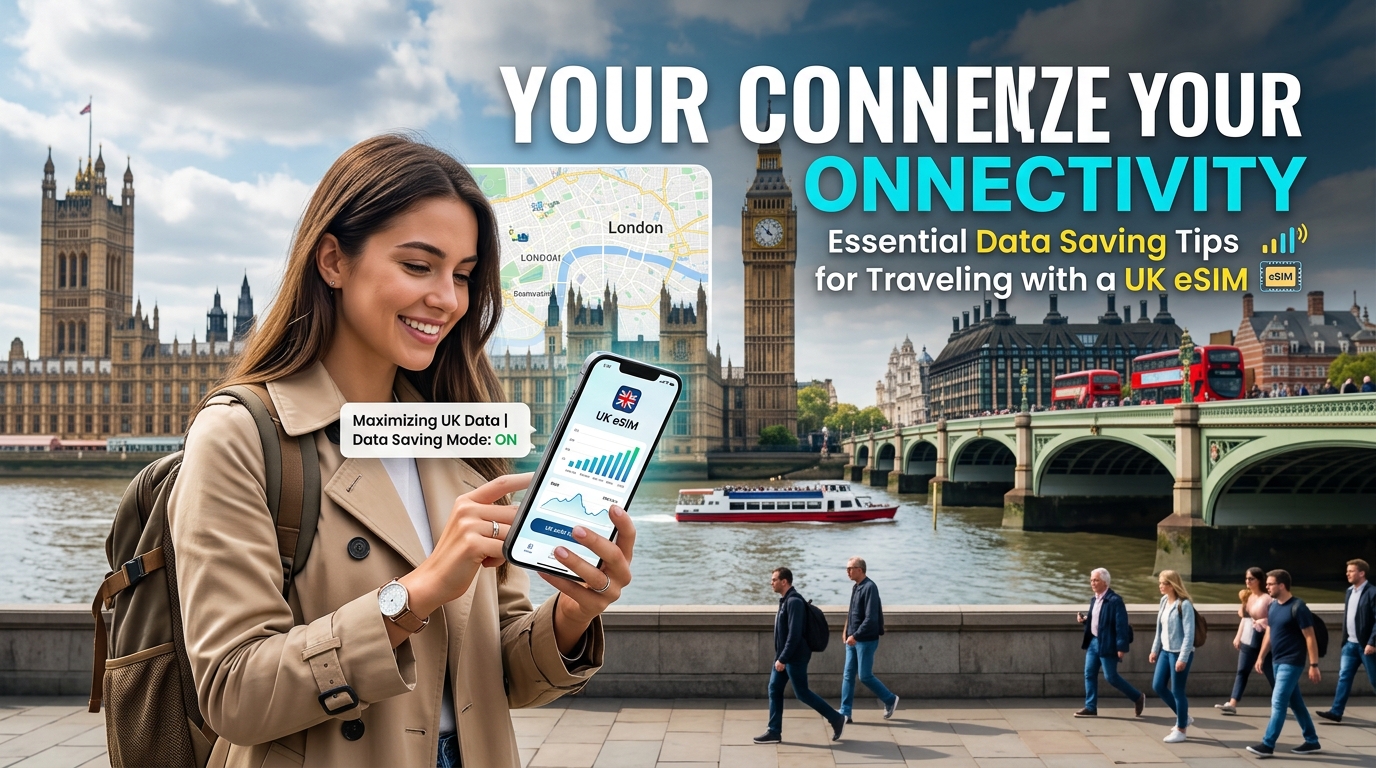
Traveling to the UK can be an exhilarating experience, but managing your data usage while abroad often presents a challenge. With the rise of eSIM technology, travelers can now enjoy seamless connectivity without the hassle of physical SIM cards. In this guide, we will explore essential data-saving tips specifically tailored for travelers using a UK eSIM, focusing on local operators like EE, Vodafone, and O2, as well as the unique offerings of MollySIM.
Understanding eSIM Technology
What is an eSIM?
An embedded SIM (eSIM) is a digital SIM that allows you to activate a cellular plan without the need for a physical SIM card. This technology is particularly beneficial for travelers, as it enables you to switch between different network providers without the hassle of changing SIM cards.
Advantages of Using an eSIM
- Convenience: Activate your plan instantly upon arrival.
- Multiple Profiles: Store multiple carrier profiles on one device.
- No Physical SIM: Avoid the risk of losing or damaging a physical SIM card.
Choosing the Right UK eSIM Provider
When selecting an eSIM provider for your travels in the UK, consider factors such as coverage, data speeds, and pricing. Below is a comparison of major UK eSIM operators:
| Provider | Coverage | Data Plans (GB) | Average Speed | Unique Features |
|---|---|---|---|---|
| EE | Excellent | 1GB - 50GB | Up to 300 Mbps | Extensive 5G network |
| Vodafone | Excellent | 1GB - 100GB | Up to 200 Mbps | Global roaming options |
| O2 | Good | 1GB - 25GB | Up to 150 Mbps | Priority access to events |
| MollySIM | Good | 1GB - 10GB | Up to 384 kbps | Competitive pricing, 384kbps FUP speed |
Why Choose MollySIM?
MollySIM stands out due to its competitive pricing and 384kbps Fair Usage Policy (FUP), which allows travelers to avoid overage charges while still enjoying faster speeds than many competitors. This is particularly beneficial for those who may not need high-speed data for streaming but still require reliable connectivity for essential tasks like navigation and messaging.
Essential Data-Saving Tips for Travelers
1. Optimize Your Device Settings
Before you embark on your journey, adjust your device settings to minimize data usage.
For iPhone Users:
- Disable Background App Refresh: Go to Settings > General > Background App Refresh and select Off or limit it to Wi-Fi only.
- Limit Location Services: Navigate to Settings > Privacy > Location Services and set apps to While Using the App instead of Always.
- Turn Off Automatic Downloads: Go to Settings > App Store and toggle off App Updates and App Downloads under Cellular Data.
For Android Users:
- Restrict Background Data: Go to Settings > Network & Internet > Data Usage > Mobile Data Usage, select an app, and toggle on Restrict Background Data.
- Optimize Location Settings: Navigate to Settings > Location and choose Battery Saving mode to reduce data usage.
- Disable Sync for Non-Essential Apps: Go to Settings > Accounts and turn off sync for apps that do not require constant updates.
2. Utilize Offline Maps
Navigating a new city can consume significant data, especially if you're relying on GPS services. Download offline maps to save data while exploring.
- Google Maps:
- Open Google Maps and search for the area you want to download.
- Tap on the name or address at the bottom.
- Select Download and adjust the area as needed.
- Apple Maps: While Apple Maps does not support offline downloads, you can use the Favorites feature to save locations for quick access.
3. Leverage Wi-Fi Availability
In the UK, many establishments offer free Wi-Fi. Here are some common places where you can connect:
- Cafés: Starbucks, Costa Coffee, and local coffee shops.
- Public Libraries: Many libraries provide free Wi-Fi access.
- Transport Hubs: Airports and train stations often have free Wi-Fi zones.
- Accommodations: Hotels and hostels typically offer complimentary Wi-Fi.
4. Monitor Your Data Usage
Keeping track of your data consumption can help you stay within your limits. Here’s how to monitor your usage:
For iPhone Users:
- Go to Settings > Cellular. Here, you can see how much data each app has used. Reset your statistics at the start of your trip for accurate tracking.
For Android Users:
- Navigate to Settings > Network & Internet > Data Usage. You can set a data limit and view usage by app.
5. Use Data-Saving Features in Apps
Many popular apps have built-in data-saving features. Here are a few examples:
- WhatsApp: Go to Settings > Storage and Data and enable Low Data Usage during calls.
- Spotify: In Settings, select Data Saver to limit streaming quality.
- YouTube: Enable Data Saving Mode in the app settings to reduce video quality.
6. Consider Alternative Communication Methods
Instead of relying on cellular data for communication, consider using Wi-Fi-based services:
- Messaging Apps: Use apps like WhatsApp, Telegram, or Signal over Wi-Fi to avoid SMS charges.
- VoIP Services: Use Skype or Zoom for calls over Wi-Fi instead of traditional phone calls.
7. Plan Your Data Needs
Before your trip, estimate your data needs based on your activities. Here’s a rough guide to data consumption:
| Activity | Data Usage (per hour) |
|---|---|
| Streaming Music | 40-150 MB |
| Streaming Video (SD) | 500 MB |
| Streaming Video (HD) | 1-3 GB |
| Browsing Web | 60-100 MB |
| Social Media (Facebook/Instagram) | 30-150 MB |
By planning your activities, you can choose the right data package that meets your needs.
Conclusion: Stay Connected and Save Data
Traveling with a UK eSIM can significantly enhance your connectivity experience while minimizing costs. By choosing the right provider like MollySIM, optimizing your device settings, leveraging offline maps, and utilizing free Wi-Fi, you can effectively manage your data usage.
With the right strategies in place, you can focus on enjoying your travels rather than worrying about data overages. For more information on competitive eSIM options, visit MollySIM and discover how you can stay connected without breaking the bank.
By following these essential data-saving tips, you can maximize your connectivity and enjoy your time in the UK to the fullest. Happy travels!