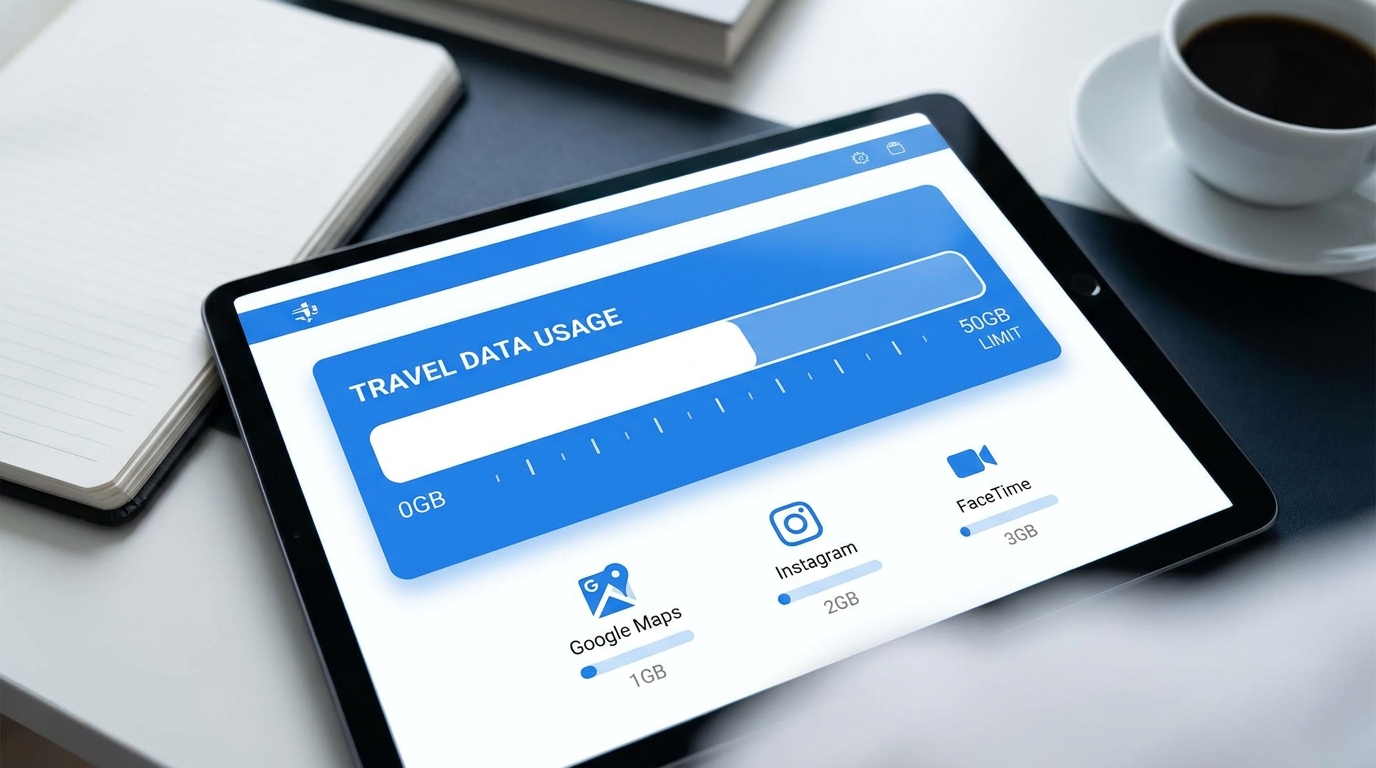
Le Calculateur de Données de Voyage : Combien de Go avez-vous vraiment besoin pour une semaine ?
Voyager à l'étranger est une expérience exaltante, mais cela s'accompagne souvent du défi de gérer l'utilisation des données mobiles. Avec l'essor de la technologie eSIM, les voyageurs peuvent désormais rester connectés sans le tracas de changer de cartes SIM physiques. Cependant, comprendre combien de données vous aurez besoin pour votre voyage peut être intimidant. Ce guide décompose la consommation quotidienne de données pour divers profils de voyageurs, quantifie l'utilisation des données des applications populaires et propose des réglages intelligents pour réduire les fuites de données à l'étranger.
Comprendre la Consommation de Données
Avant de plonger dans des profils de voyageurs spécifiques, il est essentiel de comprendre comment fonctionne la consommation de données. Les données mobiles sont mesurées en gigaoctets (Go), et différentes activités consomment des quantités variées de données. Voici un aperçu rapide de la consommation de données des activités courantes :
| Activité | Consommation de Données (par heure) |
|---|---|
| Streaming de Musique (Spotify) | 40-150 Mo |
| Streaming Vidéo (YouTube) | 600 Mo - 3 Go |
| Navigation Google Maps | 5-10 Mo |
| Uber (Véhicule de tourisme) | 1-5 Mo |
| Réseaux Sociaux (Instagram) | 100-200 Mo |
| Appels Vidéo (FaceTime) | 600 Mo - 1,5 Go |
Profils de Voyageurs
Pour offrir une approche plus personnalisée, nous allons catégoriser les voyageurs en trois profils distincts : Le Navigateur Léger, Le Partageur Social et Le Nomade Numérique. Chaque profil a des besoins en données uniques en fonction de ses habitudes de voyage et de son utilisation de la technologie.
1. Le Navigateur Léger
Aperçu du Profil : Le Navigateur Léger est un voyageur occasionnel qui utilise principalement son téléphone pour des fonctions essentielles telles que la navigation et des mises à jour occasionnelles sur les réseaux sociaux. Ce voyageur préfère minimiser l'utilisation des données et s'appuie souvent sur le Wi-Fi lorsqu'il est disponible.
Répartition de la Consommation Quotidienne :
- Navigation Google Maps : 10 Mo (1 heure de navigation)
- Réseaux Sociaux (Instagram) : 50 Mo (navigation et publication)
- Uber : 2 Mo (un trajet)
- Email et Messagerie : 10 Mo (vérification des emails et envoi de messages)
Consommation Totale Quotidienne : 72 Mo
Consommation Hebdomadaire : Pour une semaine, le Navigateur Léger consommera environ : 72 Mo/jour x 7 jours = 504 Mo Recommandation : Un plan eSIM de 1 Go serait suffisant, permettant une certaine marge.
2. Le Partageur Social
Aperçu du Profil : Le Partageur Social est un voyageur qui aime documenter son parcours sur les réseaux sociaux, partageant des photos et des vidéos en temps réel. Ce profil nécessite un plan de données plus substantiel en raison d'une utilisation accrue d'applications comme Instagram et Snapchat.
Répartition de la Consommation Quotidienne :
- Navigation Google Maps : 10 Mo (1 heure de navigation)
- Réseaux Sociaux (Instagram) : 200 Mo (navigation et publication)
- Uber : 2 Mo (un trajet)
- Spotify (streaming de musique) : 150 Mo (1 heure de streaming)
- FaceTime (appels vidéo) : 800 Mo (1 heure d'appels)
Consommation Totale Quotidienne : 1 162 Mo (ou ~1,16 Go)
Consommation Hebdomadaire : Pour une semaine, le Partageur Social consommera environ : 1,16 Go/jour x 7 jours = 8,12 Go Recommandation : Un plan eSIM de 10 Go serait idéal pour répondre à ses besoins.
3. Le Nomade Numérique
Aperçu du Profil : Le Nomade Numérique travaille à distance tout en voyageant, s'appuyant fortement sur les données pour les appels vidéo, le streaming et diverses applications de productivité. Ce profil a la consommation de données la plus élevée en raison du besoin de connectivité constante.
Répartition de la Consommation Quotidienne :
- Navigation Google Maps : 10 Mo (1 heure de navigation)
- Réseaux Sociaux (Instagram) : 200 Mo (navigation et publication)
- Uber : 2 Mo (un trajet)
- Spotify (streaming de musique) : 150 Mo (1 heure de streaming)
- FaceTime (appels vidéo) : 800 Mo (2 heures d'appels)
- Conférence Vidéo (Zoom) : 1,5 Go (1 heure)
- Navigation Web et Emails : 200 Mo
Consommation Totale Quotidienne : 3 862 Mo (ou ~3,86 Go)
Consommation Hebdomadaire : Pour une semaine, le Nomade Numérique consommera environ : 3,86 Go/jour x 7 jours = 27,02 Go Recommandation : Un plan eSIM de 30 Go serait nécessaire pour garantir une connectivité sans faille.
Conseils d'Utilisation des Données
Quel que soit votre profil de voyage, il existe des réglages et des pratiques intelligents que vous pouvez adopter pour réduire les fuites de données à l'étranger :
- Téléchargez des Cartes Hors Ligne :
- Google Maps : Ouvrez Google Maps, recherchez votre emplacement souhaité, appuyez sur le nom ou l'adresse, et sélectionnez "Télécharger". Cela vous permet de naviguer sans utiliser de données.
- Ajustez la Qualité de Streaming :
- Spotify : Allez dans Paramètres > Qualité Audio et sélectionnez "Faible" ou "Normale" pour économiser des données.
- YouTube : Réglez la qualité vidéo sur 480p ou moins dans les paramètres de l'application.
- Limitez les Données en Arrière-plan :
- iPhone : Allez dans Paramètres > Données cellulaires > Options de données cellulaires et désactivez "Mode de données faible".
- Android : Allez dans Paramètres > Réseau et Internet > Utilisation des données > Utilisation des données mobiles, et restreignez les données en arrière-plan pour des applications spécifiques.
- Utilisez le Wi-Fi Chaque Fois que Possible :
- Connectez-vous aux réseaux Wi-Fi disponibles dans les cafés, hôtels et lieux publics pour minimiser l'utilisation des données mobiles.
- Désactivez les Mises à Jour Automatiques :
- iPhone : Allez dans Paramètres > App Store et désactivez "Mises à jour d'applications" sous Téléchargements automatiques.
- Android : Allez dans le Google Play Store > Paramètres > Mise à jour automatique des applications et sélectionnez "Uniquement par Wi-Fi".
Conclusion
Comprendre combien de données vous avez besoin pour une semaine à l'étranger est crucial pour une expérience de voyage fluide. Que vous soyez un Navigateur Léger, un Partageur Social ou un Nomade Numérique, connaître votre consommation quotidienne vous aidera à choisir le bon plan eSIM. Chez MollySIM, nous proposons une variété d'options eSIM adaptées à vos besoins en données, garantissant que vous restiez connecté sans trop dépenser.
En mettant en œuvre des réglages et des pratiques intelligents, vous pouvez maximiser votre utilisation des données tout en profitant pleinement de vos voyages. Pour une solution eSIM de voyage fiable et économique, envisagez d'explorer les offres de MollySIM, qui offrent des vitesses allant jusqu'à 384 kbps—trois fois plus rapides que les concurrents typiques.
Restez connecté, voyagez intelligemment et profitez de vos aventures sans vous soucier des dépassements de données !
🌐 Global Travel High-Speed Travel eSIM & SIM Plans
Instant QR code activation, hotspot enabled, with guaranteed 384kbps fallback speed to keep Maps & Digital Wallets active.