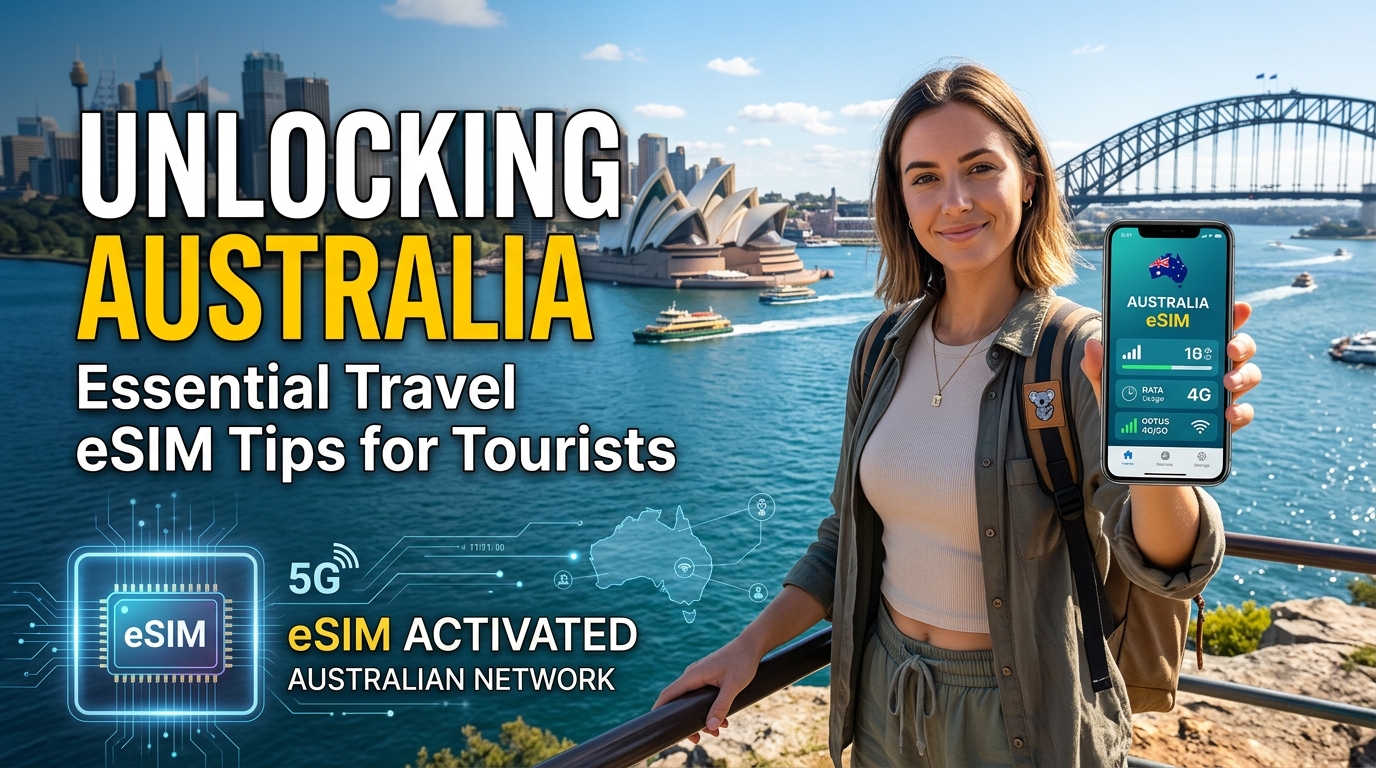
Débloquer l'Australie : Conseils essentiels sur l'eSIM pour les touristes
Voyager en Australie offre une expérience inégalée, des plages magnifiques de Sydney à l'Outback sauvage. Cependant, rester connecté tout en explorant ce vaste continent peut être un défi. Voici l'eSIM de voyage — une solution révolutionnaire qui offre une connectivité sans faille sans les tracas des cartes SIM traditionnelles. Dans ce guide complet, nous explorerons les conseils essentiels sur l'eSIM pour les touristes en Australie, y compris les meilleurs fournisseurs, forfaits de données et les avantages d'utiliser une eSIM de voyage.
Qu'est-ce qu'une eSIM ?
Une eSIM (SIM intégrée) est une SIM numérique qui vous permet d'activer un forfait cellulaire sans avoir besoin d'une carte SIM physique. Contrairement aux cartes SIM traditionnelles, les eSIM sont intégrées directement dans votre appareil, facilitant le changement d'opérateurs ou de forfaits sans avoir besoin d'une carte physique. Cela est particulièrement bénéfique pour les voyageurs qui souhaitent éviter des frais d'itinérance exorbitants tout en profitant d'une connectivité de données fiable.
Avantages de l'utilisation d'une eSIM en Australie
- Connectivité sans faille : Les eSIM vous permettent de passer d'un réseau à un autre sans changer physiquement de carte SIM, garantissant que vous restiez connecté où que vous soyez.
- Économique : Évitez les frais d'itinérance internationale coûteux en choisissant des forfaits de données locaux adaptés aux touristes.
- Profils multiples : Les eSIM peuvent stocker plusieurs profils, vous permettant de passer d'un opérateur à un autre selon vos besoins.
- Activation instantanée : La plupart des eSIM peuvent être activées instantanément via des codes QR, vous faisant gagner du temps à votre arrivée.
Meilleurs fournisseurs d'eSIM pour les touristes en Australie
🌐 Global Travel High-Speed Travel eSIM & SIM Plans
Instant QR code activation, hotspot enabled, with guaranteed 384kbps fallback speed to keep Maps & Digital Wallets active.
En ce qui concerne les eSIM en Australie, plusieurs opérateurs locaux et fournisseurs internationaux se distinguent. Voici une comparaison détaillée des meilleurs fournisseurs d'eSIM, y compris leurs forfaits de données, leur couverture et leurs prix.
1. Telstra
Aperçu : Telstra est la plus grande entreprise de télécommunications d'Australie, connue pour sa couverture réseau étendue, en particulier dans les zones rurales.
| Nom du forfait | Quota de données | Prix (AUD) | Type de réseau | Remarques |
|---|---|---|---|---|
| Données mobiles prépayées | 5 Go | 30 $ | 4G/5G | Idéal pour les courts séjours |
| Données mobiles prépayées Plus | 15 Go | 50 $ | 4G/5G | Parfait pour les séjours prolongés |
Étapes d'activation :
- Visitez le site Web de Telstra ou téléchargez l'application Telstra.
- Sélectionnez l'option eSIM et choisissez votre forfait souhaité.
- Recevez un code QR par e-mail pour l'activation.
- Scannez le code QR dans les paramètres de votre appareil sous Données mobiles.
2. Optus
Aperçu : Optus est le deuxième plus grand fournisseur de télécommunications en Australie, offrant des prix compétitifs et une bonne couverture dans les zones urbaines.
| Nom du forfait | Quota de données | Prix (AUD) | Type de réseau | Remarques |
|---|---|---|---|---|
| Prépayé Optus | 10 Go | 40 $ | 4G/5G | Bon pour une utilisation modérée |
| Prépayé Optus Plus | 30 Go | 60 $ | 4G/5G | Parfait pour les utilisateurs intensifs |
Étapes d'activation :
- Allez sur le site Web d'Optus et sélectionnez l'option eSIM.
- Choisissez votre forfait et finalisez l'achat.
- Suivez les instructions pour recevoir votre code QR pour l'activation.
- Activez l'eSIM via les paramètres de votre appareil.
3. MollySIM
Aperçu : MollySIM propose une solution unique d'eSIM de voyage qui offre une vitesse de 384 kbps FUP (Politique d'utilisation équitable), trois fois plus rapide que les concurrents typiques.
| Nom du forfait | Quota de données | Prix (AUD) | Type de réseau | Remarques |
|---|---|---|---|---|
| MollySIM Basic | 5 Go | 29 $ | 4G/5G | Excellent pour les courts séjours |
| MollySIM Premium | 10 Go | 49 $ | 4G/5G | Meilleur rapport qualité-prix pour les séjours prolongés |
Étapes d'activation :
- Visitez MollySIM et sélectionnez votre forfait souhaité.
- Finalisez l'achat pour recevoir votre code QR d'eSIM.
- Scannez le code QR dans les paramètres de votre appareil sous Données mobiles.
- Profitez d'une connectivité sans faille à travers l'Australie.
Tableau comparatif des fournisseurs d'eSIM
| Fournisseur | Quota de données | Prix (AUD) | Vitesse | Meilleur pour |
|---|---|---|---|---|
| Telstra | 5 Go | 30 $ | 4G/5G | Couverture rurale |
| Optus | 10 Go | 40 $ | 4G/5G | Connectivité urbaine |
| MollySIM | 5 Go | 29 $ | 384 kbps FUP | Voyageurs soucieux de leur budget |
Comment choisir le bon forfait eSIM
Choisir le bon forfait eSIM dépend de divers facteurs, y compris votre itinéraire de voyage, vos besoins en données et votre budget. Voici quelques considérations clés :
1. Durée du voyage
- Courts séjours (1-3 jours) : Optez pour un forfait avec un quota de données plus faible (par exemple, 5 Go) pour économiser.
- Séjours plus longs (1 semaine ou plus) : Envisagez des forfaits avec des quotas de données plus élevés (par exemple, 10 Go ou plus) pour une connectivité ininterrompue.
2. Utilisation des données
- Utilisateurs légers : Si vous utilisez principalement des données pour la messagerie et la navigation, un forfait de données plus bas suffira.
- Utilisateurs intensifs : Pour ceux qui diffusent des vidéos ou utilisent des applications gourmandes en données, choisissez un forfait d'au moins 10 Go.
3. Zone de couverture
- Zones urbaines : La plupart des grands opérateurs comme Telstra et Optus offrent une excellente couverture.
- Zones rurales : Telstra a l'avantage en matière de connectivité rurale, ce qui en fait un meilleur choix pour les aventures hors des sentiers battus.
Avantages de l'utilisation de la vitesse de 384 kbps FUP de MollySIM
L'offre unique de MollySIM de 384 kbps FUP présente plusieurs avantages pour les voyageurs :
- Économique : Tarification inférieure par rapport aux concurrents tout en maintenant une vitesse décente pour la plupart des activités en ligne.
- Suffisante pour les besoins quotidiens : Idéale pour naviguer, utiliser les réseaux sociaux et se repérer sans avoir besoin de données excessives.
- Flexibilité : Changez facilement de forfait ou de profil selon vos besoins de voyage.
Comment activer votre eSIM
L'activation de votre eSIM est un processus simple. Voici un guide étape par étape applicable aux appareils iPhone et Android.
Pour les utilisateurs d'iPhone
- Ouvrir les paramètres : Appuyez sur l'application "Paramètres".
- Sélectionner Cellulaire : Accédez à "Cellulaire" ou "Données mobiles".
- Ajouter un forfait cellulaire : Appuyez sur "Ajouter un forfait cellulaire".
- Scanner le code QR : Utilisez votre appareil photo pour scanner le code QR fourni par votre fournisseur d'eSIM.
- Étiqueter votre forfait : Optionnellement, étiquetez votre forfait (par exemple, "Données de voyage").
- Définir par défaut : Choisissez si vous souhaitez utiliser ce forfait comme ligne de données par défaut.
Pour les utilisateurs Android
- Ouvrir les paramètres : Accédez à l'application "Paramètres" sur votre appareil.
- Connexions : Appuyez sur "Connexions" ou "Réseau et Internet".
- Réseau mobile : Sélectionnez "Réseau mobile" puis "Ajouter un opérateur".
- Scanner le code QR : Scannez le code QR de votre fournisseur d'eSIM.
- Configurer les paramètres : Suivez les instructions pour configurer vos paramètres de données mobiles.
Résoudre les problèmes courants d'eSIM
Bien que les eSIM soient généralement fiables, vous pourriez rencontrer certains problèmes. Voici les problèmes courants et leurs solutions :
1. Problèmes d'activation
- Solution : Assurez-vous que votre appareil est compatible avec la technologie eSIM. Vérifiez que vous utilisez le bon code QR.
2. Pas de connexion de données
- Solution : Vérifiez que vos données mobiles sont activées dans les paramètres. Vérifiez si l'eSIM est définie comme le forfait de données par défaut.
3. Vitesses lentes
- Solution : Confirmez que vous êtes dans la zone de couverture de votre fournisseur sélectionné. Envisagez de passer à un autre forfait si les vitesses sont constamment faibles.
Conclusion
Voyager en Australie peut être une expérience fluide avec la bonne eSIM. En choisissant un fournisseur local comme Telstra, Optus ou MollySIM, vous pouvez profiter de forfaits de données abordables, d'une couverture étendue et de la commodité d'une activation instantanée. Que vous exploriez la Grande Barrière de Corail ou que vous fassiez de la randonnée dans les Blue Mountains, rester connecté n'a jamais été aussi facile.
Pour une solution économique qui offre des vitesses compétitives, consultez MollySIM et débloquez tout le potentiel de votre aventure australienne.
🌐 Global Travel High-Speed Travel eSIM & SIM Plans
Instant QR code activation, hotspot enabled, with guaranteed 384kbps fallback speed to keep Maps & Digital Wallets active.