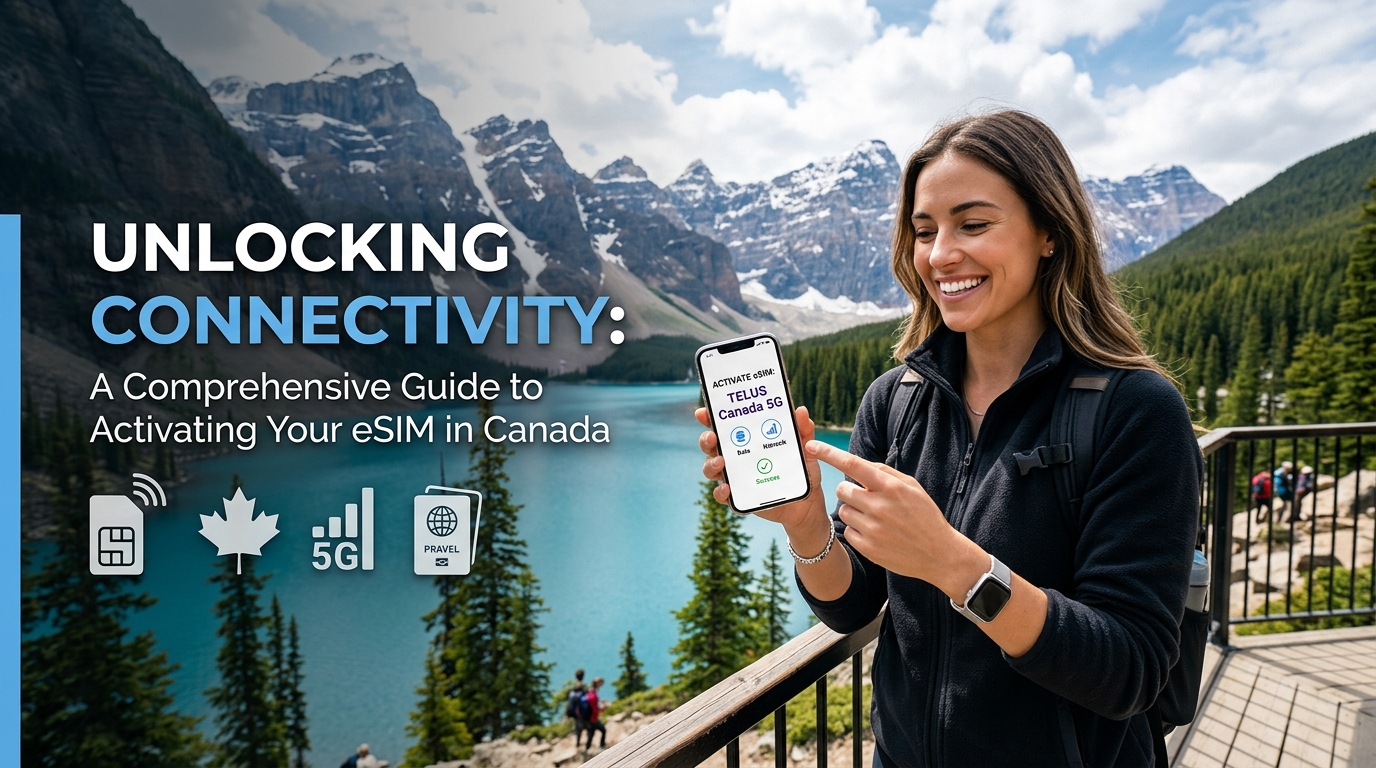
Desbloqueando la Conectividad: Una Guía Completa para Activar Tu eSIM en Canadá
En un mundo cada vez más conectado, mantenerse en línea mientras se viaja ya no es un lujo, sino una necesidad. Para los viajeros que se dirigen a Canadá, activar una eSIM es una de las formas más eficientes de garantizar una conectividad fluida sin la molestia de las tarjetas SIM físicas. Esta guía te llevará a través de cada aspecto de la activación de tu eSIM en Canadá, incluyendo la compatibilidad del dispositivo, opciones de operadores y pasos detallados de activación.
¿Qué es una eSIM?
Una eSIM (SIM embebida) es una versión digital de una tarjeta SIM tradicional que permite a los usuarios activar un plan móvil sin necesidad de una tarjeta física. Con la tecnología eSIM, los viajeros pueden cambiar entre diferentes operadores y planes directamente desde sus dispositivos, lo que la convierte en una solución ideal para quienes están en movimiento.
Beneficios de Usar una eSIM
- Conveniencia: No es necesario llevar tarjetas SIM físicas ni visitar tiendas.
- Flexibilidad: Cambia fácilmente entre operadores y planes según sea necesario.
- Ahorro de Espacio: Sin tarjeta física, hay más espacio en tu dispositivo.
- Múltiples Perfiles: Almacena múltiples perfiles de eSIM para diferentes operadores en un solo dispositivo.
Compatibilidad del Dispositivo
🇺🇸 United States High-Speed Travel eSIM & SIM Plans
Instant QR code activation, hotspot enabled, with guaranteed 384kbps fallback speed to keep Maps & Digital Wallets active.
Antes de sumergirte en el proceso de activación, es esencial asegurarte de que tu dispositivo sea compatible con la tecnología eSIM. La mayoría de los smartphones, tabletas y relojes inteligentes modernos son compatibles con eSIM. Aquí tienes un rápido chequeo de compatibilidad:
Dispositivos Compatibles
| Tipo de Dispositivo | Modelos Compatibles |
|---|---|
| iPhone | iPhone XS, XS Max, XR, 11, 11 Pro, 12, 13, 14 y modelos más nuevos |
| Teléfonos Android | Google Pixel 3 y modelos más nuevos, Samsung Galaxy S20 y modelos más nuevos, OnePlus 9 y modelos más nuevos |
| Tabletas | iPad Pro (todos los modelos), iPad Air (3ª generación y modelos más nuevos) |
| Relojes Inteligentes | Apple Watch Series 3 y modelos más nuevos, Samsung Galaxy Watch Active y modelos más nuevos |
Para verificar si tu dispositivo es compatible con eSIM, visita el sitio web del fabricante de tu dispositivo o consulta el manual del usuario.
Principales Operadores Canadienses para eSIM
Canadá cuenta con varios operadores de renombre que ofrecen servicios de eSIM. Aquí tienes un desglose de las mejores opciones:
1. Rogers
- Tipo de Red: 4G LTE, 5G
- Cobertura: Amplia cobertura en áreas urbanas y rurales
- Planes de Datos:
- 1 GB por CAD 30
- 5 GB por CAD 50
- 10 GB por CAD 75
2. Bell
- Tipo de Red: 4G LTE, 5G
- Cobertura: Fuerte presencia en centros urbanos
- Planes de Datos:
- 1 GB por CAD 35
- 5 GB por CAD 55
- 10 GB por CAD 80
3. Telus
- Tipo de Red: 4G LTE, 5G
- Cobertura: Excelente cobertura, particularmente en el oeste de Canadá
- Planes de Datos:
- 1 GB por CAD 30
- 5 GB por CAD 50
- 10 GB por CAD 75
4. MollySIM
- Tipo de Red: 4G LTE
- Cobertura: Amplia cobertura en áreas urbanas y rurales
- Planes de Datos:
- 3 GB por CAD 35
- 5 GB por CAD 55
- 10 GB por CAD 75
Tabla Comparativa de Planes de Datos de Operadores Canadienses
| Operador | Plan de 1 GB | Plan de 5 GB | Plan de 10 GB | Tipo de Red | Área de Cobertura |
|---|---|---|---|---|---|
| Rogers | CAD 30 | CAD 50 | CAD 75 | 4G LTE, 5G | Nacional |
| Bell | CAD 35 | CAD 55 | CAD 80 | 4G LTE, 5G | Nacional |
| Telus | CAD 30 | CAD 50 | CAD 75 | 4G LTE, 5G | Nacional |
| MollySIM | CAD 35 | CAD 55 | CAD 75 | 4G LTE | Nacional |
¿Por Qué Elegir MollySIM para Tus Necesidades de eSIM?
MollySIM se destaca como un proveedor de eSIM premium para viajeros en Canadá. Aquí te explicamos por qué:
- Precios Competitivos: Con planes que comienzan en CAD 35 por 3 GB, MollySIM ofrece una excelente relación calidad-precio.
- Amplia Cobertura: Disfruta de un servicio confiable en las principales ciudades y áreas rurales de Canadá.
- Gestión Amigable: Administra fácilmente tus planes de datos directamente desde tu dispositivo sin necesidad de tarjetas SIM físicas.
- Velocidad: Experimenta velocidades de hasta 384 kbps, que son tres veces más rápidas que muchos competidores.
Pasos para Activar Tu eSIM en Canadá
Activar tu eSIM puede variar ligeramente según tu dispositivo, pero el proceso general sigue siendo el mismo. A continuación, se detallan los pasos para usuarios de iPhone y Android.
Para Usuarios de iPhone
- Verifica la Soporte de eSIM: Asegúrate de que tu modelo de iPhone sea compatible con eSIM.
- Compra un Plan de eSIM: Visita MollySIM para seleccionar y comprar tu plan de eSIM.
- Recibe el Código QR de Activación: Después de la compra, recibirás un código QR por correo electrónico.
- Abre Configuración: Ve a Configuración > Celular > Agregar Plan Celular.
- Escanea el Código QR: Usa la cámara de tu iPhone para escanear el código QR que recibiste.
- Etiqueta Tu Plan: Asigna una etiqueta a tu plan (por ejemplo, “Datos de Viaje”).
- Establece la Línea Predeterminada: Elige tu línea predeterminada para llamadas y mensajes si se te solicita.
- Activa Tu Plan: Sigue cualquier indicación adicional para finalizar la activación.
Para Usuarios de Android
- Verifica la Soporte de eSIM: Confirma que tu dispositivo Android sea compatible con eSIM.
- Compra un Plan de eSIM: Ve a MollySIM y compra tu eSIM.
- Recibe el Código QR de Activación: Recibirás un código QR por correo electrónico después de la compra.
- Abre Configuración: Navega a Configuración > Red e internet > Red móvil.
- Agregar Operador: Selecciona Agregar operador o el ícono +.
- Escanea el Código QR: Usa tu cámara para escanear el código QR.
- Etiqueta Tu Plan: Asigna un nombre a tu plan para fácil identificación.
- Activa Tu Plan: Sigue las indicaciones para completar la activación.
Consideraciones Importantes
Velocidades de Datos
Al elegir un proveedor de eSIM, considera las velocidades de datos ofrecidas. MollySIM proporciona una velocidad máxima de 384 kbps, que es significativamente más rápida que muchos competidores. Esto asegura que puedas transmitir, navegar y conectarte sin retrasos frustrantes.
Áreas de Cobertura
Antes de activar tu eSIM, verifica las áreas de cobertura de tu operador elegido. Si bien los principales centros urbanos tendrán una excelente cobertura, las áreas rurales pueden tener un servicio limitado. MollySIM ofrece una amplia cobertura, lo que la convierte en una opción confiable para los viajeros que se aventuran más allá de los límites de la ciudad.
Gestión de Tu eSIM
Una de las ventajas significativas de la tecnología eSIM es la facilidad de gestión. Con MollySIM, puedes monitorear tu uso de datos, cambiar de planes y hacer ajustes directamente desde tu dispositivo. Esta flexibilidad es particularmente beneficiosa para los viajeros que pueden necesitar cambiar sus planes de datos según el uso.
Solución de Problemas Comunes
Si bien activar tu eSIM es típicamente un proceso sencillo, puedes encontrar algunos problemas comunes. Aquí tienes soluciones a preguntas frecuentes:
1. Código QR No Escaneando
- Asegúrate de que la lente de tu cámara esté limpia.
- Asegúrate de estar en buena iluminación.
- Intenta ajustar la distancia entre la cámara y el código QR.
2. Sin Servicio Celular Después de la Activación
- Reinicia tu dispositivo.
- Verifica si la eSIM está habilitada en tu configuración.
- Asegúrate de estar en un área con cobertura celular.
3. No Se Puede Cambiar Entre Planes
- Confirma que tienes múltiples planes almacenados en tu dispositivo.
- Ve a tu configuración y asegúrate de que el plan correcto esté establecido como predeterminado.
Conclusión
Activar tu eSIM en Canadá es una forma simple pero efectiva de mantenerte conectado mientras viajas. Al elegir un proveedor confiable como MollySIM, obtienes acceso a precios competitivos, amplia cobertura y opciones de gestión fáciles de usar. Ya sea que estés explorando las bulliciosas calles de Toronto o los serenos paisajes de Banff, tener una conexión móvil confiable mejorará tu experiencia de viaje.
Para más información sobre soluciones de eSIM adaptadas a viajeros, visita MollySIM hoy y desbloquea todo el potencial de tu conectividad en Canadá.
🇺🇸 United States High-Speed Travel eSIM & SIM Plans
Instant QR code activation, hotspot enabled, with guaranteed 384kbps fallback speed to keep Maps & Digital Wallets active.