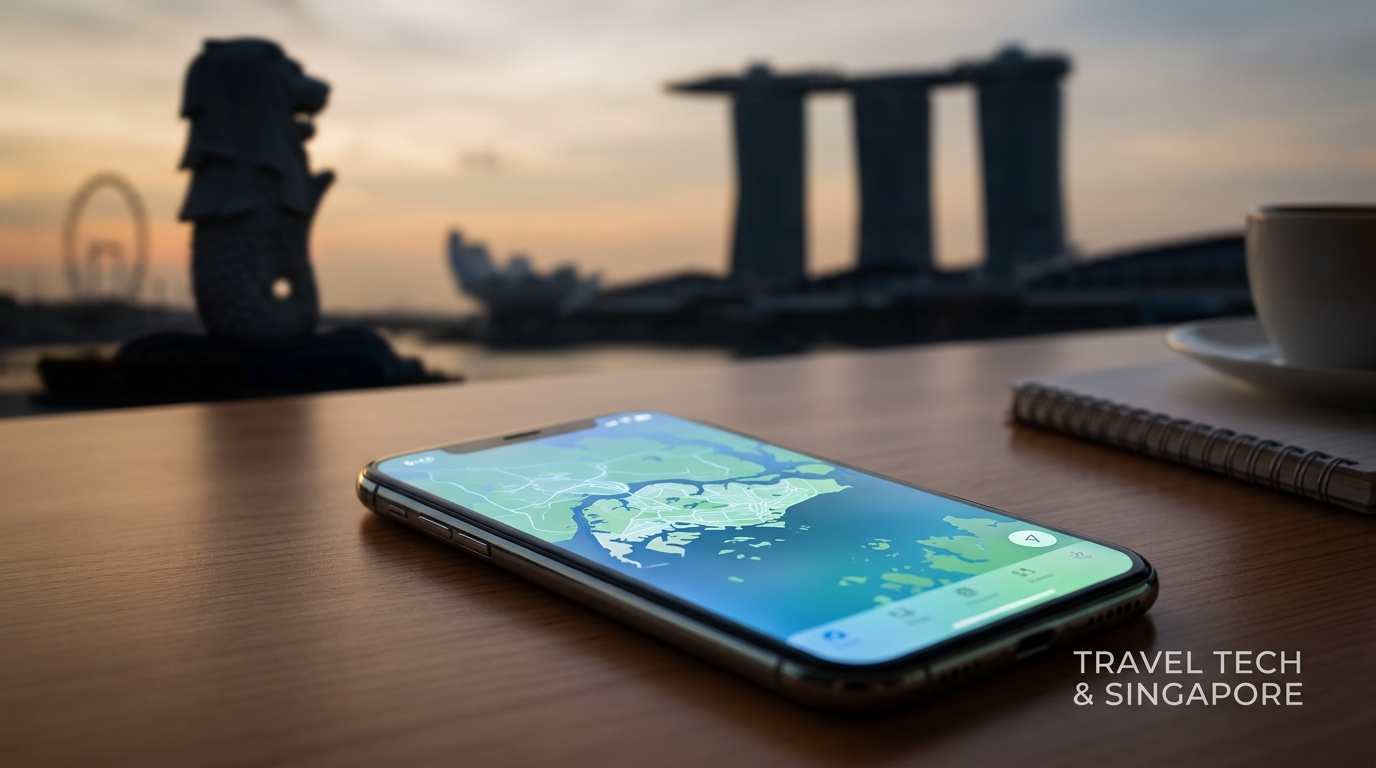
Navigating a new city can be daunting, especially when it comes to staying connected. In 2026, Singapore continues to lead as a smart city, offering visitors seamless connectivity through its advanced eSIM technology and integrated services. This comprehensive guide will walk you through everything you need to know about using a travel eSIM in Singapore, including the SG Arrival Card, local network options, and essential tips for getting around.
Understanding the Singapore Travel eSIM
What is an eSIM?
An eSIM (embedded SIM) is a digital SIM that allows you to activate a mobile plan without needing a physical SIM card. This technology is particularly advantageous for travelers as it enables easy switching between carriers and plans without the hassle of changing physical cards.
Why Choose an eSIM for Your Singapore Trip?
- Convenience: Activate your eSIM instantly upon arrival.
- Cost-Effective: Competitive pricing compared to traditional SIM cards.
- Multiple Profiles: Store multiple carrier profiles for different countries.
- No Physical Card: Avoid the risk of losing a physical SIM.
For a reliable and cost-effective eSIM solution, consider MollySIM, which offers a 384kbps FUP speed—three times faster than typical competitors.
Arriving at Singapore Changi Airport
Step 1: Clearing Immigration
Upon arrival at Changi Airport, you will first need to clear immigration. Ensure you have your passport and SG Arrival Card ready. The SG Arrival Card is an essential document that every traveler must fill out before entering Singapore.
Step 2: Filling Out the SG Arrival Card
The SG Arrival Card can be completed online or via the official app. Here’s how to do it:
- Visit the official website or download the app.
- Fill in your personal details, including your passport number, nationality, and travel details.
- Submit the form at least 3 days before your arrival.
- Receive a confirmation email with a QR code, which you will need to present at immigration.
Step 3: Collecting Your Luggage
After clearing immigration, proceed to the baggage claim area to collect your luggage. Changi Airport is known for its efficiency, so this process should be quick.
Step 4: Getting Connected
Once you have your luggage, it’s time to get connected. There are several options available:
- Free Wi-Fi: Changi Airport provides free Wi-Fi throughout the terminals. However, for reliable connectivity during your stay, an eSIM is recommended.
- eSIM Activation: If you’ve purchased an eSIM online, follow these steps to activate it:
Activating Your eSIM on iPhone
- Go to Settings.
- Tap on Cellular or Mobile Data.
- Select Add Cellular Plan.
- Scan the QR code provided by your eSIM provider.
- Follow the prompts to complete the activation.
Activating Your eSIM on Android
- Open Settings.
- Tap on Network & Internet.
- Select Mobile Network.
- Tap on Add Carrier.
- Scan the QR code provided by your eSIM provider.
- Follow the prompts to complete the activation.
Local Network Providers
In Singapore, there are three major mobile network operators: Singtel, StarHub, and M1. Each offers various data plans tailored for travelers.
| Provider | Data Plans | Speed | Coverage | Price (SGD) |
|---|---|---|---|---|
| Singtel | 1GB, 3GB, 5GB | Up to 1Gbps | Nationwide | 15, 25, 35 |
| StarHub | 1GB, 3GB, 5GB | Up to 1Gbps | Nationwide | 15, 25, 35 |
| M1 | 1GB, 3GB, 5GB | Up to 1Gbps | Nationwide | 15, 25, 35 |
Why 384kbps is Important
While Singapore offers high-speed internet, many travelers opt for plans that limit speeds to 384kbps. This speed is particularly crucial for:
- Navigating the Changi MRT: The MRT system is extensive, and having a reliable connection helps you access maps and schedules in real-time.
- Booking Grab Taxis: Grab is a popular ride-hailing service in Singapore. A stable connection ensures you can book rides without delays.
Cross-Border Connectivity to Malaysia/Johor Bahru
If you plan to visit Johor Bahru, Malaysia, having a travel eSIM with cross-border plans is essential. Here’s what you need to know:
Cross-Border Plans
- Singtel: Offers a plan that includes data roaming in Malaysia.
- StarHub: Provides a similar plan with competitive rates for cross-border data usage.
- M1: Offers affordable add-ons for Malaysian data access.
Activation Steps for Cross-Border Plans
- Check your eSIM provider for available cross-border plans.
- Activate the plan before crossing the border to avoid connectivity issues.
- Monitor your data usage, as roaming rates can vary significantly.
Practical Tips for Using Your eSIM in Singapore
Data Management
- Monitor Data Usage: Use your phone's settings to keep track of your data consumption.
- Set Data Limits: Prevent overages by setting limits on your mobile data usage.
Recommended Apps
- Grab: For transportation and food delivery.
- Google Maps: For navigation and exploring the city.
- SG MRT: For real-time updates on the MRT system.
Local SIM vs. eSIM
| Feature | Local SIM Card | eSIM |
|---|---|---|
| Activation Speed | Slower | Instant |
| Physical Card Needed | Yes | No |
| Roaming Capabilities | Limited | Multiple profiles |
| Data Speed | Varies | Up to 1Gbps |
Conclusion
With this guide, you are well-equipped to navigate Singapore’s connectivity landscape in 2026. From the moment you arrive at Changi Airport to your adventures across the city and beyond, having a travel eSIM will ensure you stay connected effortlessly. Choose a reliable provider like MollySIM for a seamless experience, and enjoy all that Singapore has to offer.
Whether you’re exploring the Marina Bay Sands, indulging in local cuisine at hawker centers, or taking a day trip to Johor Bahru, staying connected will enhance your travel experience. Enjoy your journey in the Garden City!