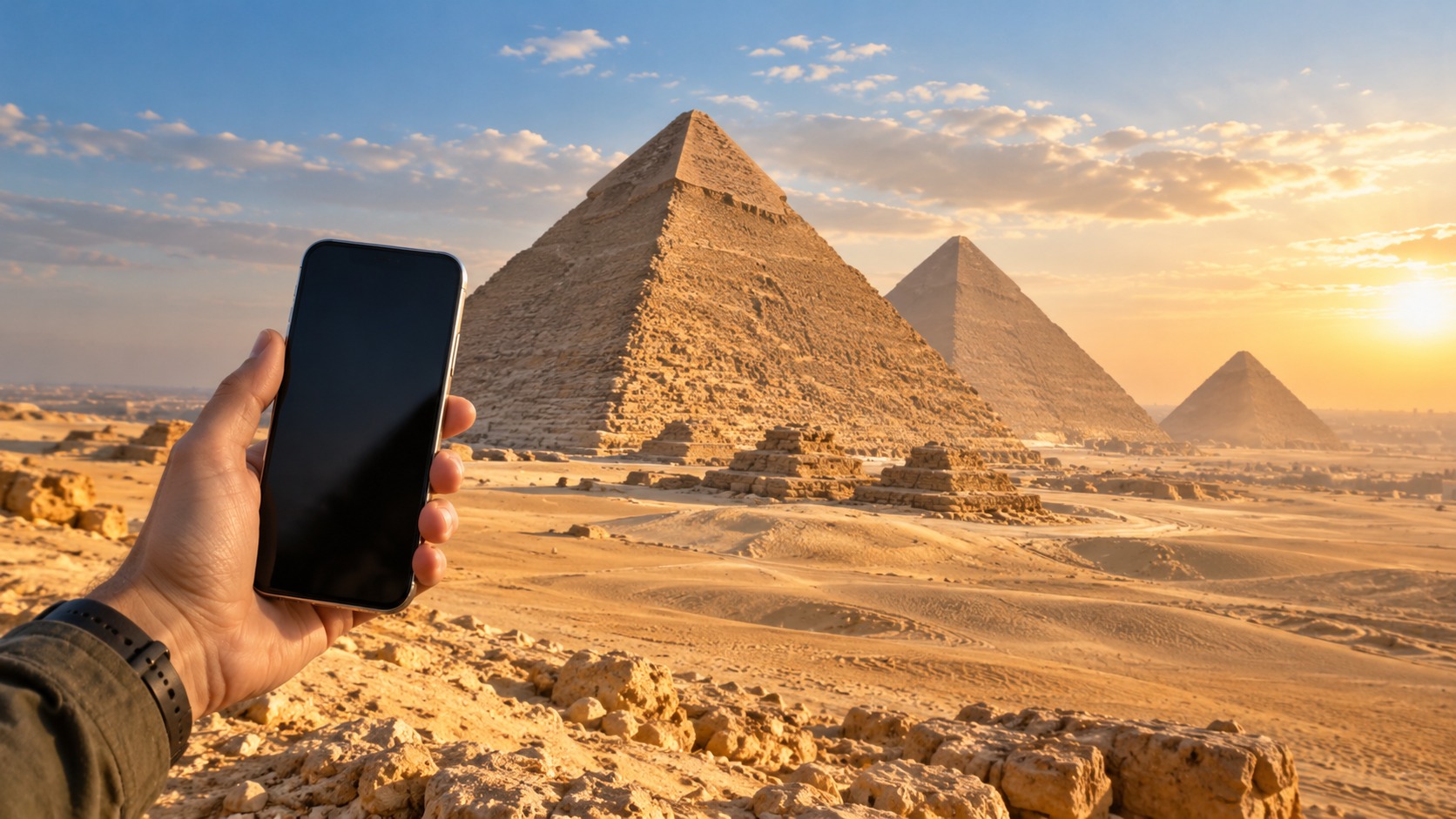
An Egypt eSIM for travellers can put mobile data on your phone before you leave, so you can connect after landing without first finding a shop or swapping out your home SIM. The practical choice is not only about the advertised data allowance. You also need to consider whether you want to keep your home number active, how much data your trip is likely to use, and what happens when the high-speed allowance runs out.
Egypt’s local mobile networks include Vodafone EG, Orange EG and Etisalat EG. The name of a network alone does not tell you which network a particular travel plan uses or how its coverage will compare at each stop on your itinerary. Check the plan details for the network and service type, then choose based on the allowance and setup that suit your trip.
What an Egypt eSIM for travellers does
An eSIM is a digital SIM profile installed on a compatible phone. MollySIM travel eSIMs arrive by email as an activation QR code, usually within minutes of payment. Nothing needs to be shipped. You can install the profile before departure and have it ready to use when you arrive in Egypt.
A travel eSIM can run alongside your existing SIM in a dual-SIM phone. That lets you keep your home number available for calls and SMS while directing mobile data to the MollySIM plan. In your phone’s SIM settings, choose the travel eSIM as the mobile-data line and leave your home line enabled if you want to receive calls or texts on it. Your home carrier may charge for roaming voice or SMS; the eSIM does not change those terms.
If you are comparing plans, start at MollySIM Egypt eSIM plans. A regional or global eSIM plan may also be worth comparing if your route includes countries beyond Egypt. All MollySIM plans are prepaid and have no contract.
Local networks and coverage expectations
🇪🇬 Egypt High-Speed Travel eSIM & SIM Plans
Instant QR code activation, hotspot enabled, with guaranteed 384kbps fallback speed to keep Maps & Digital Wallets active.
The local network names you may see in Egypt are Vodafone EG, Orange EG and Etisalat EG. A phone connects through the network supported by its SIM profile and plan. The presence of these operators in the country does not mean every travel eSIM can connect to all three, or that each plan has identical service. Look at the specific plan’s network information when comparing options.
Think about where you will use data: an arrival airport, your accommodation, city streets, and any other places on your itinerary. A network label is a useful starting point, but the plan’s allowance, supported service and the phone’s settings determine the day-to-day experience. If a connection does not start after arrival, first confirm that the travel eSIM line is enabled and selected for mobile data. Then check that the phone has a usable signal and that data roaming is enabled for that line if the plan’s setup requires it.
Do not assume that installing an eSIM means your phone will automatically use it for data. Dual-SIM phones can keep more than one line active, so make the data-line selection explicit. Also confirm that your handset supports eSIM before buying. The plan’s QR code is for installing the profile; it is not a Wi-Fi connection and does not replace the need for the phone to connect to a supported local network.
How much data should you plan for?
For maps, messaging and light browsing, a typical short trip uses about 1–3 GB per week. Video streaming, frequent video calls, large downloads and uploading lots of photos can use substantially more. If you are unsure, consider how often you will be on hotel or other Wi-Fi and whether you tend to watch video while away from Wi-Fi.
| Travel pattern | Planning guidance |
|---|---|
| Maps, messaging and light browsing | About 1–3 GB per week for a typical short trip |
| Frequent video, calls or large media transfers | More than a light-use allowance; choose a larger allowance if these are routine |
| Mostly offline use and Wi-Fi | A smaller mobile allowance may be adequate for essentials |
Maps and messaging are the core tasks to keep available when you are out. You may also need ride-hailing, email, QR payments and web searches. Their data use depends on how you use each app: text and map requests are different from video, image-heavy feeds or repeatedly uploading media. Download offline information when the app supports it and you have a suitable connection, and avoid automatic video playback if you need to conserve data.
The allowance is only one part of the plan. MollySIM travel eSIMs use a fair-use policy: after the high-speed allowance is used, data continues at 384 kbps. That speed is enough for maps, messaging, email and QR payments, so reaching the high-speed limit does not necessarily mean losing access to basic trip tasks. MollySIM says most travel eSIM brands throttle to 128 kbps; compare what happens after the high-speed allowance rather than looking only at the headline data amount.
Egypt eSIM for travellers: setup before and after landing
Install the eSIM while you have a reliable internet connection, ideally before departure. Keep the activation QR code accessible on another screen or print it, since a phone generally cannot scan a QR code displayed on itself. The MollySIM QR code is sent by email after purchase, usually within minutes.
- Check compatibility. Confirm that your phone supports eSIM and that you can add another SIM profile. Keep access to the email with the QR code.
- Add the profile. Open the phone’s mobile or cellular settings and use its option to add an eSIM. Scan the activation QR code and follow the on-screen prompts. The names of settings can differ by device.
- Label the lines. Give the travel eSIM a clear label, such as “Egypt data,” so it is easy to distinguish from your home SIM.
- Choose how each line is used. Select the travel eSIM for mobile data. Keep the home line active if you want calls and SMS on your usual number, and review your home carrier’s roaming charges before using it abroad.
- On arrival, enable the travel line. Turn on the eSIM line and confirm it is selected for mobile data. Enable data roaming for that line if the plan instructions require it. Allow the phone to connect to its supported local network.
- Check the connection. Try a simple webpage or message. If data does not work, recheck the selected data line, the line’s enabled state and the plan’s setup instructions. An incorrect access point name (APN) can prevent data from working; use the APN details supplied for the plan rather than guessing one.
On iPhone and Android, the menu labels vary by model and software version, but the steps follow the same pattern: add the eSIM from the QR code, enable its line, then assign mobile data to it. Avoid deleting the profile while troubleshooting. If the plan instructions list a specific APN, enter that value exactly and allow the phone to reconnect.
Egypt roaming cost comparison: three plan shapes
The useful comparison is between a travel data eSIM, a local prepaid SIM and roaming through your home carrier. Their exact costs depend on the plan you choose. The table compares what each option is designed to do, without assuming an unlisted price.
| Plan shape | What you get | Main trade-off |
|---|---|---|
| Data-only travel eSIM | A prepaid data plan installed by QR code; MollySIM delivers its travel eSIM by email and nothing ships | Keeps your home SIM available alongside it, but calls and SMS use your home line or another service rather than the data allowance |
| Local prepaid SIM | A local SIM plan for use through its supported Egyptian network | Requires obtaining and setting up a local SIM; check whether your phone supports a physical SIM or local eSIM and whether keeping your home SIM active matters |
| Home-carrier roaming | Service through your existing carrier and number | Convenient for continuity, but the roaming cost depends on your home carrier’s terms |
Airport SIMs can be convenient when you prefer to buy service on arrival and want help in person. A travel eSIM lets you install the plan before the trip and avoids a physical delivery or SIM swap. Home-carrier roaming preserves the familiar line, but you should compare your carrier’s Egypt rates with the prepaid allowance and fair-use terms of an eSIM. There is no single lowest-cost choice for every traveller: trip length, data habits, number needs and the plan’s network support all matter. The best eSIM for Egypt is the one whose supported network, allowance and post-allowance speed fit those needs.
For Egypt prepaid data for tourists, compare the total allowance and the post-allowance speed, not just the first number in a plan description. Prepaid service gives you an allowance to use without a contract, while home-carrier roaming follows the carrier’s own billing rules. If your main concern is receiving messages on a US number, the details are different from an Egypt data plan; see how to keep a US number for bank verification for that separate use case.
Common setup pitfalls
The phone keeps using the home SIM for data. Dual-SIM devices can have a default data line. Select the Egypt eSIM explicitly, then check it again after restarting or changing SIM settings.
The eSIM is installed but there is no data. An installed profile is not the same as a connected data session. Make sure its line is switched on, it is selected for data and any required roaming setting is enabled. Follow the plan’s APN instructions exactly if one is provided.
The phone shows a local network but plan data is unavailable. Seeing a network name does not prove that the selected SIM has an active data connection. Check which SIM is selected for data and that the travel plan is active for use. A local signal on the home SIM does not mean its roaming is included in the eSIM plan.
High-speed data has been used. MollySIM’s fair-use policy keeps data working at 384 kbps after the high-speed allowance is consumed. This can support maps, messaging, email and QR payments, though media-heavy use may feel slower. If you expect to use video or transfer large files, plan for a larger high-speed allowance.
Frequently Asked Questions
Does eSIM work in Egypt?
Yes. A compatible modern phone can install an Egypt data eSIM before departure and connect after you arrive, using the network supported by that plan. MollySIM sends travel eSIMs by email as an activation QR code.
How much data do I need for Egypt?
For maps, messaging and light browsing, a typical short trip uses about 1–3 GB per week. Video and other heavy use need more. Your own usage depends on how often you use Wi-Fi and how much media you stream or upload.
Can I keep my own number active?
Yes. An eSIM can run alongside your home SIM on a dual-SIM phone. You can keep the home line active for calls and messages while using the MollySIM eSIM for mobile data. Check your home carrier’s roaming terms for any charges on that line.
What happens when I use all the high-speed data?
With MollySIM’s fair-use policy, data continues at 384 kbps after the high-speed allowance is used. Maps, messaging, email and QR payments remain usable at that speed, while video and large downloads may be slower.
Choosing a plan for your itinerary
Start by listing the tasks you need away from Wi-Fi: navigation, messages, email, ride-hailing, QR payments or video. Then estimate a weekly allowance from your habits, and decide whether you need a local number or mainly data while retaining your home number. Compare the network and plan details for the places you expect to visit, and read the instructions for the APN and roaming toggle before departure.
If a data-only setup fits, browse Egypt eSIM plans and compare them with the global eSIM options if you are travelling onward. You can add the QR-installed plan before the trip, set it as the data line on arrival, and keep your home SIM available for its own calls and texts. That gives you a clear division between the number people already know and the data you use while travelling.
SEO Score: 10/11
🇪🇬 Egypt High-Speed Travel eSIM & SIM Plans
Instant QR code activation, hotspot enabled, with guaranteed 384kbps fallback speed to keep Maps & Digital Wallets active.