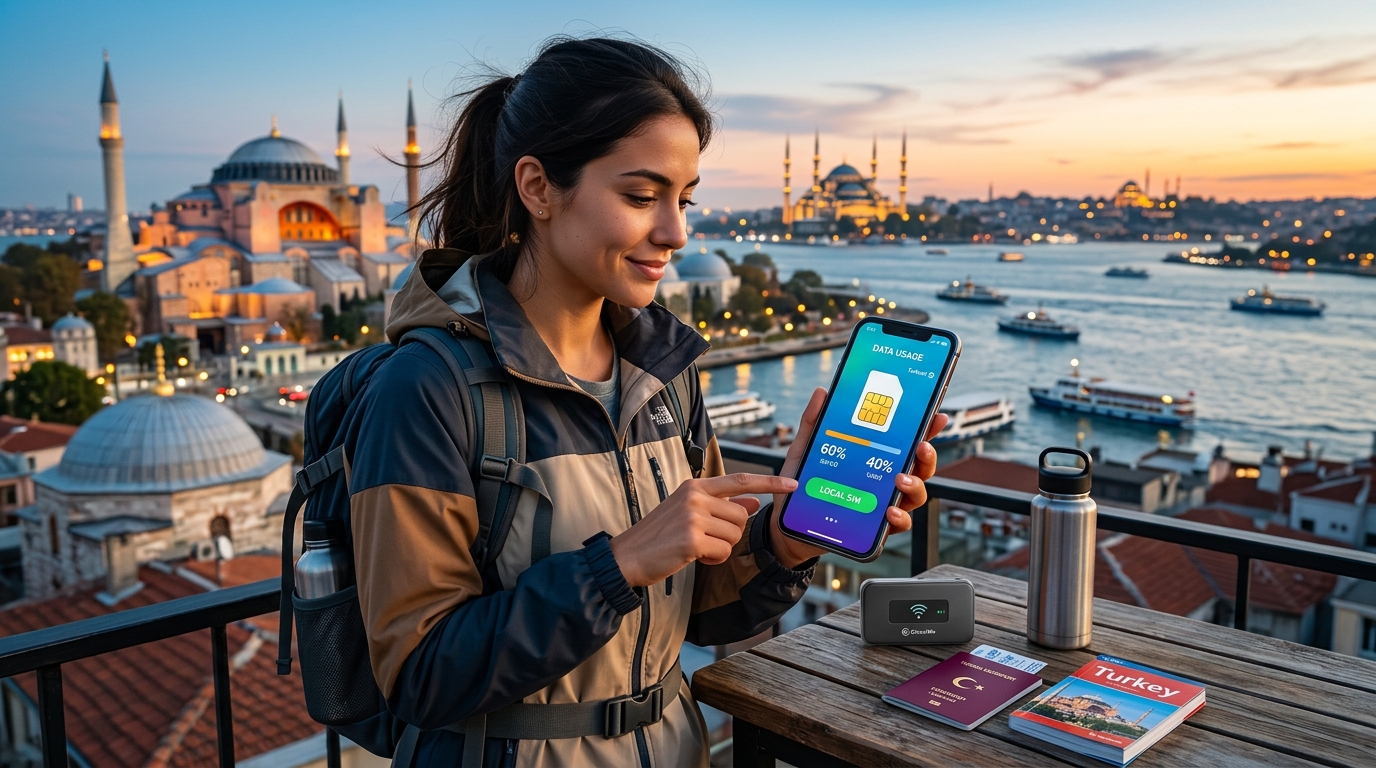
最大化您的連接性:在土耳其旅行的必要省數據技巧
在土耳其旅行提供了豐富的歷史、多樣的文化和壯麗的風景。然而,旅行中一個不太光鮮的方面就是高昂的移動數據費用。在本指南中,我們將探討在伊斯坦堡和卡帕多奇亞等熱門旅遊地區省數據的必要技巧,同時確保您在冒險中保持連接。我們將深入了解利用當地Wi-Fi選項、使用離線地圖,以及MollySIM的eSIM如何幫助降低數據成本,同時確保可靠的連接性。
了解土耳其的數據費用
在深入具體的技巧之前,了解土耳其的移動數據環境至關重要。雖然土耳其擁有強大的電信基礎設施,但數據費用可能會根據您的移動供應商和所選計劃類型而有很大差異。
平均數據費用
- 當地SIM卡: 通常範圍在50到150 TRY(約2到6美元)可獲得10GB的數據。
- 國際漫遊: 費用可能非常高,根據您的本國運營商,費用可達每MB 10美元以上。
- eSIM選擇: MollySIM提供具有競爭力的價格,計劃起價為15美元,可獲得5GB,為旅行者提供經濟實惠的解決方案。
數據速度和覆蓋範圍
土耳其的主要城市和旅遊目的地擁有優秀的4G LTE覆蓋。然而,農村地區的速度可能較慢或連接有限。以下是一些流行供應商的數據速度和覆蓋範圍的快速比較:
| 供應商 | 平均速度 (Mbps) | 覆蓋區域 | 10GB的費用 |
|---|---|---|---|
| Turkcell | 40-50 | 全國 | 100 TRY ($4) |
| Vodafone | 30-40 | 主要城市 | 120 TRY ($5) |
| Türk Telekom | 20-30 | 城市地區 | 90 TRY ($3.50) |
| MollySIM | 384 (FUP) | 主要城市及農村 | $15 for 5GB |
必要的省數據技巧
🇹🇷 选购 土耳其 高速 eSIM & 旅游卡套餐
无需插卡开箱即用,支持热点共享,即使高速流量用尽也可维持 Google 地图/移动支付顺畅运行。
1. 選擇合適的eSIM供應商
選擇eSIM可以為您節省可觀的數據費用。MollySIM作為一個可靠且經濟實惠的選擇,提供384kbps FUP速度,比許多競爭對手快3倍。以下是如何開始的步驟:
激活MollySIM eSIM的步驟:
- 購買您的eSIM:
- 訪問 MollySIM 並選擇適合您需求的計劃。
- 接收QR碼:
- 購買後,您將通過電子郵件收到一個QR碼。
- 在您的設備上安裝eSIM:
- iPhone:
- 前往設置 > 行動網絡 > 添加行動計劃。
- 掃描QR碼。
- Android:
- 前往設置 > 網絡和互聯網 > 行動網絡 > 添加運營商。
- 掃描QR碼。
- 激活您的計劃:
- 按照提示完成激活。
- 管理您的數據使用:
- 通過設備設置監控您的數據使用,以避免超支。
2. 利用當地Wi-Fi
土耳其擁有眾多咖啡館、餐廳和公共空間提供免費Wi-Fi。以下是一些最大化Wi-Fi使用的技巧:
- 咖啡館和餐廳: 像星巴克、當地咖啡店和快餐連鎖店通常提供免費Wi-Fi。只需購買一小件商品即可獲得訪問權限。
- 公共圖書館和博物館: 許多文化機構提供免費Wi-Fi。您不僅可以欣賞展品,還可以保持連接。
- 機場和火車站: 像伊斯坦堡機場和卡帕多奇亞的火車站等主要交通樞紐通常為旅行者提供免費Wi-Fi。
3. 使用離線地圖
在土耳其導航可能會很具挑戰性,特別是如果您要前往人煙稀少的地區。下載離線地圖可以節省大量數據。以下是如何操作:
使用Google地圖離線:
- 在您的設備上打開Google地圖。
- 搜索區域: 輸入您想要探索的城市或地區的名稱。
- 選擇區域: 點擊底部的名稱或地址。
- 下載離線地圖:
- 點擊右上角的三個點。
- 選擇下載離線地圖。
- 調整區域以涵蓋您想要的位置,然後點擊下載。
替代離線地圖應用:
- Maps.me: 提供全面的離線地圖,非常適合在卡帕多奇亞徒步旅行。
- CityMaps2Go: 提供詳細的城市指南和離線導航。
4. 優化您的數據使用設置
調整您的設備設置可以顯著減少數據消耗。以下是如何優化iPhone和Android設備:
iPhone設置:
- 禁用背景應用刷新:
- 前往設置 > 通用 > 背景應用刷新,對不需要的應用關閉此功能。
- 限制應用的數據使用:
- 前往設置 > 行動網絡,向下滾動以禁用特定應用的行動數據。
- 使用低數據模式:
- 前往設置 > 行動網絡 > 行動數據選項,啟用低數據模式。
Android設置:
- 限制背景數據:
- 前往設置 > 網絡和互聯網 > 行動網絡 > 應用數據使用,限制特定應用的背景數據。
- 啟用數據節省:
- 前往設置 > 網絡和互聯網 > 數據節省,並將其打開。
- 限制同步:
- 前往設置 > 帳戶,禁用不需要持續更新的帳戶的自動同步。
5. 明智地使用消息應用
與家人和朋友的通訊可能會迅速消耗您的數據配額。以下是有效使用消息應用的技巧:
- 使用Wi-Fi進行通話和消息: 像WhatsApp、Skype和Viber等應用允許您通過Wi-Fi進行通話和發送消息,避免移動數據費用。
- 在旅行前下載媒體: 如果您計劃分享照片或視頻,請在旅行前下載它們,以避免在上傳時使用數據。
- 限制視頻通話: 視頻通話消耗的數據遠遠超過語音通話或文本消息。儘量少用。
6. 關閉數據漫遊
如果您使用當地的eSIM或SIM卡,請確保關閉數據漫遊,以避免意外費用。以下是如何操作:
iPhone:
- 前往設置 > 行動網絡 > 行動數據選項。
- 將數據漫遊切換關閉。
Android:
- 前往設置 > 網絡和互聯網 > 行動網絡。
- 將漫遊切換關閉。
7. 探索當地SIM卡選擇
如果您更喜歡實體SIM卡,抵達後購買當地SIM卡可能是一個經濟實惠的選擇。以下是如何操作的分解:
購買地點:
- 機場: 大多數主要機場都有售賣當地SIM卡的櫃檯。
- 移動商店: 在旅遊區或購物中心尋找商店。
- 便利店: 許多便利店提供當地SIM卡。
激活過程:
- 提供身份證明: 您可能需要出示護照進行註冊。
- 選擇您的計劃: 根據您的數據需求選擇計劃。
- 插入SIM卡: 按照提供的說明將SIM卡插入您的設備。
8. 監控您的數據使用
密切關注您的數據使用可以幫助您避免超支。以下是如何在iPhone和Android上跟踪您的使用情況:
iPhone:
- 前往設置 > 行動網絡。
- 向下滾動以查看當前期間的數據使用情況。
Android:
- 前往設置 > 網絡和互聯網 > 數據使用。
- 點擊行動數據使用以查看您的使用統計信息。
結論
在土耳其旅行可以是一次難忘的經歷,而保持連接不必花費過多。通過利用當地Wi-Fi、使用離線地圖以及選擇像MollySIM這樣的合適eSIM供應商,您可以顯著降低數據成本,同時享受無縫的連接。
憑藉這些必要的省數據技巧,您可以專注於探索卡帕多奇亞的壯麗風景、伊斯坦堡的繁華街道以及這個美麗國家的豐富歷史,而不必擔心過高的移動費用。明智規劃,保持連接,充分利用您的土耳其冒險!
🇹🇷 选购 土耳其 高速 eSIM & 旅游卡套餐
无需插卡开箱即用,支持热点共享,即使高速流量用尽也可维持 Google 地图/移动支付顺畅运行。