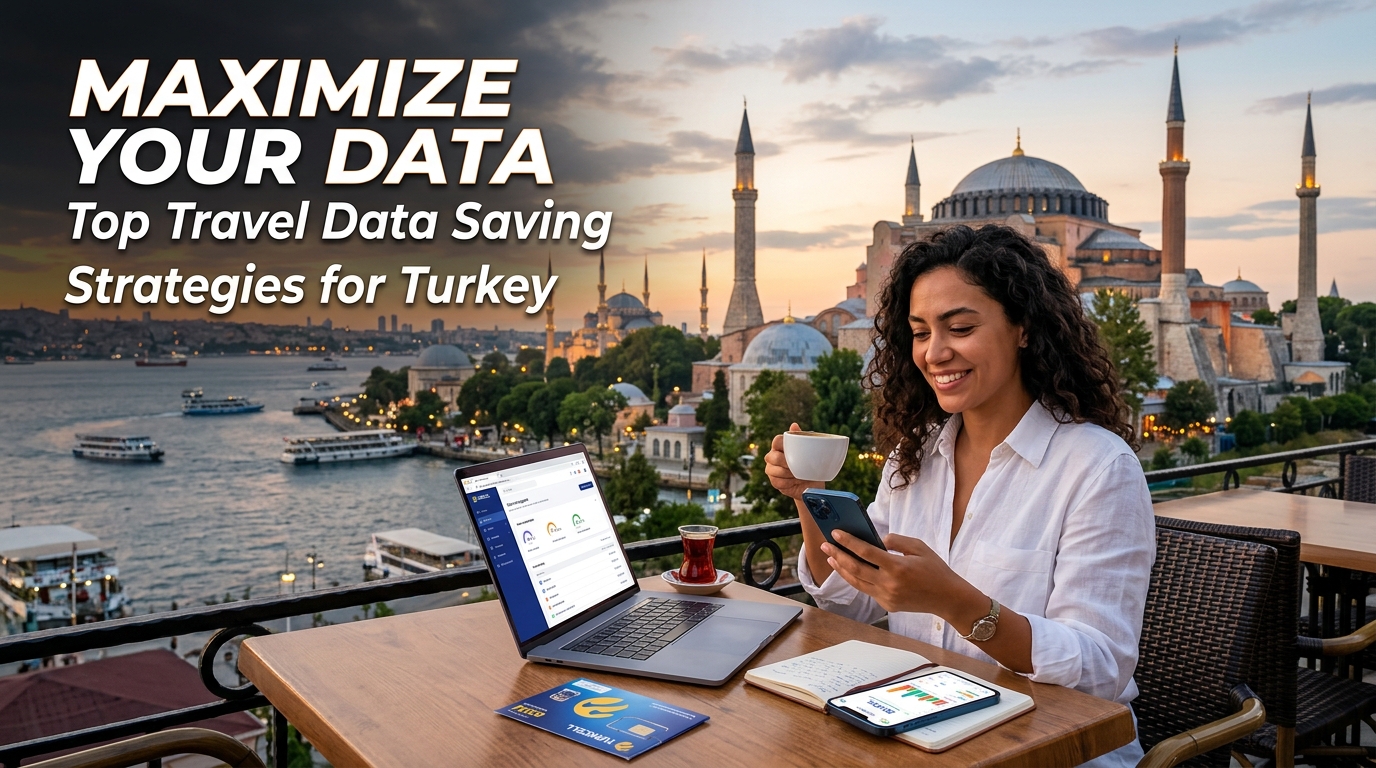
Traveling in Turkey, a country rich in history and culture, often means navigating through bustling cities, stunning landscapes, and ancient ruins. However, staying connected while exploring iconic sites like Istanbul and Cappadocia can lead to hefty data charges if not managed properly. This guide will delve into effective data-saving strategies tailored for travelers in Turkey, including the advantages of using local Wi-Fi hotspots, managing app data usage, understanding local mobile plans, and the benefits of opting for MollySIM's eSIM technology.
Understanding Mobile Data in Turkey
Before diving into specific strategies, it's crucial to understand the mobile data landscape in Turkey. The country has several mobile network operators, including Turkcell, Vodafone Turkey, and Türk Telekom. Each provider offers various plans, but the key is to find a solution that balances cost with data efficiency.
Key Mobile Operators in Turkey
| Operator | Coverage Area | Average Data Speed | Prepaid Plans Starting From | 5G Availability |
|---|---|---|---|---|
| Turkcell | Nationwide | 50-100 Mbps | 100 TL ($5) | Yes |
| Vodafone | Nationwide | 30-70 Mbps | 90 TL ($4.50) | Yes |
| Türk Telekom | Nationwide | 20-50 Mbps | 80 TL ($4) | Limited |
Local SIM vs. eSIM
When considering mobile data options, travelers often face the choice between traditional SIM cards and eSIMs. Here’s a detailed comparison:
| Feature | Traditional SIM Card | eSIM (e.g., MollySIM) |
|---|---|---|
| Activation | Physical card required | Digital activation via QR code |
| Convenience | Requires physical swap | Switch profiles without changing SIM |
| Data Speeds | Varies by provider | Up to 384kbps (3x faster than competitors) |
| Cost | Often higher for short-term use | Competitive pricing, tailored for travelers |
| Flexibility | Limited to one provider | Multiple profiles from various providers |
| International Use | May incur roaming charges | Local rates for multiple countries |
MollySIM’s eSIM stands out for its ease of use, cost-effectiveness, and fast data speeds, making it an ideal choice for travelers in Turkey.
Top Data-Saving Strategies for Turkey
1. Utilize Local Wi-Fi Hotspots
Turkey has a growing number of public Wi-Fi hotspots, particularly in urban areas like Istanbul, where cafes, restaurants, and public squares offer free internet access. Here’s how to maximize your use of local Wi-Fi:
- Find Wi-Fi Hotspots: Use apps like WiFi Map or Wiman to locate nearby hotspots. These apps provide user-generated information about Wi-Fi passwords and reliability.
- Connect Safely: Always use a VPN when connecting to public Wi-Fi to protect your data from potential hackers. Services like NordVPN or ExpressVPN are popular choices.
- Limit Background Data Usage: Disable automatic updates and background app refreshes while connected to public Wi-Fi to conserve data.
2. Manage App Data Usage
Many apps consume data in the background, which can lead to unexpected charges. Here’s how to manage app data usage effectively:
For iPhone Users:
- Check Data Usage: Go to Settings > Cellular to see which apps are using the most data.
- Limit Background App Refresh: Navigate to Settings > General > Background App Refresh and turn it off for non-essential apps.
- Download Offline Content: For apps like Google Maps, download offline maps for areas you plan to visit.
For Android Users:
- Monitor Data Usage: Go to Settings > Network & internet > Data usage to view data consumption by apps.
- Restrict Background Data: Under Data usage, select an app and toggle Background data off.
- Use Offline Features: Similar to iPhone, download maps and content for offline use.
3. Choose the Right Mobile Plan
If you opt for a local SIM card, selecting the right plan is essential. Here are some tips:
- Prepaid Plans: Look for prepaid plans that cater specifically to tourists. These plans often include a set amount of data for a fixed price, which can be more economical.
- Short-term Packages: Many providers offer short-term packages with unlimited data for a limited time, ideal for travelers.
- Compare Offers: Use comparison websites to evaluate different plans and choose one that fits your data needs.
4. Leverage MollySIM’s eSIM Advantage
MollySIM’s eSIM offers a seamless way to stay connected while traveling in Turkey. Here’s how to make the most of it:
- Easy Activation: After purchasing your eSIM from MollySIM, you’ll receive a QR code. Scan this code in your device settings to activate your eSIM.
- Switch Between Profiles: If you plan to travel to multiple countries, MollySIM allows you to switch between different profiles without needing to swap physical SIM cards.
- Data Efficiency: With speeds up to 384kbps, MollySIM ensures you can stream, browse, and navigate without lag, even in crowded tourist areas.
5. Optimize Your Device Settings
Adjusting your device settings can significantly reduce data usage. Here are some adjustments for both iPhone and Android users:
iPhone
- Low Data Mode: Activate Low Data Mode under Settings > Cellular > Cellular Data Options to minimize data usage.
- Limit Video Streaming Quality: In apps like YouTube, set the video quality to a lower resolution when not on Wi-Fi.
Android
- Data Saver Mode: Enable Data Saver Mode in Settings > Network & internet > Data Saver to restrict background data usage.
- Adjust Streaming Quality: Similar to iPhone, adjust the quality settings in streaming apps to save data.
6. Use Data Compression Tools
Data compression tools can significantly reduce the amount of data you use while browsing. Consider the following options:
- Google Chrome Data Saver: Enable the Lite Mode in Chrome settings to compress pages before loading.
- Opera Mini: This browser offers built-in data compression features that can save a substantial amount of data.
7. Be Mindful of Social Media Usage
Social media apps can be data-heavy, especially when uploading photos or videos. Here are some tips to manage social media consumption:
- Upload on Wi-Fi: Save uploads for when you’re connected to Wi-Fi to avoid data overages.
- Limit Auto-Play: Disable auto-play for videos in apps like Facebook and Instagram to save data.
8. Download Essential Apps Before Traveling
Before your trip, download essential travel apps that can assist you in navigating Turkey:
- Maps: Google Maps or Citymapper for navigation.
- Translation: Google Translate for language assistance.
- Travel Guides: Apps like TripAdvisor or Lonely Planet for local insights.
9. Use Offline Maps and Guides
Navigating cities like Istanbul or Cappadocia can be data-intensive. Download offline maps and guides to minimize data usage:
- Google Maps: Search for the area you want to download, tap on the name or address, and select Download.
- Local Guides: Many travel apps offer offline content, so check for downloadable guides.
10. Explore Data Packages for Specific Activities
If you plan to engage in activities that require data, such as streaming music or using ride-sharing apps, consider purchasing specific data packages. Some mobile operators offer short-term, high-data packages that can be activated for a few days.
Conclusion
Navigating Turkey while staying connected doesn’t have to be a data-draining experience. By implementing these strategies, including leveraging local Wi-Fi, managing app data usage, and opting for MollySIM’s efficient eSIM, travelers can maximize their data efficiency. With the right approach, you can enjoy the breathtaking landscapes, rich history, and vibrant culture of Turkey without the worry of excessive data charges.
For more information on how to stay connected while traveling, visit MollySIM and explore their range of eSIM options tailored for travelers.