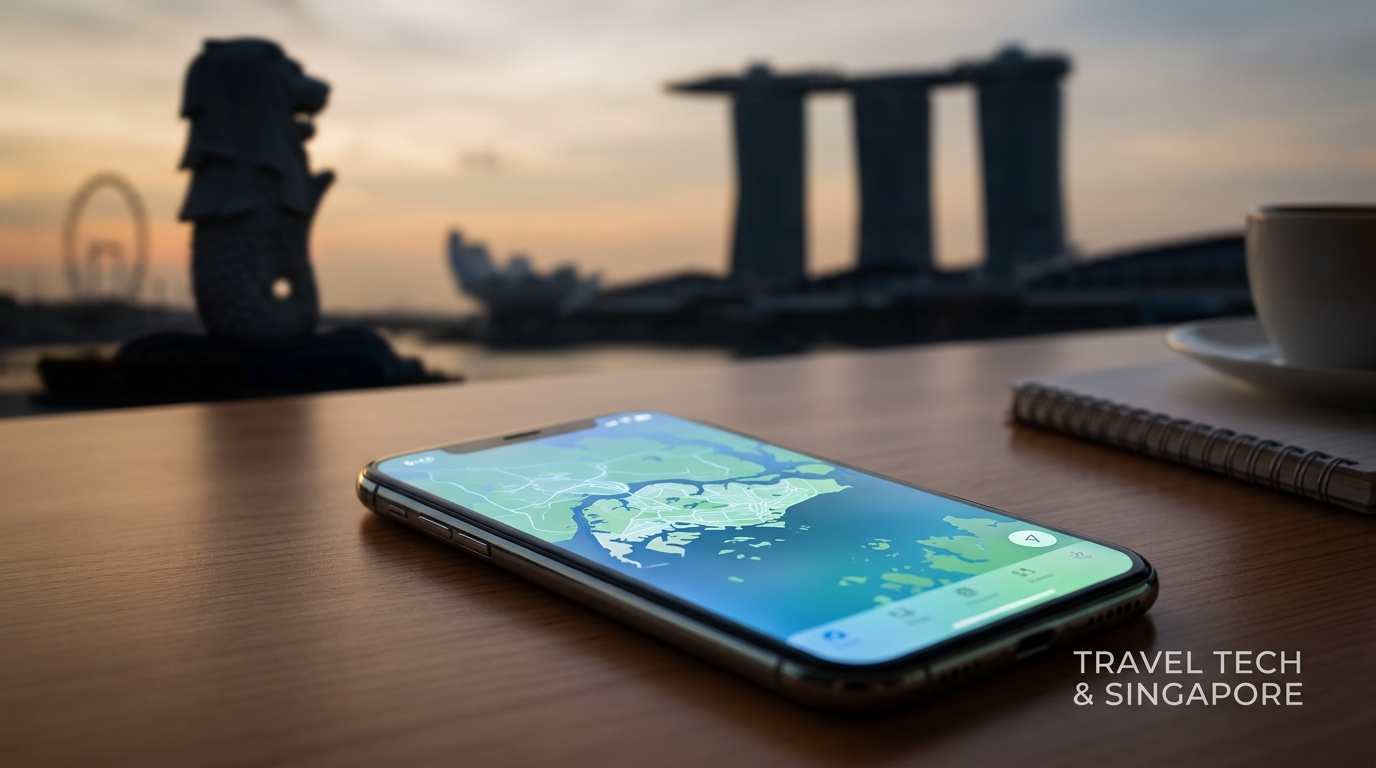
Navigating a new city can be daunting, especially when it comes to staying connected. In 2026, Singapore continues to be a leading travel destination, and understanding how to utilize technology like eSIMs can significantly enhance your travel experience. This guide will provide you with all the essential information on Singapore travel eSIMs, the SG Arrival Card, local networks, and practical tips for seamless connectivity upon arrival at Changi Airport.
Understanding the Singapore Travel eSIM
What is an eSIM?
An eSIM (embedded SIM) is a digital SIM that allows you to activate a cellular plan without needing a physical SIM card. This technology is particularly useful for travelers, as it enables you to switch between different carriers and plans without the hassle of changing physical SIMs.
Why Choose an eSIM for Your Singapore Trip?
- Convenience: Activate your plan before arriving in Singapore.
- Multiple Plans: Easily switch between local and cross-border plans.
- No Physical SIM: Avoid the hassle of finding a store to buy a SIM card upon arrival.
- 384kbps Speed: MollySIM offers 384kbps FUP speed, which is crucial for navigation and ride-hailing apps.
Arriving at Singapore Changi Airport
Step 1: Prepare for Arrival
Before you land, ensure that you have your SG Arrival Card ready. This digital document is a requirement for all travelers entering Singapore and can be completed online.
Step 2: Completing the SG Arrival Card
- Visit the Official Website: Go to the Immigration and Checkpoints Authority (ICA) website.
- Fill Out the Form: Provide your personal details, flight information, and health declaration.
- Submit: After submission, you will receive a confirmation email. Keep this handy as you may need to show it upon arrival.
Step 3: Navigating Changi Airport
Upon landing at Changi Airport, follow these steps to ensure a smooth transition:
- Follow the Signs: Look for signs directing you to immigration.
- Immigration Clearance: Present your passport and SG Arrival Card at the immigration counter.
- Baggage Claim: After clearing immigration, head to the baggage claim area to collect your luggage.
Step 4: Connectivity at Changi Airport
Changi Airport offers free Wi-Fi, but for reliable connectivity, consider activating your eSIM. Here’s how to do it:
- Access Settings: On your smartphone, go to Settings > Cellular > Add Cellular Plan.
- Scan QR Code: If you purchased your eSIM online, scan the QR code provided by your eSIM provider (e.g., MollySIM).
- Activate: Follow the prompts to activate your eSIM.
Local Networks in Singapore
Singapore has three major mobile network providers: Singtel, StarHub, and M1. Each offers various plans tailored for tourists.
Comparative Overview of Local Networks
| Feature | Singtel | StarHub | M1 |
|---|---|---|---|
| Coverage | Extensive, urban and rural | Strong urban coverage | Good urban coverage |
| Data Plans | Unlimited data options | Affordable short-term plans | Flexible data packages |
| Speed | Up to 1 Gbps | Up to 1 Gbps | Up to 1 Gbps |
| Special Offers | Tourist SIMs available | Tourist SIMs available | Tourist SIMs available |
Choosing the Right Plan
When selecting a plan, consider your usage needs:
- For Navigation: A plan with at least 384kbps is essential for using Google Maps or booking Grab taxis.
- For Social Media: Unlimited data options are ideal for sharing your travel experiences online.
Cross-Border Plans to Malaysia/Johor Bahru
If you plan to visit Malaysia or Johor Bahru, you can take advantage of cross-border eSIM plans. Here’s how to navigate this:
Step 1: Check Your eSIM Provider
Ensure your eSIM provider offers cross-border plans. MollySIM provides options that allow seamless connectivity in Malaysia.
Step 2: Activate Cross-Border Plan
- Access Settings: Go to Settings > Cellular.
- Select Your Plan: Choose the plan you wish to activate for cross-border use.
- Follow Instructions: Follow the prompts to activate.
Step 3: Enjoy Seamless Connectivity
With your cross-border plan activated, you can enjoy uninterrupted service while exploring Johor Bahru. The 384kbps speed remains crucial for navigation and ride-hailing services.
Importance of 384kbps Speed
Having a minimum speed of 384kbps is not just a luxury; it’s a necessity for efficient navigation and transportation in Singapore. Here’s why:
- Changi MRT Navigation: The MRT system is extensive, and real-time updates on train schedules and routes are essential for efficient travel.
- Booking Grab Taxis: The Grab app requires a stable connection for seamless ride-hailing. A speed of 384kbps ensures that you can book a ride without delays.
Practical Tips for Using Your eSIM
- Download Offline Maps: Before heading out, download offline maps of Singapore to save data.
- Use Local Apps: Download local apps like Grab for transportation and Foodpanda for food delivery to maximize your eSIM’s potential.
- Monitor Data Usage: Keep track of your data usage to avoid any unexpected charges.
Conclusion
In 2026, staying connected in Singapore is easier than ever with travel eSIMs and the SG Arrival Card. By understanding how to navigate Changi Airport, selecting the right local network, and utilizing cross-border plans, you can enhance your travel experience significantly. With MollySIM’s reliable eSIM solutions, you can enjoy seamless connectivity and make the most of your time in the Garden City.
For more information on eSIM options, visit MollySIM and choose the best plan tailored for your travel needs.