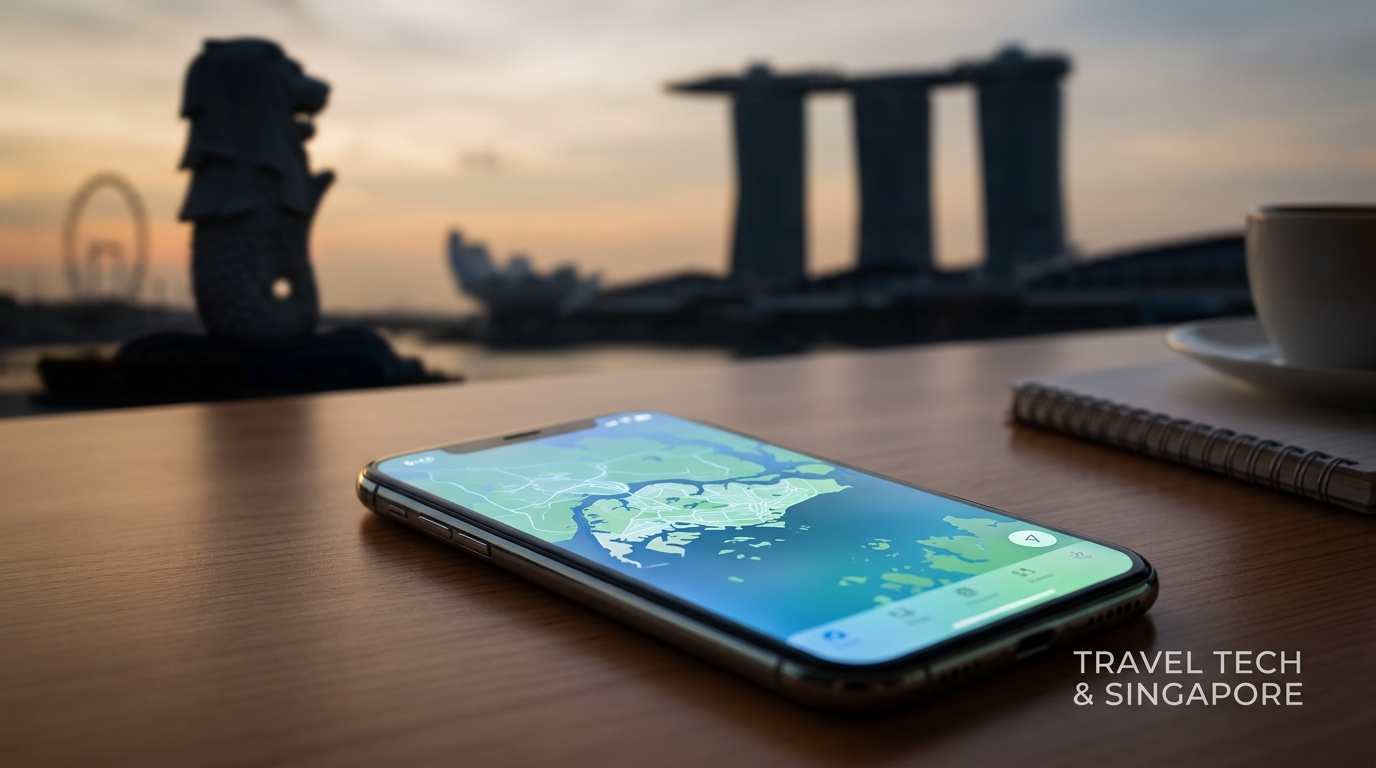
Garden City Connected: The Complete 2026 Singapore Travel eSIM Guide
Navigating a new city can be daunting, especially when it comes to staying connected. In 2026, Singapore continues to be a global travel hub, and understanding how to use local technology, like eSIMs and the SG Arrival Card, can make your journey smoother. This comprehensive guide will delve into every aspect of connectivity in Singapore, from arriving at Changi Airport to using local networks and navigating cross-border travel to Malaysia.
Arrival at Singapore Changi Airport
First Impressions: Changi Airport
Singapore Changi Airport (SIN) is often hailed as one of the best airports in the world. With its stunning architecture, lush indoor gardens, and world-class amenities, it sets the stage for your Singapore adventure. Upon arrival, you’ll want to ensure you have a seamless experience, which starts with connectivity.
Getting Connected: Local eSIM Options
As you step off your flight, the first thing you might want to do is connect to the internet. This is where a travel eSIM comes into play. Unlike traditional SIM cards, eSIMs allow you to download a mobile plan directly onto your device without needing a physical card. This is particularly useful for travelers who want to avoid the hassle of swapping SIMs.
Why Choose an eSIM?
- Instant Activation: No need to find a local store.
- Multiple Plans: Switch between different data plans without changing SIMs.
- Cost-Effective: Competitive pricing compared to traditional roaming.
The SG Arrival Card Integration
Before you can truly enjoy Singapore, you must complete the SG Arrival Card. This digital form is mandatory for all travelers entering Singapore and can be filled out online. Here’s how to do it:
- Visit the Official Website: Go to the Immigration and Checkpoints Authority (ICA) website.
- Fill in Your Details: Provide your personal information, flight details, and travel history.
- Submit the Form: Ensure you do this at least 3 days before your arrival.
- Receive Confirmation: You will get a confirmation email, which you need to show upon arrival.
This process not only expedites your entry into Singapore but also integrates with your eSIM setup, allowing you to access local networks immediately.
Local Networks: Singtel, StarHub, M1
🌐 Global Travel High-Speed Travel eSIM & SIM Plans
Instant QR code activation, hotspot enabled, with guaranteed 384kbps fallback speed to keep Maps & Digital Wallets active.
Singapore boasts three major telecommunications providers: Singtel, StarHub, and M1. Each offers unique plans and coverage, making it crucial to choose the right one for your needs.
Network Comparison Table
| Feature | Singtel | StarHub | M1 |
|---|---|---|---|
| Coverage | Extensive nationwide | Strong urban coverage | Good in urban areas |
| Data Speeds | Up to 1 Gbps | Up to 1 Gbps | Up to 1 Gbps |
| eSIM Availability | Yes | Yes | Yes |
| Typical Plans | 5GB for SGD 15 | 5GB for SGD 15 | 5GB for SGD 15 |
| Cross-Border Plans | Yes (Malaysia) | Yes (Malaysia) | Yes (Malaysia) |
Choosing the Right Plan
For most travelers, a basic plan offering 5GB of data is sufficient for navigation, social media, and messaging apps. The key is to ensure your eSIM provider offers 384kbps as a Fair Usage Policy (FUP) speed, which is three times faster than many competitors. This speed is essential for:
- Navigating the Changi MRT: Real-time updates and directions.
- Booking Grab Taxis: Quick access to ride-hailing apps without delays.
Cross-Border Travel: Malaysia and Johor Bahru
Singapore's proximity to Malaysia makes it an attractive destination for day trips to Johor Bahru. Understanding how your eSIM can work across borders is crucial for a hassle-free experience.
Cross-Border Plans
When selecting your eSIM, ensure it includes cross-border data plans. Here’s what to look for:
- Data Roaming: Confirm that your eSIM provider allows data usage in Malaysia.
- Cost-Effectiveness: Compare the cost of using your Singapore plan in Malaysia versus purchasing a local Malaysian eSIM.
Recommended Cross-Border eSIM Plans
| Provider | Singapore Plan | Malaysia Plan | Total Cost (SGD) |
|---|---|---|---|
| MollySIM | 5GB | 3GB | 25 |
| Singtel | 5GB | 1GB | 30 |
| StarHub | 5GB | 1GB | 30 |
Tips for Cross-Border Travel
- Check Your Coverage: Ensure your eSIM works in Johor Bahru.
- Download Maps Offline: Use Google Maps to download areas before crossing the border.
- Use Local Apps: Grab is widely used in Malaysia, so ensure you have it installed.
Navigating Singapore: Essential Apps
Once you’re connected, you’ll want to download essential apps to enhance your travel experience. Here’s a list of must-have applications:
1. Grab
Grab is Southeast Asia's leading ride-hailing app. It’s crucial for getting around Singapore efficiently.
- How to Use:
- Download the Grab app from the App Store or Google Play.
- Sign up using your phone number.
- Add a payment method (credit/debit card or GrabPay).
- Book your ride by entering your destination.
2. Google Maps
An indispensable tool for navigation, Google Maps provides real-time transit updates.
- Offline Maps: Download maps for offline use to save data.
- Public Transport Directions: Get directions for MRT and bus services.
3. SG BusLeh
This app provides real-time bus arrival information and is particularly useful for navigating public transport.
4. MyTransport.SG
This app offers comprehensive information on public transport, traffic conditions, and parking availability.
Connectivity at Changi Airport
Changi Airport provides free Wi-Fi for all travelers, but having a personal eSIM ensures you remain connected even when you leave the airport.
Accessing Free Wi-Fi
- Connect to Changi Airport Wi-Fi: Select "Changi Airport Wi-Fi" from available networks.
- Register: Enter your email address or phone number to receive a one-time password.
- Enjoy Browsing: You can use the free Wi-Fi for up to 24 hours.
Importance of 384kbps Speed
While free Wi-Fi is available, having an eSIM with 384kbps FUP speed is vital for:
- Quick Access to Information: Check flight updates or local attractions.
- Seamless Communication: Stay in touch with friends and family without interruptions.
Conclusion: Your Singapore Connectivity Checklist
To ensure a smooth travel experience in Singapore, here’s a checklist:
- Complete the SG Arrival Card: Do this online before your trip.
- Choose the Right eSIM Provider: Look for competitive pricing and essential features.
- Download Essential Apps: Grab, Google Maps, and local transport apps.
- Familiarize Yourself with Local Networks: Understand the strengths of Singtel, StarHub, and M1.
- Plan for Cross-Border Travel: Ensure your eSIM covers Malaysia if you plan to visit Johor Bahru.
By following this guide, you’ll be well-equipped to navigate Singapore effortlessly while staying connected throughout your journey. For a reliable and cost-effective travel eSIM solution, consider MollySIM, offering competitive plans with exceptional speed.
For more information on eSIM options, visit MollySIM and ensure your travel connectivity is as seamless as your Singapore experience.
This guide is designed to empower your travel experience, ensuring that you remain connected, informed, and ready to explore the vibrant city of Singapore. Happy travels!
🌐 Global Travel High-Speed Travel eSIM & SIM Plans
Instant QR code activation, hotspot enabled, with guaranteed 384kbps fallback speed to keep Maps & Digital Wallets active.