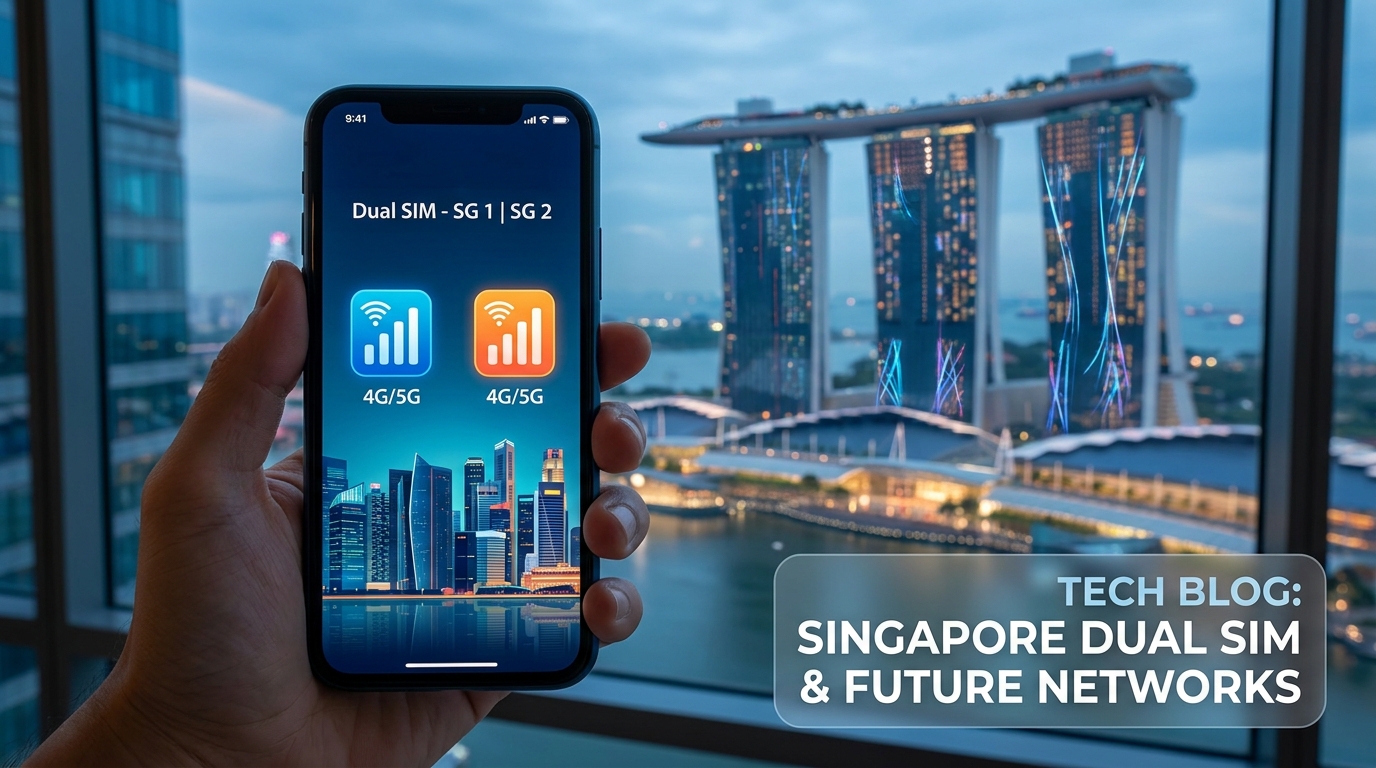
Mastering Dual SIM: A Comprehensive Guide to Dual SIM Configuration in Singapore
In an increasingly interconnected world, staying connected while traveling is paramount. For travelers visiting Singapore, mastering dual SIM configurations can significantly enhance your mobile experience. This guide will provide you with step-by-step instructions on setting up dual SIM configurations, discuss the benefits of using both eSIM and physical SIM options, and detail compatibility with major operators like Singtel and Starhub. Additionally, we will showcase how MollySIM can enhance connectivity in Singapore, making it easier for you to manage your travel and personal data plans.
Understanding Dual SIM Technology
Dual SIM technology allows mobile devices to use two SIM cards simultaneously. This feature can be particularly beneficial for travelers who want to separate their personal and travel phone numbers or those who wish to take advantage of different data plans.
Benefits of Dual SIM Configuration
- Cost Efficiency: Use a local SIM for data while retaining your home number for calls and texts.
- Flexibility: Switch between carriers for better coverage or data speeds.
- Convenience: Manage personal and work numbers on a single device.
Types of SIM Cards
🌐 Global Travel High-Speed Travel eSIM & SIM Plans
Instant QR code activation, hotspot enabled, with guaranteed 384kbps fallback speed to keep Maps & Digital Wallets active.
Physical SIM Cards
A physical SIM card is a small card inserted into a mobile device. Most smartphones support one or two physical SIM cards, making it easy to switch between carriers.
eSIM Technology
An eSIM (embedded SIM) is a digital SIM that allows you to activate a cellular plan without a physical SIM card. eSIMs are increasingly popular due to their convenience and flexibility.
Compatibility with Major Operators in Singapore
Singtel
Singtel is one of Singapore's largest mobile operators, offering extensive coverage and various prepaid and postpaid plans. They support both physical SIM and eSIM options.
Starhub
Starhub is another major player in the Singapore telecom market, providing competitive pricing and a variety of plans. Starhub also supports dual SIM configurations with both physical and eSIM options.
M1
M1 is known for its affordable plans and good coverage, making it a viable option for travelers. They also offer both physical SIM and eSIM solutions.
Setting Up Dual SIM Configuration in Singapore
Step 1: Check Device Compatibility
Before setting up a dual SIM configuration, ensure that your device supports both physical SIM and eSIM. Most modern smartphones, including the latest iPhone and Android models, support this feature.
Compatibility Check
| Device Type | Physical SIM | eSIM |
|---|---|---|
| iPhone (XS and later) | Yes | Yes |
| Samsung Galaxy (S20 and later) | Yes | Yes |
| Google Pixel (3 and later) | Yes | Yes |
| OnePlus (7 and later) | Yes | Yes |
Step 2: Acquire SIM Cards
- Physical SIM: Purchase a local SIM card from Singtel, Starhub, or M1 at the airport or local retailers.
- eSIM: For eSIM, visit the provider's website or a local store to activate your eSIM plan. For instance, you can purchase a MollySIM eSIM directly from MollySIM for seamless connectivity.
Step 3: Insert the Physical SIM Card
- Locate the SIM card tray on your device (usually on the side).
- Use the SIM eject tool to open the tray.
- Insert the physical SIM card into the tray, ensuring it fits snugly.
- Reinsert the tray into the device.
Step 4: Activate the eSIM
For iPhone:
- Go to Settings > Cellular > Add Cellular Plan.
- Scan the QR code provided by your eSIM provider (e.g., MollySIM).
- Follow the prompts to complete the activation.
For Android:
- Go to Settings > Network & Internet > Mobile Network > Add Carrier.
- Scan the QR code provided by your eSIM provider.
- Follow the prompts to finalize the setup.
Step 5: Configure Network Settings
After inserting the physical SIM and activating the eSIM, configure your network settings:
- Go to Settings > Cellular (or Mobile Networks on Android).
- Select the default line for calls, messages, and data.
- Choose which SIM to use for mobile data and which for calls.
Step 6: Test Your Configuration
Make a test call and send a message using both SIMs to ensure they are functioning correctly. Check your data connectivity to confirm that both lines are operational.
Advantages of Using MollySIM in Singapore
MollySIM offers a premium eSIM solution that enhances your travel experience in Singapore. Here are some of the key benefits:
- High-Speed Data: Enjoy 384kbps FUP speed, which is three times faster than typical competitors.
- Easy Activation: Quick and hassle-free setup process through QR code scanning.
- Cost-Effective Plans: Competitive pricing tailored for travelers, ensuring you stay connected without breaking the bank.
- Flexible Data Options: Choose from various data plans based on your usage needs.
Comparative Table: MollySIM vs. Competitors
| Feature | MollySIM | Competitor A | Competitor B |
|---|---|---|---|
| Data Speed | 384kbps FUP | 128kbps | 256kbps |
| Activation Method | QR Code | Manual Setup | QR Code |
| Price for 5GB | $25 | $30 | $28 |
| Customer Support | 24/7 Support | Limited Hours | 24/7 Support |
Troubleshooting Common Dual SIM Issues
Issue 1: No Network Signal
- Solution: Ensure both SIMs are activated. Restart your device and check if the SIMs are properly inserted.
Issue 2: Data Not Working
- Solution: Go to Settings > Cellular and ensure that the correct SIM is set for mobile data. Check your data balance with your provider.
Issue 3: Call Issues
- Solution: Ensure that the correct line is selected for calls. You can also try toggling airplane mode on and off.
Conclusion
Mastering dual SIM configurations in Singapore will not only enhance your travel experience but also provide you with the flexibility and cost savings needed to stay connected. With the right setup, you can seamlessly manage your personal and travel communications. Whether you choose a physical SIM or an eSIM like MollySIM, you’ll find that staying connected in Singapore has never been easier.
For more information on eSIM solutions and to purchase your MollySIM eSIM, visit MollySIM today. Enjoy your travels with the peace of mind that comes from reliable connectivity!
🌐 Global Travel High-Speed Travel eSIM & SIM Plans
Instant QR code activation, hotspot enabled, with guaranteed 384kbps fallback speed to keep Maps & Digital Wallets active.