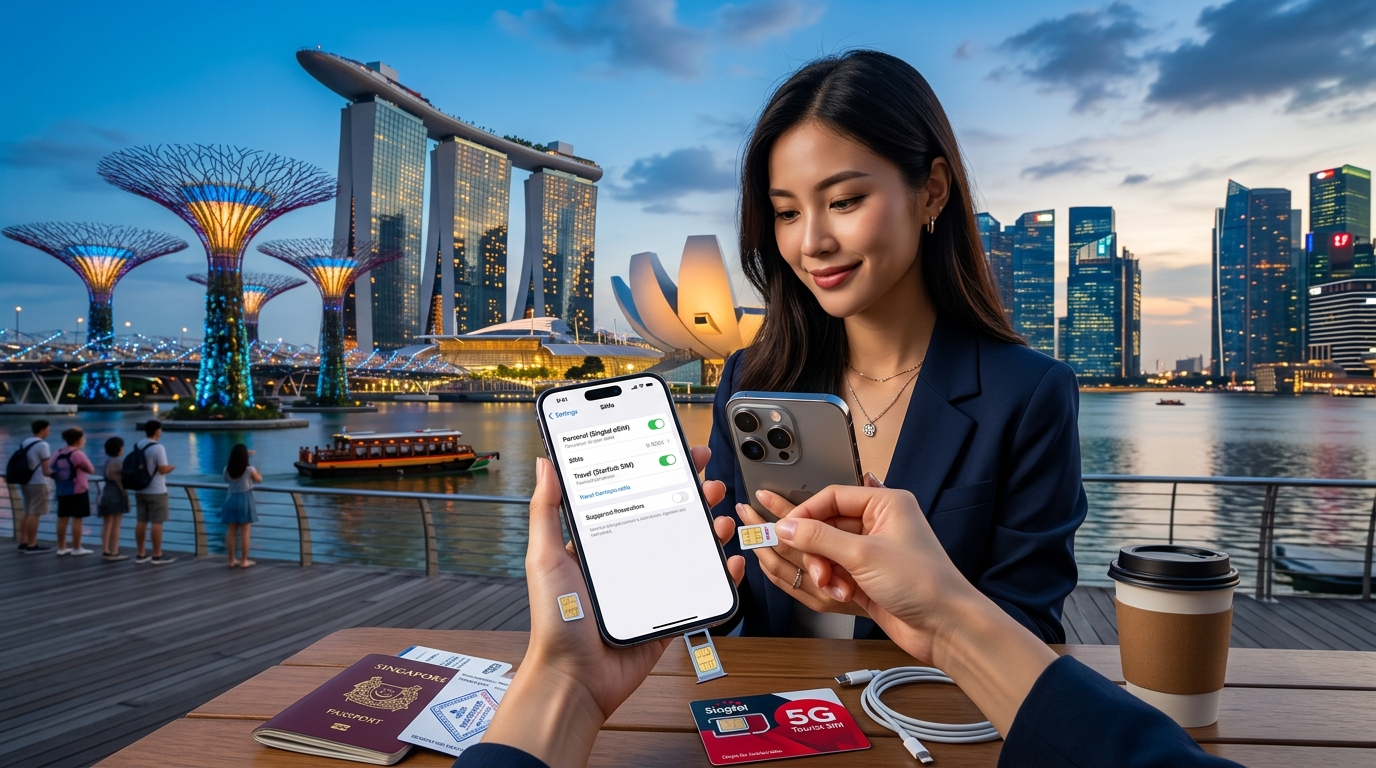
无缝连接:如何在新加坡配置双 SIM 卡
In today's hyper-connected world, staying connected while traveling is more crucial than ever. For tech-savvy travelers, configuring dual SIMs can significantly enhance connectivity, especially in a bustling metropolis like Singapore. This guide will provide a comprehensive, step-by-step process for setting up dual SIMs using eSIM technology, focusing on local operators and the advantages of using MollySIM's eSIM.
Understanding Dual SIM Technology
Dual SIM technology allows users to operate two phone numbers on a single device, making it easier to manage personal and business calls or to take advantage of local data plans while traveling. This is particularly useful in Singapore, where various mobile operators offer competitive rates and high-speed data.
What is eSIM?
An eSIM (embedded SIM) is a digital SIM that allows you to activate a cellular plan without needing a physical SIM card. This technology is increasingly popular among travelers for several reasons:
- Convenience: Easily switch between multiple carriers without needing to swap physical cards.
- Flexibility: Activate local data plans instantly upon arrival.
- Space-saving: No need for a SIM tray, allowing for sleeker device designs.
Why Choose MollySIM in Singapore?
🇸🇬 选购 新加坡 高速 eSIM & 旅游卡套餐
无需插卡开箱即用,支持热点共享,即使高速流量用尽也可维持 Google 地图/移动支付顺畅运行。
MollySIM offers a premium eSIM solution tailored for travelers, providing:
- 384kbps FUP speed: This is three times faster than typical competitors, ensuring smooth browsing and streaming.
- Flexible plans: Choose from various data packages that suit your travel needs.
- Easy activation: Simple steps to get you connected without hassle.
Setting Up Dual SIMs in Singapore
Step 1: Check Device Compatibility
Before diving into configuration, ensure that your device supports dual SIM functionality, particularly eSIM. Most recent models of iPhones and Android devices support this feature.
Compatible Devices
| Device Type | Model | eSIM Capability |
|---|---|---|
| iPhone | XR, XS, 11, 12, 13, 14 | Yes |
| Android | Google Pixel 3 and later | Yes |
| Samsung | Galaxy S20 and later | Yes |
| Huawei | P40 series and later | Yes |
Step 2: Choose a Local Operator
In Singapore, several mobile operators provide eSIM services. Here’s a quick overview:
| Operator | Plan Type | Data Allowance | Price (SGD) | Notable Features |
|---|---|---|---|---|
| Singtel | Prepaid eSIM | 5GB | 20 | Extensive coverage |
| StarHub | Prepaid eSIM | 3GB | 15 | Fast data speeds |
| M1 | Prepaid eSIM | 5GB | 18 | Flexible plans |
| MollySIM | Travel eSIM | 10GB | 25 | 384kbps speed, easy activation |
Step 3: Purchase and Activate Your eSIM
For MollySIM Users
- Visit the MollySIM Website: Navigate to MollySIM.
- Select a Plan: Choose a plan that fits your data needs.
- Purchase: Complete the payment process.
- Receive QR Code: After purchase, you will receive a QR code via email.
Step 4: Configure Your eSIM on Your Device
iPhone Configuration
- Open Settings: Go to
Settings > Cellular. - Add Cellular Plan: Tap on
Add Cellular Plan. - Scan QR Code: Use your camera to scan the QR code received from MollySIM.
- Label Your Plans: Assign labels (e.g., Personal, Business) to differentiate between SIMs.
- Set Default Line: Choose which line to use as your default for calls and messages.
Android Configuration
- Open Settings: Go to
Settings > Network & internet. - Add Mobile Plan: Tap on
+next to Mobile plans. - Scan QR Code: Use the camera to scan the QR code from MollySIM.
- Label Your Plans: Assign labels for easy identification.
- Set Default Line: Select your preferred line for calls and messages.
Step 5: Troubleshooting Common Issues
Even with straightforward steps, issues can arise. Here are some common problems and solutions:
| Issue | Possible Causes | Solutions |
|---|---|---|
| eSIM not activating | Incorrect QR code or settings | Double-check QR code and settings. Restart device. |
| No data connection | APN settings not configured | Go to Settings > Cellular > Cellular Data Options and enter the APN settings provided by MollySIM. |
| Calls not working | Incorrect default line settings | Ensure the correct line is set as default in settings. |
| Poor signal or slow speeds | Network congestion or settings | Switch between SIMs to test connectivity. Restart your device. |
Benefits of Using Dual SIMs in Singapore
Cost Efficiency
Using a local eSIM like MollySIM can save you substantial roaming charges. Here’s a comparative analysis of costs:
| Service Type | Cost (SGD) | Data Allowance | Speed |
|---|---|---|---|
| International Roaming | 50 | 1GB | Variable |
| Local Prepaid SIM | 20 | 5GB | High |
| MollySIM eSIM | 25 | 10GB | 384kbps |
Enhanced Connectivity
With dual SIMs, you can maintain a local number for easy communication while keeping your primary number active for essential calls. This is particularly useful for:
- Business Travelers: Separate business and personal communications.
- Tourists: Access local services and maps without incurring high roaming fees.
Conclusion
Configuring dual SIMs in Singapore, particularly with the innovative eSIM technology, opens up a world of seamless connectivity for travelers. By leveraging local operators like MollySIM, you can enjoy flexible plans, high-speed data, and hassle-free activation. Whether you're navigating the vibrant streets of Singapore or conducting business on the go, the benefits of dual SIM technology will enhance your travel experience.
For more information on MollySIM's offerings and to get started with your eSIM today, visit MollySIM. Enjoy your travels with the confidence of seamless connectivity!
🇸🇬 选购 新加坡 高速 eSIM & 旅游卡套餐
无需插卡开箱即用,支持热点共享,即使高速流量用尽也可维持 Google 地图/移动支付顺畅运行。