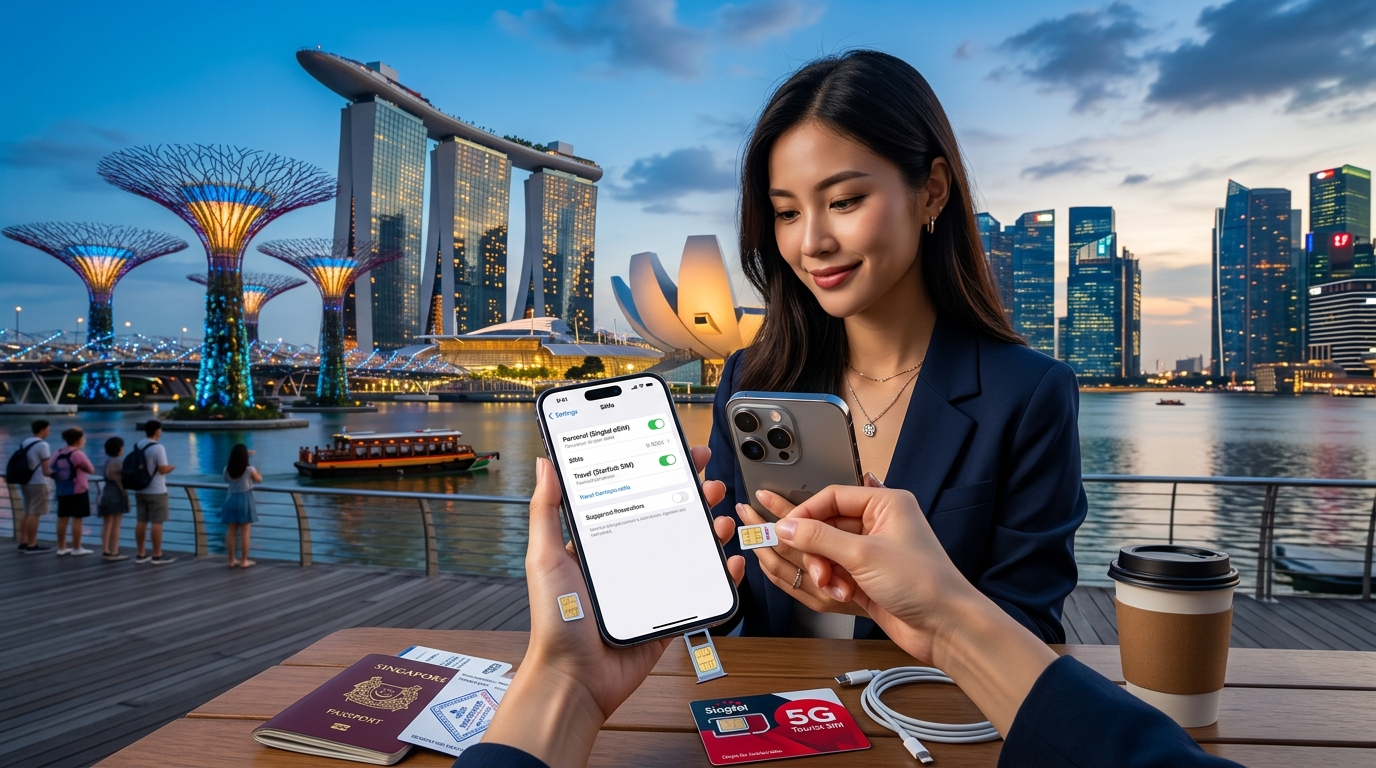
Mastering Dual SIM Configuration in Singapore: A Complete Guide
In an increasingly connected world, the ability to manage multiple SIM cards on a single device has become essential, especially for travelers. Singapore, known for its robust telecommunications infrastructure, offers a plethora of options for dual SIM configurations. This guide delves into the intricacies of setting up and optimizing both local eSIMs and physical SIM cards, focusing on major mobile operators like Singtel, StarHub, and M1. Additionally, we will explore how MollySIM eSIMs can enhance your connectivity experience while navigating the vibrant streets of Singapore.
Understanding Dual SIM Technology
Dual SIM technology allows users to operate two SIM cards simultaneously on a single device. This setup can be particularly beneficial for:
- Travelers: Maintain a local number for calls and texts while keeping your home number active.
- Business Professionals: Separate personal and work communications without needing multiple devices.
- Cost Management: Choose the best data plans from different carriers to optimize costs.
Types of Dual SIM Configurations
- Dual SIM Dual Standby (DSDS): Both SIMs can receive calls and texts, but only one can be active at a time for data.
- Dual SIM Dual Active (DSDA): Both SIMs can be active simultaneously, allowing for calls and data usage on both.
Most modern smartphones support DSDS, making it easier to manage your connectivity needs.
Leading Mobile Operators in Singapore
🇺🇸 United States High-Speed Travel eSIM & SIM Plans
Instant QR code activation, hotspot enabled, with guaranteed 384kbps fallback speed to keep Maps & Digital Wallets active.
1. Singtel
Singtel is one of the largest telecommunications providers in Singapore, offering extensive coverage and a variety of plans.
- eSIM Availability: Yes
- Physical SIM Plans: Various prepaid and postpaid options
- Data Plans: Ranges from 1GB to unlimited data
- Network Speed: Up to 1 Gbps
2. StarHub
StarHub is known for its competitive pricing and customer service.
- eSIM Availability: Yes
- Physical SIM Plans: Prepaid and postpaid options available
- Data Plans: Starting from 2GB to unlimited
- Network Speed: Up to 1 Gbps
3. M1
M1 focuses on affordability and flexibility, making it a popular choice for budget-conscious travelers.
- eSIM Availability: Yes
- Physical SIM Plans: Prepaid and postpaid options
- Data Plans: Ranges from 3GB to unlimited
- Network Speed: Up to 1 Gbps
Advantages of Using Dual SIM Setup for Travelers
Utilizing a dual SIM setup while traveling in Singapore provides several advantages:
- Cost Efficiency: Use a local eSIM for data while keeping your home SIM active for essential calls and texts.
- Flexibility: Switch between networks based on coverage and pricing.
- Seamless Connectivity: Avoid the hassle of changing SIM cards when you need to access different networks.
Compatibility of MollySIM eSIMs with Dual SIM Devices
MollySIM offers a premium eSIM solution that is compatible with most dual SIM devices. With a focus on providing high-speed data (384kbps FUP speed), MollySIM is an excellent choice for travelers looking for reliable connectivity without breaking the bank.
Key Features of MollySIM eSIMs
- No Physical SIM Required: Easy activation via QR code.
- Flexible Data Plans: Options tailored for short-term and long-term usage.
- 3x Faster Speeds: Compared to typical competitors, ensuring a smooth browsing experience.
Step-by-Step Guide to Setting Up Dual SIM Profiles
Step 1: Check Device Compatibility
Before you begin, ensure your smartphone supports dual SIM functionality. Most recent models from Apple and Android support this feature.
Step 2: Obtain Your eSIM from MollySIM
- Visit the MollySIM website.
- Choose your desired data plan.
- Complete the purchase and receive a QR code for eSIM activation.
Step 3: Setting Up the eSIM on Your Device
For iPhone Users
- Go to Settings > Cellular > Add Cellular Plan.
- Scan the QR code provided by MollySIM.
- Label your plans (e.g., "Local Data" for eSIM, "Home" for physical SIM).
- Choose your default line for calls and messages.
For Android Users
- Go to Settings > Network & internet > Mobile network.
- Tap Add carrier and scan the QR code from MollySIM.
- Name your plans accordingly.
- Set your preferred SIM for data usage.
Step 4: Managing Dual SIM Settings
- Data Usage: Go to your mobile network settings to select which SIM to use for data.
- Call Preferences: Choose which SIM to use for outgoing calls.
- Message Settings: Set default SIM for texting.
Step 5: Testing Your Configuration
Make a test call and send a text to ensure both SIMs are functioning correctly. Check your data connectivity to ensure you can access the internet seamlessly.
Troubleshooting Common Issues
- No Network Signal: Ensure both SIMs are activated and within coverage areas.
- Data Not Working: Verify that the correct SIM is selected for data usage in your settings.
- eSIM Activation Issues: Re-scan the QR code or contact MollySIM support for assistance.
Comparative Analysis of Data Plans
To help you make an informed decision, here’s a comparative table of data plans from Singtel, StarHub, M1, and MollySIM:
| Provider | Plan Type | Data Allowance | Cost (SGD) | Speed (Mbps) | eSIM Support |
|---|---|---|---|---|---|
| Singtel | Prepaid | 1GB | $15 | Up to 1,000 | Yes |
| StarHub | Prepaid | 2GB | $18 | Up to 1,000 | Yes |
| M1 | Prepaid | 3GB | $12 | Up to 1,000 | Yes |
| MollySIM | eSIM (Travel) | 5GB | $10 | 384 | Yes |
Cost Savings and Benefits
- MollySIM offers the most cost-effective solution for travelers, especially for short-term data needs.
- Local operators may provide higher data limits but at a premium price, making them less ideal for short visits.
Conclusion
Mastering dual SIM configuration in Singapore can significantly enhance your travel experience. By leveraging both a local eSIM from MollySIM and a physical SIM card, you can enjoy seamless connectivity, cost savings, and the flexibility to switch between networks as needed. With the step-by-step setup guide and insights into the leading mobile operators, you are now equipped to navigate Singapore’s vibrant landscape without missing a beat.
For further information on eSIM options and to purchase your data plan, visit MollySIM. Enjoy your travels in Singapore with the confidence of reliable connectivity!
🇺🇸 United States High-Speed Travel eSIM & SIM Plans
Instant QR code activation, hotspot enabled, with guaranteed 384kbps fallback speed to keep Maps & Digital Wallets active.