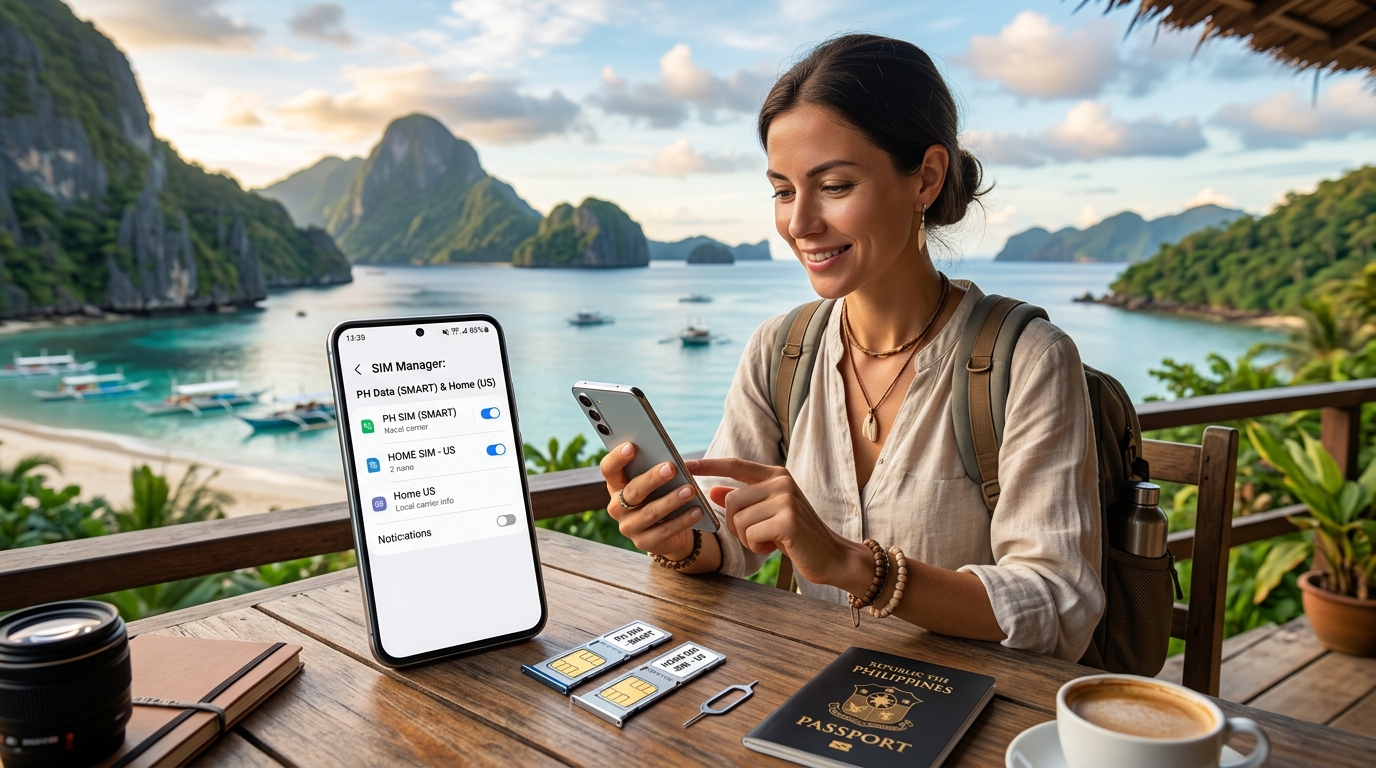
Traveling to the Philippines can be an exhilarating experience, filled with stunning landscapes, vibrant culture, and diverse culinary delights. However, staying connected while navigating this beautiful archipelago can be a challenge, especially when it comes to mobile connectivity. This is where the power of dual SIM functionality comes into play. In this comprehensive guide, we will explore how to configure your phone for dual SIM use in the Philippines, focusing on local carriers like Globe and Smart, and how solutions like MollySIM can enhance your travel experience.
Why Dual SIM for Travel?
Advantages of a Dual SIM Setup
- Cost Savings: Using a local SIM card can significantly reduce your roaming charges. With dual SIM capability, you can keep your home number active while enjoying local rates for calls and data.
- Convenience: Switch between networks easily without the need to physically swap SIM cards. This is particularly useful in areas where one carrier may have better coverage than the other.
- Flexibility: You can have one SIM for data and another for calls, or use one for personal and another for business, all on the same device.
- Enhanced Coverage: The Philippines has a diverse geography, and different carriers may offer better service in different regions. Dual SIM allows you to take advantage of this.
Understanding the Local Carriers: Globe and Smart
Before diving into the configuration process, let’s briefly look at the two primary mobile carriers in the Philippines:
Globe Telecom
- Coverage: Extensive coverage, particularly in urban areas.
- Data Plans: Offers a variety of prepaid and postpaid plans, with options for unlimited data.
- SIM Type: Supports both physical SIM and eSIM options.
Smart Communications
- Coverage: Strong presence in both urban and rural areas, often noted for better service in remote locations.
- Data Plans: Competitive pricing with various prepaid options and promotional packages.
- SIM Type: Offers physical SIMs and eSIMs as well.
Preparing Your Phone for Dual SIM Configuration
Step 1: Check Your Phone’s Compatibility
Before proceeding, ensure that your device supports dual SIM functionality. Most modern smartphones, including many Android devices and iPhones, come equipped with this feature. Here’s how to check:
- For Android:
- Go to Settings > About Phone > Model Number. Look up your model online to confirm dual SIM capability.
- For iPhone:
- iPhone XS, XS Max, XR, 11, 11 Pro, 11 Pro Max, SE (2nd generation), 12, 12 Pro, 12 Pro Max, and later models support dual SIM with one physical SIM and one eSIM.
Step 2: Obtain Local SIM Cards
Once you arrive in the Philippines, you can purchase SIM cards from various outlets, including airports, convenience stores, and carrier shops. Here’s how to get started:
- Visit a Carrier Store: Look for Globe or Smart stores in the airport or nearby shopping areas.
- Bring Identification: Some carriers require valid ID for SIM registration.
- Choose Your Plan: Decide whether you want a prepaid or postpaid plan. Prepaid is usually more convenient for travelers.
Step 3: Insert the SIM Cards
- Power Off Your Device: Always turn off your phone before inserting or removing SIM cards.
- Locate the SIM Tray: Use the SIM eject tool (usually included with your phone) to open the SIM tray.
- Insert the SIMs: Place your home SIM in the primary slot and the local SIM in the secondary slot. Ensure they are seated properly.
- Power On Your Device: Turn your phone back on and wait for it to recognize the new SIM.
Configuring Dual SIM Settings
Step 4: Access Dual SIM Settings
Once your SIM cards are inserted, you’ll need to configure their settings:
- For Android:
- Go to Settings > Network & Internet > Mobile Network.
- Tap on each SIM card to configure settings such as data usage, preferred SIM for calls, and SMS.
- For iPhone:
- Go to Settings > Cellular.
- You will see both SIMs listed. Tap on each to configure settings like Cellular Data and Default Voice Line.
Step 5: Set Up Data Preferences
Choosing which SIM to use for data is crucial, especially if you want to avoid high roaming charges:
- For Android:
- Under Mobile Network, select the SIM you want to use for mobile data. You can also set data limits for each SIM.
- For iPhone:
- In the Cellular Data section, select the SIM you want to use for data. You can also enable Allow Cellular Data Switching for seamless transitions.
Cost Comparison: Local SIM vs. Roaming
| Feature | Local SIM (Globe/Smart) | Roaming (Home Carrier) |
|---|---|---|
| Cost per GB | $1.00 | $10.00 |
| Call Rates | $0.10/min | $1.50/min |
| SMS Charges | $0.05/SMS | $0.50/SMS |
| Activation Fees | Free | $30.00 |
| Coverage | Excellent in urban areas, varies in rural | Varies by country |
Note: Prices are indicative and may vary based on promotions and plans.
Enhancing Your Experience with MollySIM
While local SIM cards offer significant advantages, MollySIM provides an innovative alternative for travelers. Here’s how MollySIM can enhance your connectivity:
What is MollySIM?
MollySIM is a premium eSIM solution designed for travelers, offering seamless connectivity without the hassle of physical SIM cards. With MollySIM, you can enjoy:
- 384kbps FUP Speed: This is three times faster than typical competitors, ensuring a smooth browsing experience.
- No Physical SIM Required: Simply scan a QR code to activate your eSIM.
- Flexible Data Plans: Choose from various data packages that suit your travel needs.
How to Use MollySIM
- Purchase a Plan: Visit MollySIM to select a data plan that fits your travel itinerary.
- Receive QR Code: After purchase, you will receive a QR code via email.
- Activate the eSIM:
- For Android:
- Go to Settings > Network & Internet > Mobile Network > Add Carrier.
- Scan the QR code.
- For iPhone:
- Go to Settings > Cellular > Add Cellular Plan.
- Scan the QR code.
Benefits of Using MollySIM
- Seamless Transition: Easily switch between your local SIM and MollySIM for data, ensuring you always have the best connectivity.
- Cost-Effective: Save on data costs compared to traditional roaming.
- Instant Activation: No need to visit a store or wait for a physical SIM card.
Troubleshooting Common Dual SIM Issues
Issue 1: No Network Signal
- Solution: Ensure both SIM cards are correctly inserted and activated. Check if the carrier settings are updated.
Issue 2: Data Not Working on Local SIM
- Solution: Go to your mobile network settings and ensure the local SIM is set as your preferred data SIM.
Issue 3: Difficulty Switching Between SIMs
- Solution: Check your settings to ensure that the option to switch between SIMs is enabled. Restart your phone if necessary.
Conclusion
Traveling in the Philippines can be a rewarding experience, and configuring your phone for dual SIM functionality is a crucial step to ensure seamless connectivity. By using local carriers like Globe and Smart, you can save significantly on roaming charges while enjoying the flexibility of dual SIM capabilities. Moreover, solutions like MollySIM provide an innovative way to enhance your mobile experience, offering fast and reliable data without the hassle of physical SIM cards.
With this guide, you are now equipped to master dual SIM configuration and make the most of your travels in the Philippines. Stay connected, explore freely, and enjoy every moment of your adventure!