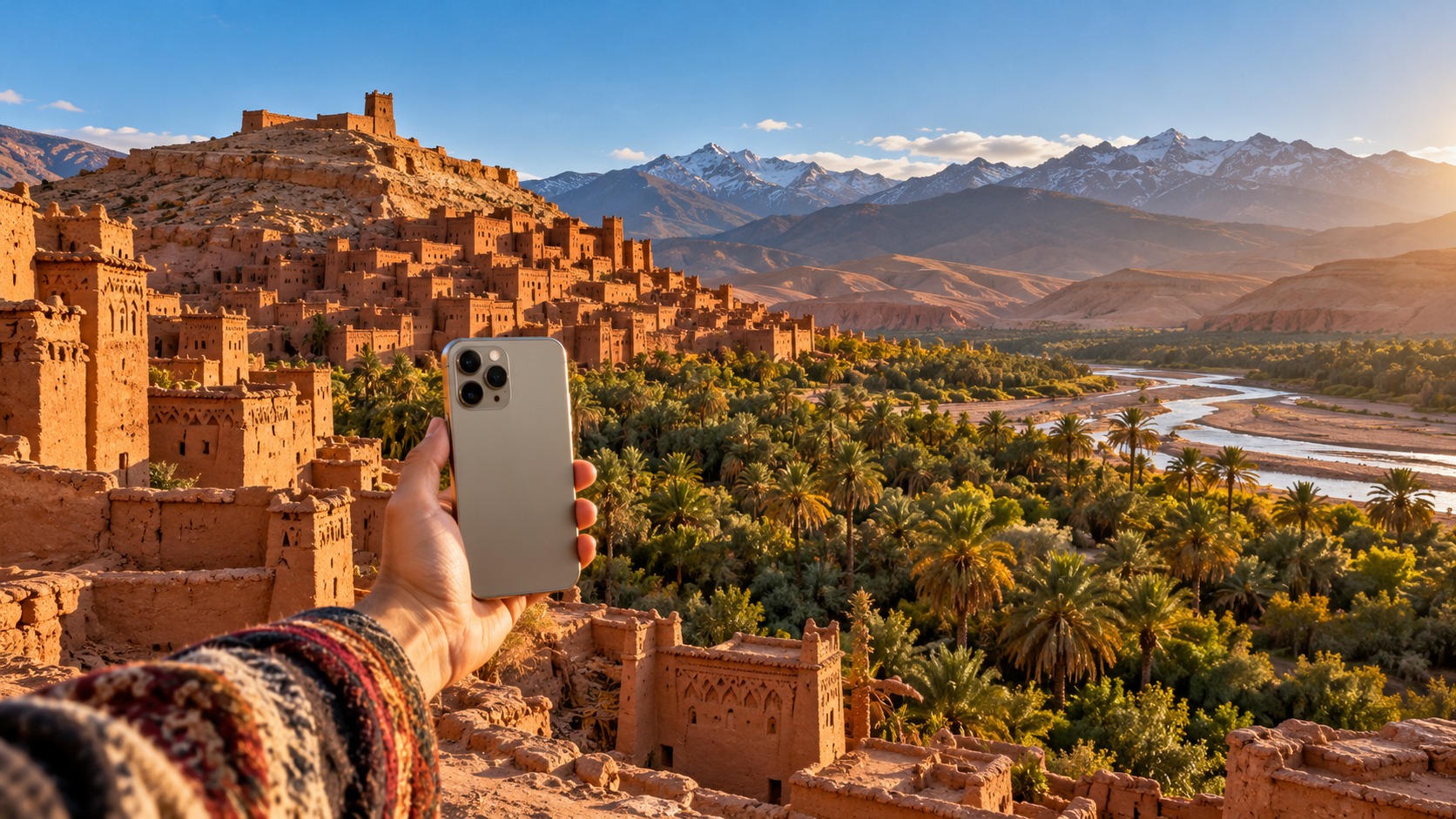
Morocco eSIM for travellers: what to expect
A Morocco eSIM for travellers gives you a way to arrange mobile data before a trip and connect after landing, while leaving your home SIM in the phone for its calls and messages. A modern eSIM phone can install a Morocco data plan before departure and connect on arrival. MollySIM travel eSIMs arrive by email as an activation QR code, usually within minutes of payment, so there is no card to collect or shipment to wait for.
Morocco's mobile networks include Maroc Telecom, inwi and Orange MA. A visitor's practical decision is less about memorising carrier names and more about choosing how to get online: a data-only travel eSIM, a local prepaid SIM, or roaming on a home-carrier plan. The best eSIM for Morocco is the plan shape that fits your trip, your compatible phone, and how much mobile data you expect to use.
You can browse Morocco eSIM plans before you travel. If your itinerary crosses borders, compare them with regional and global eSIM plans. All MollySIM plans are prepaid with no contract. The choice is mainly about convenience, how you want to manage your number, and the allowance you need.
Morocco eSIM for travellers: compare the three ways to connect
🇲🇦 Morocco High-Speed Travel eSIM & SIM Plans
Instant QR code activation, hotspot enabled, with guaranteed 384kbps fallback speed to keep Maps & Digital Wallets active.
Each option solves a slightly different problem. A travel eSIM is designed around getting data on the trip. A local prepaid SIM may suit someone who wants a local card. Home-carrier roaming keeps the existing line as the connection, with the price and allowance determined by that carrier's plan. Airport purchase is a possible way to obtain a local SIM, but compare the offer and setup details with an eSIM before deciding; there is no single airport price to use as a benchmark.
| Option | What you use | Main advantage | Trade-off to consider |
|---|---|---|---|
| Data-only travel eSIM | A separate Morocco data plan alongside your home SIM | Arrange it before departure; use the QR code to install it and set it as the data line | It supplies data rather than a new local voice number |
| Local prepaid SIM | A physical local SIM, or an eSIM version where offered | A local SIM option for someone who wants to use a local line | You need to obtain and set up that SIM, and compare its allowance and terms |
| Home-carrier roaming | Your existing mobile plan abroad | Keep using your home line and its normal number | The roaming allowance and charges depend on your home plan |
For a cost comparison, compare what each option includes rather than looking only at its headline price. Check the data allowance and validity, whether calls or texts are part of the plan, and whether the plan works in the places on your itinerary. A travel eSIM can make the data cost easier to identify in advance. A local prepaid offer may bundle services that a data-only plan does not. Roaming can be convenient, but its cost depends on your home carrier. Those differences are why a Morocco roaming cost comparison should use your own home-plan terms and the specific prepaid offer in front of you.
If your priority is to keep receiving messages on your usual number, use the home SIM for that line and assign mobile data to the travel eSIM. For more on the trade-offs between data-only and voice/SMS plans, read data-only vs voice and SMS. If you depend on bank codes, this guide to a US number for bank verification explains the separate number question.
Estimate your Morocco prepaid data for tourists
A typical short trip uses 1–3 GB per week for maps, messaging and light browsing. If you use video heavily, plan for more. This is a practical starting point, not a fixed allowance for every traveller: your actual use depends on how often you open apps, whether you stream, and whether you connect to Wi-Fi when available. See how much data you need for a week for a broader planning method.
| Use pattern | Relative data demand | Planning note |
|---|---|---|
| Maps and directions | Part of the typical short-trip range | Navigation and map lookups are among the uses covered by the 1–3 GB weekly guide |
| Messaging and light browsing | Part of the typical short-trip range | Text-based communication and ordinary browsing fit the light-use example |
| Ride-hailing and trip coordination | Variable | App use depends on how often you request rides, load maps and exchange messages |
| QR payments | Useful even on a reduced-speed connection | MollySIM's 384 kbps fair-use speed is described as enough for QR payments |
| Heavy video use | Higher than light-use travel | The weekly guide calls for more data when you watch video heavily |
The table intentionally groups apps by use instead of assigning exact megabytes to each tap. For planning, think about whether you will stream video over cellular, upload large files, or repeatedly refresh maps. Those habits can change your allowance needs more than a quick message or payment. If you expect mostly directions, messages, email and light browsing, use the typical weekly range as a starting point and multiply it by the length of your trip. Add room if video is part of your regular routine.
MollySIM's travel eSIM fair-use policy keeps data working at 384 kbps after the high-speed allowance has been used. That reduced speed is enough for maps, messaging, email and QR payments. It is not the same experience as using the high-speed allowance, so plan around the higher-speed data for heavier tasks and keep the lower-speed connection for essentials after that allowance runs out.
Install before you fly, then connect after landing
Installing the profile before departure lets you avoid doing the initial setup while tired or looking for a connection. You will need an eSIM-compatible phone and access to the QR code sent by email. Keep the email available on another screen or print the QR code if your phone cannot scan a code displayed on itself.
- Check the phone and plan. Confirm that your phone supports eSIM and that you selected a Morocco plan. Keep the QR email accessible.
- Add the eSIM profile. Open the phone's cellular or mobile network settings and choose the option to add an eSIM. Scan the QR code and follow the phone's prompts to install the profile.
- Label the lines. Give the travel line a clear label such as “Morocco data.” Keep your home line identifiable so it is easy to choose the correct one for calls and messages.
- Choose the data line. Set the Morocco eSIM as the mobile-data line when you are ready to use it. Keep the home SIM active if you want to continue using its number for calls and SMS.
- Connect on arrival. When you land, confirm that the travel eSIM is enabled and selected for data. Allow it to register on a local network. If data does not start, check the plan's installation instructions, data-line selection, and any APN settings specified for that plan.
On iPhone, these controls are in Settings under the cellular/mobile service area; Android labels vary by manufacturer, but look in Settings for SIMs or mobile network. The exact wording can differ, while the basic tasks stay the same: add the profile, enable the line, and select it for data. Avoid removing or changing the home line if you need it to remain available for your own number.
Roaming toggles deserve attention. An eSIM plan may require data roaming to be enabled on its travel line to connect abroad; follow the activation instructions for the plan you bought. If your home line is active too, review its roaming setting separately so you understand which line is carrying data. Selecting the correct data SIM is the key control: otherwise the phone can use the home line when you intended to use the travel plan.
If you are not online after installation, work through a short sequence. Confirm the Morocco eSIM is turned on, confirm it is the selected data line, and check that cellular data is enabled. Then review the plan instructions for any APN entry or roaming setting. Recheck that the phone has connected to a network. These steps isolate setup issues without changing the number you use for ordinary calls and texts.
Keep your home number while using Morocco data
An eSIM runs alongside your existing SIM in a dual-SIM phone. Your home number can stay available for calls and SMS while mobile data runs on the MollySIM plan. That is useful when friends, family, work contacts or account services still contact your usual number. The eSIM adds a data connection; it does not replace your number.
Before departure, decide which line handles each function. Set the travel eSIM as the mobile-data line. Keep the home line available for voice and SMS if those services matter to you. The phone may offer a setting to choose a default line for outgoing calls or messages; check it before you travel so you do not assume that data selection also changes the voice line.
Using the home SIM for calls or texts abroad can have separate conditions under your home carrier's plan. The travel eSIM's data allowance does not change those terms. If keeping a US number active for verification is central to your setup, review the US number guide and the Wi-Fi Calling guide for eSIM travellers. These explain why number access and travel data are related but separate parts of the setup.
What to check when comparing the best eSIM for Morocco
A useful comparison starts with the itinerary and the way you use your phone. Check that the plan is for Morocco, note its allowance and validity, and see whether it covers only data or also voice and SMS. If your trip includes another country, look at a regional option as well as a Morocco-specific plan. A single-country plan can be simpler for one destination; a regional plan may fit a multi-country route.
Then check the device and setup details. Your phone must support eSIM. You should be able to access the QR code during installation, and you should know where to select the data line and enable any required roaming setting. If you have never used dual SIM, practice identifying the home and travel lines before departure. This reduces the chance of leaving the wrong line selected after landing.
Finally, compare price with the allowance and the way you intend to use it. Do not compare a data-only eSIM directly with a local SIM bundle as though they include the same services. Do not assume that a home roaming price applies to every traveller. For Morocco prepaid data for tourists, the useful question is how much data you need, how long it must last, and whether the plan's setup fits your phone.
Frequently Asked Questions
Does an eSIM work in Morocco?
Yes. A modern eSIM-compatible phone can install a Morocco data plan before departure and connect after you arrive. Install the profile using its QR code, then select it as your data line.
How much data do I need for Morocco?
For a typical short trip, plan around 1–3 GB per week for maps, messaging and light browsing. Heavy video use needs more. If your use is mostly maps and messages, that range is a reasonable starting point; increase your allowance for regular video or other heavier activity.
Can I keep my own number active?
Yes. A travel eSIM works alongside your home SIM, so your home number can remain available for calls and messages while data uses the Morocco plan. Your home carrier's terms still apply to that line.
What if I use all of the high-speed data?
With MollySIM's travel eSIM fair-use policy, data continues at 384 kbps after the high-speed allowance is used. That speed is enough for maps, messaging, email and QR payments. Heavy video is not the use case described for that reduced-speed connection.
SEO Score: 10/11
🇲🇦 Morocco High-Speed Travel eSIM & SIM Plans
Instant QR code activation, hotspot enabled, with guaranteed 384kbps fallback speed to keep Maps & Digital Wallets active.