How to Top Up and Set Up Auto-Renewal in the MollySIM App (2026 Guide)
How to Top Up and Set Up Auto-Renewal in the MollySIM App
What decides how long your T-Mobile US number or Giffgaff UK SIM stays alive is rarely the day you activate it — it is every renewal after that. Once a number lapses and the carrier recycles it, it is effectively gone, and along with it the bank SMS codes, WhatsApp and Google verifications tied to that number.
This guide covers one thing precisely: how to top up inside the MollySIM app, how much to top up, and how to let it renew itself without you remembering it every month. Every step matches the real in-app flow.
1. Two different kinds of "top-up"
🇺🇸 T-Mobile US Prepaid SIM High-Speed Travel eSIM & SIM Plans
Instant QR code activation, hotspot enabled, with guaranteed 384kbps fallback speed to keep Maps & Digital Wallets active.
The app has two top-up paths with different purposes. Most customers end up using both.
| Wallet top-up (balance) | Number top-up (renewal) | |
|---|---|---|
| Where the money goes | Your MollySIM account balance (store credit) | Straight onto a specific phone number |
| What it is for | Paying for orders, renewals, auto-renewal charges | Adding credit / extending a number's validity |
| Payment methods | Card, Apple Pay, Alipay, WeChat Pay | Same |
| Arrival time | Instant | T-Mobile: usually minutes; Giffgaff: within ~24 hours |
1.1 Wallet top-up (start here)
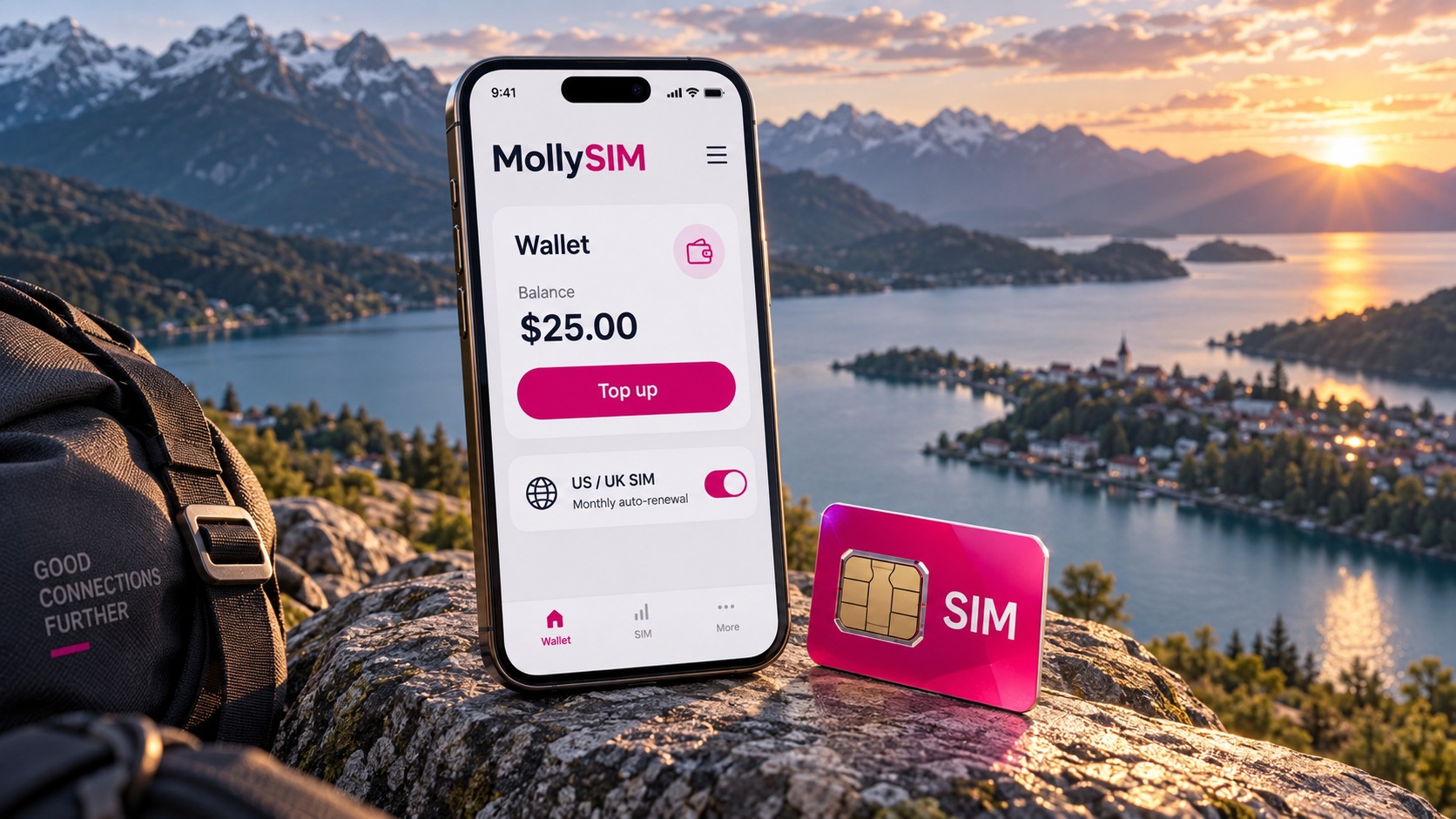
Path: App home → Me → Wallet → Top up, pick an amount, pay. The balance appears immediately.
Available tiers and bonus points:
| Amount | Bonus points | Label |
|---|---|---|
| $10 | — | Standard |
| $20 | 100 points | Starter |
| $50 | 250 points | Popular |
| $100 | 600 points | Best Value |
| $200 | 1200 points | VIP Deluxe |
Two things worth remembering:
- Points are money: 100 points = $2 USD off your orders.
- Validity: top-up balance is valid for 365 days; bonus points expire in 90 days, so don't leave them unused.
Because auto-renewal charges your wallet balance, keeping the wallet funded is what makes auto-renewal reliable.
1.2 Number top-up (renewing a specific number)
Path: App → Top up → choose country → choose carrier → enter the number → choose the amount → pay.
Typical denominations (prices include the MollySIM service fee; the app always shows the final amount):
| Carrier | Denomination | You pay |
|---|---|---|
| Giffgaff (UK) | £10 credit | $14.49 (incl. $1.50 service fee) |
| Giffgaff (UK) | £15 credit | $20.99 |
| T-Mobile US | $10 credit | $11.99 ($10 credit + $1.99 service fee) |
Top-ups are per number, so double-check the country code before you pay (UK +44, US +1). Every top-up is recorded as an order with its fee and status, visible any time in the app.
2. Set up auto-renewal once, stop worrying monthly
This is the part that matters. The real risk to a number is not cost — it is forgetting.
Steps: App → Orders / number detail → select the number → Auto-renewal → choose plan or amount → confirm the billing day → enable.
Three things you confirm on that screen:
- Renewal amount — for example
$5.75 = $5.00 plan + 15% managed-service fee. The fee covers manual top-up handling, operations and risk control, and it is itemised in the app, never buried in the total. - Billing day — defaults to the day you enabled it; the charge recurs on the same day each month.
- Funding source — your MollySIM wallet balance.
On the billing day the system charges the balance, performs the top-up automatically, and creates a top-up order, so every automatic renewal leaves a visible record. There is no "money taken, nothing delivered" black box.
Subscription states
| State | Meaning | What to do |
|---|---|---|
| Active | Auto-renewal running normally | Keep the balance funded |
| Paused | You paused it | Resume or top up manually before expiry |
| Insufficient funds | Balance too low; the charge was not executed | Top up soon — the system emails and pushes you |
| Cancelled | You cancelled the subscription | The number will lapse and may be recycled |
What happens when the balance is short?
It never fails silently. If the balance cannot cover the charge:
- the subscription moves to insufficient funds and the renewal is not executed;
- you get an email + app push immediately;
- reminders repeat every 7 days, and escalate to urgent 3 days before expiry.
In other words, you will not lose a number without being told. The fix is simple: top up the wallet, then top up manually or switch auto-renewal back on.
3. Even without auto-renewal, mind the keep-alive window
Some numbers — especially US numbers kept for receiving SMS — require activity every 90 or 180 days regardless of plan status, or the carrier recycles them. The app tracks this for you:
| Number type | Keep-alive window | Suggested action |
|---|---|---|
| T-Mobile US | 90 days | Top up or send an SMS |
| MollySIM numbers | 180 days | Send an SMS |
| Giffgaff / CSL etc. | 180 days | Top up or send an SMS |
Reminders fire 7 days before and on the day it is due (email + app push). With auto-renewal enabled, one monthly charge normally covers both renewal and keep-alive.
4. FAQ
Q1: Can I withdraw my wallet balance? The balance is for in-app use (top-ups and renewals). If you need special assistance, contact support — refund requests are reviewed by a human agent.
Q2: Will auto-renewal charge me twice in a month? No. Each subscription charges once per billing day and leaves one order record.
Q3: Why is there a "managed-service fee"? Manual top-ups and risk control are involved for several carriers. The fee covers exactly that, is listed line by line, and the percentage is fixed (15% on plan renewals).
Q4: Which payment methods are supported? Card (Visa / Mastercard / Amex), Apple Pay, Alipay and WeChat Pay, selectable in the app.
Q5: How fast does a top-up arrive? Wallet top-ups are instant. Number top-ups: T-Mobile usually within minutes, Giffgaff within ~24 hours.
Q6: Can I change number or plan? Yes — cancel the current subscription in the number detail screen and enable auto-renewal for the new number or plan; the two are independent.
Q7: How do I confirm a top-up went through? Every top-up and renewal creates an order with its amount and status, viewable in the app.
5. Three-minute checklist
- Open the app → Me → Wallet and make sure the balance covers next month (plan price + 15% fee).
- Open the number detail → enable auto-renewal and confirm the billing day.
- Note the keep-alive window (T-Mobile 90 days / others 180 days).
- Allow app notifications so you never miss an "insufficient funds" alert.
- Check your orders whenever you want to audit a charge.
Do those five things once and your number goes from "a monthly chore" to "set and forget".
🇺🇸 T-Mobile US Prepaid SIM High-Speed Travel eSIM & SIM Plans
Instant QR code activation, hotspot enabled, with guaranteed 384kbps fallback speed to keep Maps & Digital Wallets active.