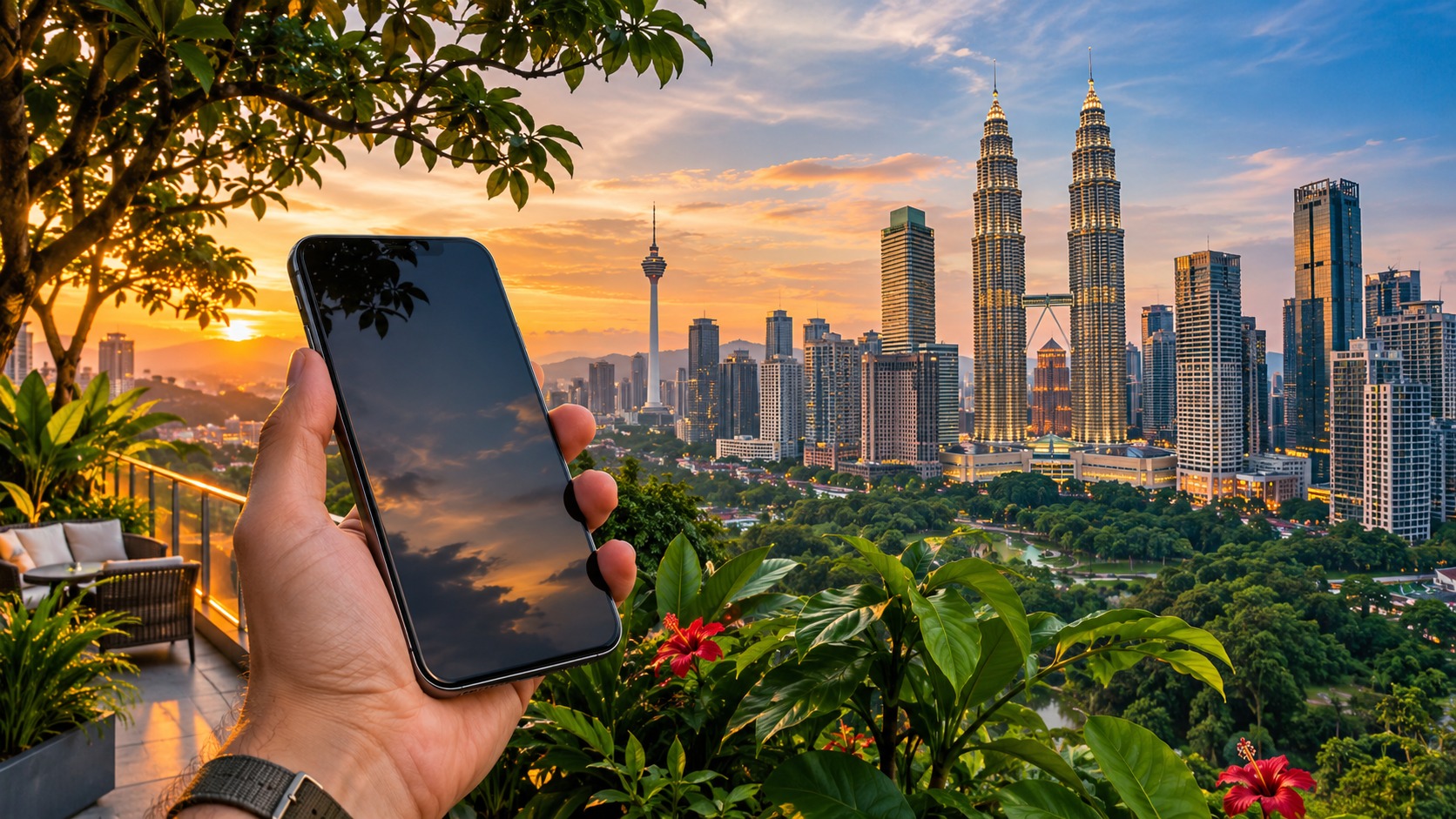
Your Malaysia eSIM hotspot plan can keep a laptop or tablet online when you leave hotel Wi-Fi, but tethering rules vary by offer. Before buying, confirm that the specific plan permits hotspot use and whether tethered devices draw from the same allowance as your phone. Then compare the high-speed data amount, validity period, top-up options and what happens when that data is used.
That last detail matters if you are working between Kuala Lumpur and Penang, navigating after landing at Kuala Lumpur International Airport, or continuing to Kota Kinabalu in Malaysian Borneo. A phone may still have basic connectivity after high-speed data is consumed, but that does not mean a laptop video call will keep working well. Treat the plan’s stated rules as part of your setup, not as fine print to read after you arrive.
Malaysia eSIM hotspot: check the plan before you buy
Hotspot is a feature of the plan, not a guarantee that comes with every eSIM. Look for an explicit statement that tethering or personal hotspot is allowed. Also check whether hotspot traffic uses the same data allowance as phone traffic, whether a separate hotspot allowance applies, and whether any speed limit or other condition applies to tethering.
If the plan allows tethering from its main allowance, your laptop’s downloads and your phone’s maps share that pool. Some offers may treat hotspot data differently, so don’t assume the phone’s allowance automatically describes what a connected device can use. MollySIM’s Malaysia eSIM plans with data details are the place to compare the plan description with the tasks you need to do.
Think through the devices before you choose. A tablet used for reading and messages is a different load from a laptop downloading work files or joining video calls. A companion’s phone may also use data for photo backups and app updates without anyone actively opening an app. If more than one device will connect, make sure both the tethering terms and allowance fit that pattern.
Choose a data shape for your Malaysia eSIM hotspot
🇲🇾 Malaysia High-Speed Travel eSIM & SIM Plans
Instant QR code activation, hotspot enabled, with guaranteed 384kbps fallback speed to keep Maps & Digital Wallets active.
The right option depends on which connection you need to provide and how much flexibility you want. A travel eSIM is delivered by email as an activation QR code, usually within minutes of payment, and nothing ships. It runs alongside your existing SIM, so you can keep your own number for calls and SMS while choosing the travel eSIM for mobile data. All MollySIM plans are prepaid with no contract.
| Connection type | What it is useful for | What to check before relying on a hotspot |
|---|---|---|
| Data-only travel eSIM | Mobile data on your phone, with tethering if the specific plan permits it | Hotspot permission, shared or separate allowance, validity, top-up choices and the post-allowance rule |
| Local prepaid SIM | A local mobile service option for a longer or locally focused stay | Whether the product supports tethering, its registration or activation steps, allowance and expiry terms |
| Home-carrier roaming | Keeping your existing mobile service available abroad | Roaming charges or pass terms, tethering conditions, high-speed limit and what happens when that limit is reached |
These are different plan shapes, not interchangeable guarantees. A local prepaid SIM can have its own purchase and activation requirements, and home-carrier roaming can have terms separate from your usual domestic plan. Compare the total amount of high-speed data you can actually use, the validity window and the rules for connected devices. Don’t choose only by the headline allowance.
Malaysia eSIM data limit and fair use
A plan’s data limit describes the allowance or fair-use threshold in its terms. The action after that threshold depends on the offer: service may slow, stop, or require a top-up. Check this before purchase, especially if your laptop is part of your work setup. A plan that keeps basic phone functions available at reduced speed may still be unsuitable for sustained tethering.
MollySIM’s travel eSIM fair-use policy says that after the high-speed allowance is used, data continues at 384 kbps. That fallback can support maps, messaging, email and QR payments. It is useful for essential light tasks when you are out, but it is not suited to demanding hotspot work. A laptop video call, large download or cloud backup can become frustrating at reduced speed. The policy applies to MollySIM travel eSIMs; check the specific Malaysia offer for its allowance, validity and terms.
| Use pattern | What may happen to data use | Practical plan check |
|---|---|---|
| Maps, messaging and email on your phone | Light tasks may continue after a high-speed allowance is consumed if the plan keeps data active | Confirm whether reduced-speed data continues and what speed the offer states |
| Laptop tethering for video calls or file transfers | Connected devices can use data more heavily, especially when calls or transfers run for a while | Confirm tethering permission, shared allowance and the after-allowance rule |
| Background updates and photo or file sync | Devices may transfer data while you are focused on another task | Pause automatic downloads and sync when using a limited connection |
| QR payments and essential lookups | Small, time-sensitive tasks may remain useful on a basic connection | Keep enough data headroom for arrival and everyday essentials |
This table describes task types, not guaranteed data quantities. Actual use depends on apps, device settings, call quality and what the connected device is doing. Video calls are particularly easy to underestimate because the computer may also synchronize files or install updates in the background.
Malaysia eSIM top up options and validity
Top-up choices are specific to the plan. Some plans may let you add data; others may require a new plan or may stop providing data when the allowance runs out. The validity period matters too: an allowance that looks adequate can be a poor fit if the plan expires before the end of your trip, while a long-validity plan may suit a different travel pattern. Compare both details on the offer before paying.
Write down the answers to four questions before you buy: how much high-speed data is included, how long it remains valid, whether you can add data after using it, and what happens while you decide or arrange a top-up. If a plan says service continues at reduced speed, check whether that mode can handle only basic tasks or the tethering you expect. If it says service stops, make sure you have another way to get online long enough to arrange more data.
For a working trip, leave room for unexpected use rather than assigning the whole allowance to planned calls. Background updates can run as soon as a laptop connects to a hotspot. Video meetings can also consume more data than a short message exchange, especially when you keep the camera on or share a screen. Set devices to avoid automatic system and app downloads over mobile data, and use Wi-Fi for large uploads when it is available.
Install, select and monitor your hotspot connection
MollySIM travel eSIMs arrive by email as an activation QR code, usually within minutes of payment. Install it while you have a reliable internet connection and keep the QR email accessible until setup is complete. The exact menu names differ between phone models, but the flow is straightforward:
- Open your phone’s cellular or mobile network settings and add an eSIM using the emailed QR code.
- Label the new line so you can identify it as your Malaysia data line.
- Keep your existing line enabled if you want to retain your own number for calls and SMS, and select the Malaysia eSIM as the mobile data line.
- Turn on the phone’s personal hotspot setting when you need to connect a laptop, tablet or companion’s phone.
- On each connected device, select your phone’s hotspot network and confirm that it has internet access.
- Check the phone’s data-usage screen and the connected device’s network settings during the trip. Reset or note the usage counter when you start using the plan so the change is easier to spot.
A device’s counter may not match the carrier’s accounting exactly, so use it as a warning signal rather than a billing record. Check usage after a video call, operating-system update or large file transfer. When tethering, you can also disconnect devices that do not need to remain online. This helps prevent a second device from consuming data in the background while you are using the phone for navigation.
Networks and route planning in Malaysia
Malaysia travel eSIM plans may connect through Maxis, Celcom or Digi, depending on the offer. Coverage can differ between city centres, rural routes and travel in Malaysian Borneo. Kuala Lumpur, Penang and Kota Kinabalu are useful examples of distinct stops to consider when you check the network and coverage information for your route; do not assume one network experience describes every part of the trip.
If you arrive at Kuala Lumpur International Airport and need data for directions or a ride-hailing app, confirm before departure that the plan is ready to use and know which line is selected for mobile data. If your itinerary continues beyond the city, check the plan details against those destinations as well. For travel to Sabah or Sarawak, ask whether the offer’s stated coverage fits the places you plan to visit in Borneo.
Signal strength can also change with the place you are standing and the network available there. A hotspot that works well in a city hotel may perform differently on a rural drive or in a more remote area. Keep a copy of essential travel details available offline, and avoid scheduling an important laptop call on the assumption that every stop will provide the same signal or speed.
Keep tethered data predictable
Start with the phone’s own data before sharing it, then enable the hotspot only for devices that need access. On a laptop, mark the hotspot connection as metered if that setting is available, and pause operating-system updates, cloud drives and photo libraries while on mobile data. Turn off automatic video playback in apps where you can. These changes reduce background transfers; they do not change the plan’s hotspot terms or its allowance.
For a tablet or second phone, check whether automatic app updates and photo backups are enabled. A device can use the hotspot even when its owner is not actively browsing. Disconnect it when it is idle, particularly if you are close to the high-speed allowance. If work depends on stable video calls or large uploads, plan to use fixed Wi-Fi for those tasks where available and reserve mobile data for travel and shorter connection needs.
MollySIM’s travel eSIM setup and data tips can help with general setup planning. For Malaysia, the product-specific plan description should answer the tethering, validity, allowance and top-up questions. If any of those details determine whether your laptop can stay online, settle them before travel instead of relying on the phone’s hotspot switch alone.
Frequently Asked Questions
Can I use my Malaysia eSIM as a hotspot?
It depends on the specific plan. Confirm that it permits tethering and check whether hotspot use draws from the main allowance or a separate one. The phone’s hotspot setting may be available even when the plan’s terms limit or exclude tethering, so verify the offer before you buy.
Which networks may a Malaysia travel eSIM use?
Depending on the offer, it may connect through Maxis, Celcom or Digi. Coverage can vary between cities, rural areas and trips to Malaysian Borneo. Check the plan details for the places on your route rather than assuming the same coverage everywhere.
What happens when I use all my high-speed data in Malaysia?
The result depends on the plan. Data may slow, stop, or require a top-up. Read the fair-use and after-allowance terms before purchase. MollySIM travel eSIMs continue at 384 kbps after high-speed data is used, which is useful for basic connectivity but not demanding laptop hotspot tasks.
What should I check before tethering a laptop?
Confirm that the plan allows tethering, whether it shares the phone’s allowance, how long the plan remains valid, and what top-up or reduced-speed options apply. Then pause background updates and file sync on the laptop. Those settings help you control data use, but they do not replace checking the plan’s rules.
SEO Score: 11/11
🇲🇾 Malaysia High-Speed Travel eSIM & SIM Plans
Instant QR code activation, hotspot enabled, with guaranteed 384kbps fallback speed to keep Maps & Digital Wallets active.