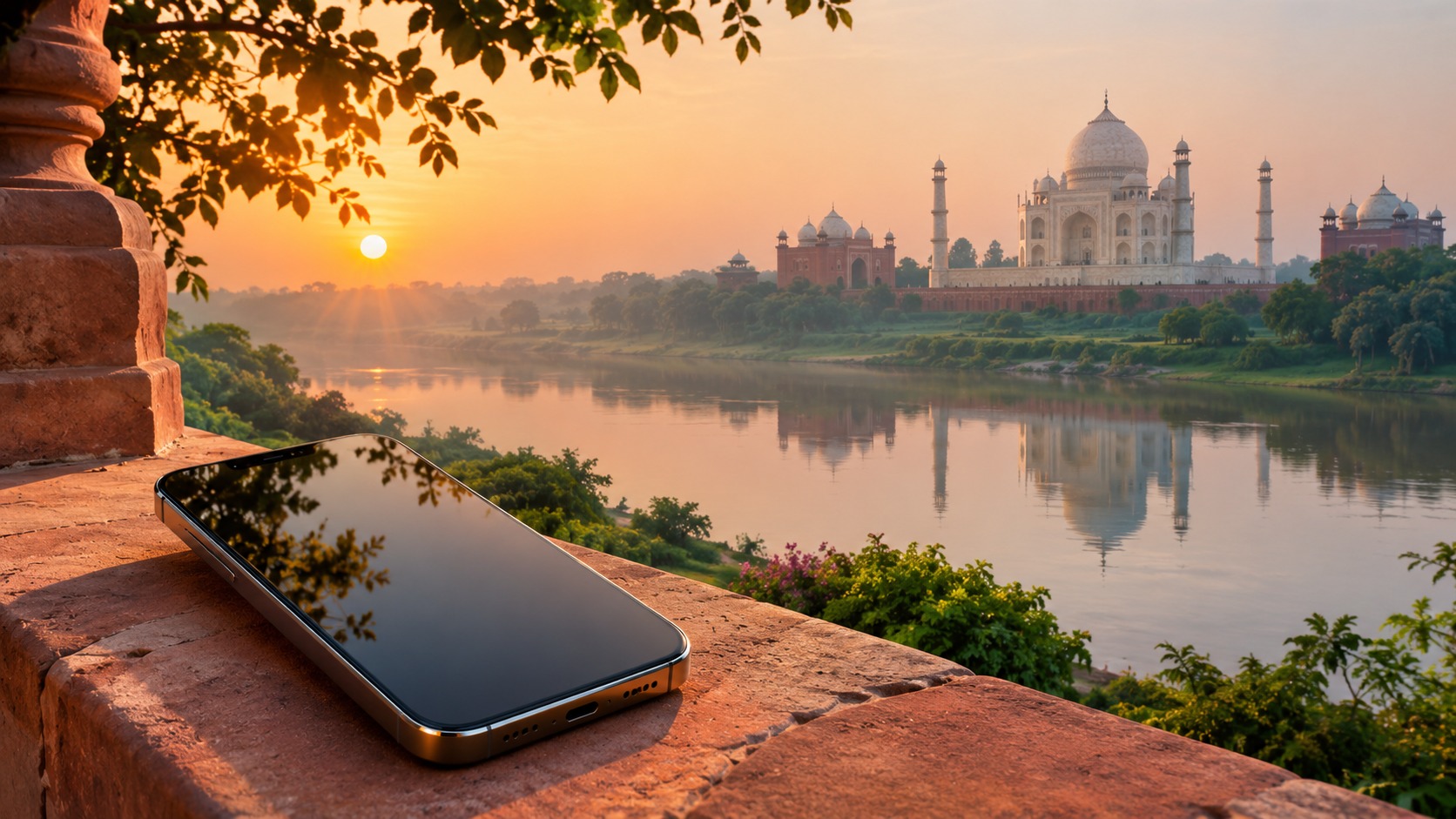
India eSIM activation starts before you travel
India eSIM activation is easier to manage when you check the phone, plan, and identity steps before departure. An eSIM is a digital SIM profile installed on a compatible phone. It does not make every phone eSIM-capable, and a device that is locked to a home carrier may not accept another provider's profile. Confirm both points before you buy.
Next, read the plan's own setup instructions. Providers may differ in how they deliver a QR code, when a profile should be installed, what identity verification they require, and when plan validity begins. Treat those as plan-specific details, not as a single rule for every visitor to India. If you are comparing offers, review the allowance, validity period, hotspot support, network access, and support route together. A large data allowance is not useful if the plan expires before your trip ends or does not fit your device.
India's local mobile network names include Jio, Airtel, and Vi. Coverage and service can vary by location and plan, so a network name alone is not a guarantee of service at every stop. For a trip that begins at an airport and continues into other cities or regions, read the provider's coverage and network details for the places on your itinerary.
Check whether your phone can use an India eSIM
🇮🇳 India High-Speed Travel eSIM & SIM Plans
Instant QR code activation, hotspot enabled, with guaranteed 384kbps fallback speed to keep Maps & Digital Wallets active.
Before asking “will my India eSIM work with my phone,” check two independent things: eSIM support and whether it has a SIM restriction. Look up your exact phone model in the device maker's settings or support material, then ask the carrier that supplied it whether the phone can accept another provider's SIM. eSIM support by itself does not remove a network restriction.
A phone may also have more than one SIM line active. That is useful if you want to keep your home number for calls and messages while using an India plan for data, but the line roles must be selected correctly. MollySIM travel eSIMs work alongside your existing SIM: you can keep your own number for calls and SMS while data runs on the MollySIM plan. Before travel, decide which line should carry mobile data and which line should handle calls and texts. Confirm the exact controls on your phone because menu names vary by device.
Write down the phone model and operating system version before contacting support. Those details, together with the screen message or error, help the provider understand what happened. Keep the order confirmation and installation instructions available offline as well, so you can refer to them if you are already away from a reliable connection.
Compare the plan shapes before you buy
A data-only travel eSIM, a local prepaid SIM, and home-carrier roaming solve different problems. Compare the parts that affect your trip rather than choosing by label alone. Local prepaid plans and roaming terms depend on the provider and plan; review their current details before purchase.
| Option | What to compare | Main trade-off to check |
|---|---|---|
| Data-only travel eSIM | Data allowance, validity, hotspot support, network access, installation steps, and any KYC instructions | Data service is the focus; decide how you will keep or receive calls and SMS on your existing number |
| Local prepaid SIM | Whether you are eligible, the current identity checks, allowance, validity, network access, and hotspot terms | Requirements and service details can vary by provider and plan |
| Home-carrier roaming | India availability, included data, roaming charges, validity, and voice/SMS terms | You keep service from your home carrier, but the plan's cost and allowance depend on its roaming terms |
With MollySIM, travel eSIMs arrive by email as an activation QR code, usually within minutes of payment; nothing ships. Plans are prepaid with no contract. If you prefer an eSIM version of a physical card, write eSIM in the order note to receive its activation QR code by email. For the available India options and their current plan details, see India eSIM plans and activation details. For trips that cross more than one country, compare the global eSIM options for travel.
Do not assume that every plan supports hotspot use, every destination network, or the same kind of calls and texts. Find those terms in the plan details. Also check how validity is counted: a plan may have a fixed period, but the event that starts that period is provider-specific. The installation moment and the first-use moment are not always interchangeable, so follow the plan's stated activation sequence.
India eSIM KYC requirements for travellers
India eSIM KYC requirements for travellers are one of the details to confirm before paying. Eligibility and identity checks can depend on the provider, plan, and current local requirements. Avoid relying on a guide or an old screenshot as a substitute for the instructions attached to the offer you intend to buy. Read the provider's latest KYC steps and check which documents, identity details, and verification method it asks you to prepare.
If you are considering a local prepaid SIM, ask whether the provider permits your traveller status and what verification must be completed before service begins. Make sure the name and document details you submit match the provider's instructions. If the process requires a step you cannot complete before departure, understand where and when it must be completed before you rely on that SIM for arrival connectivity.
For an eSIM bought online, separate identity verification from profile installation. Completing one does not automatically mean the other is finished. Keep the confirmation of each step and look for a clear status from the seller or carrier. If instructions are unclear, ask the provider before purchase which step is required, what counts as completion, and whether you need a working internet connection during setup.
Install over reliable Wi-Fi and choose the right line
The practical answer to how to activate an eSIM in India as a tourist is to follow the provider's sequence exactly, with stable internet available. Many travellers prepare the profile before leaving home, but do that only if the provider's instructions say it is appropriate. Some providers may specify that installation and activation happen at different points. Do not scan a QR code simply because it has arrived; first confirm when the plan's validity starts and whether the instructions tell you to install before arrival.
Use a reliable Wi-Fi connection when downloading the profile. If the connection drops during installation, the phone may not finish the setup cleanly. Keep the QR code visible on another screen or printed if needed, because a phone generally cannot scan a code displayed on its own screen. Follow the provider's prompts, and do not repeatedly start a new installation when the status is uncertain. Check the phone's SIM settings and the provider's instructions first.
After installation, label the eSIM clearly, enable its line when instructed, and select it for mobile data. If you want your existing SIM to handle calls and SMS, leave that line available for those functions and verify that the data setting points to the travel eSIM. Dual-SIM controls are easy to misread: seeing two lines listed does not mean the phone is using the intended one for data. Check the active data line again after any restart or settings change.
When you arrive, turn on the eSIM line if it is not already enabled, allow it to connect, and compare your settings with the provider's network instructions. Do not guess at access point or roaming settings. Use only the values and switches the provider specifies. If the phone shows service but apps cannot load, verify the selected data line and the plan status before changing several settings at once.
Match allowance to maps, messages, and daily tasks
Your data use depends on what you do, how often you connect, and whether an app loads content in the background. Think in activity groups rather than expecting one exact amount to fit every traveller. Maps need data to load routes and map content; messaging uses data for chats and media; email can range from light text checks to larger attachments. Ride-hailing apps need a connection to request and manage a trip. QR payments also require connectivity when the payment app needs to communicate.
| Use pattern | Relative data demand | Plan detail to inspect |
|---|---|---|
| Short text messages and basic email checks | Usually light, unless messages include large files or media | Allowance and validity |
| Map browsing and route updates | Changes with how much map content and live information you load | Allowance, network access, and coverage along your route |
| Ride-hailing and QR payment apps | Needs an active connection when you request, confirm, or complete a transaction | Reliable access where you expect to use the apps |
| Photos, video, and frequent media sharing | Can use substantially more data than text-based tasks | A larger allowance, validity, and any hotspot terms |
| Laptop or tablet through hotspot | Adds that device's usage to the plan's data use | Explicit hotspot support and allowance |
A plan comparison should include validity beside data quantity. A short trip with regular navigation may call for a different allowance from a longer stay with occasional messaging. If you will connect a laptop, tablet, or another traveller's device, confirm hotspot support instead of assuming that phone data can be shared. Your available network also matters: the local names Jio, Airtel, and Vi do not by themselves tell you which network a particular plan uses in every location. Check the plan's network access details and consider the places you will visit.
MollySIM's travel eSIM fair-use policy keeps data working at 384 kbps after the high-speed allowance is used. That speed is enough for maps, messaging, email, and QR payments, which can help with basic low-bandwidth tasks after the high-speed portion is gone. It is not a promise that every app or media-heavy activity will feel fast. If you expect to upload large files, stream video, or share data to other devices, plan around the high-speed allowance and review hotspot terms.
India eSIM activation troubleshooting
If the eSIM does not connect after installation, work through the settings in a small number of deliberate checks. First confirm that the eSIM profile appears in the phone's SIM settings and that its line is enabled. Next, check that the travel eSIM is selected for mobile data. If your phone has a home SIM and a travel eSIM, make sure you have not left the home line selected by mistake.
Then compare your network settings with the provider's instructions. Check that the plan is active and that you have completed any required identity step. A profile can be present on the phone while the service is not ready to use. If the provider specifies a network selection or other setting, follow that exact instruction. Avoid changing multiple unrelated settings at once; otherwise, it becomes harder to identify which change affected the connection.
If mobile data still fails, restart the phone once after confirming the line and settings. Recheck the plan's validity start point: installing a profile does not necessarily tell you whether the plan has begun or whether it is waiting for first use. If the phone reports an error, save the exact wording. Contact the provider with the device model, the error details, your installation status, and the network settings you have already checked. For more setup help, see MollySIM's eSIM setup and troubleshooting guides.
A common avoidable problem is attempting the first download on an unstable connection, then assuming the profile is ready because the steps started. Another is choosing the eSIM for data but leaving its line disabled. A third is expecting the plan's validity to begin at a moment that the provider never stated. Work from the order instructions and the phone's line settings before making assumptions about coverage or repeating setup.
Frequently Asked Questions
Can tourists activate an eSIM in India?
Options and eligibility depend on the provider, plan, and current local requirements. Before buying, read the provider's latest instructions and complete any identity verification steps it requires. A tourist should not assume that every plan has the same eligibility or setup process.
What should I check before activating an India eSIM?
Confirm that your phone supports eSIM and can accept another provider's SIM. Review the plan's installation, activation, and identity verification instructions, including when validity begins. When possible, install over reliable Wi-Fi and make sure you know which SIM line should provide mobile data.
Why is my India eSIM not connecting after activation?
Check that the eSIM line is enabled, the correct line is selected for mobile data, and the network settings match the provider's instructions. Confirm that the plan is active and required identity checks are complete. If it still fails, contact the provider with your device model and the exact error details.
Can I keep my home number while using an India travel eSIM?
MollySIM travel eSIMs run alongside your existing SIM. You can keep your own number for calls and SMS while data uses the MollySIM plan. Set the data line carefully and review your home carrier's terms for calls, SMS, and roaming before relying on that line abroad.
SEO Score: 11/11
🇮🇳 India High-Speed Travel eSIM & SIM Plans
Instant QR code activation, hotspot enabled, with guaranteed 384kbps fallback speed to keep Maps & Digital Wallets active.