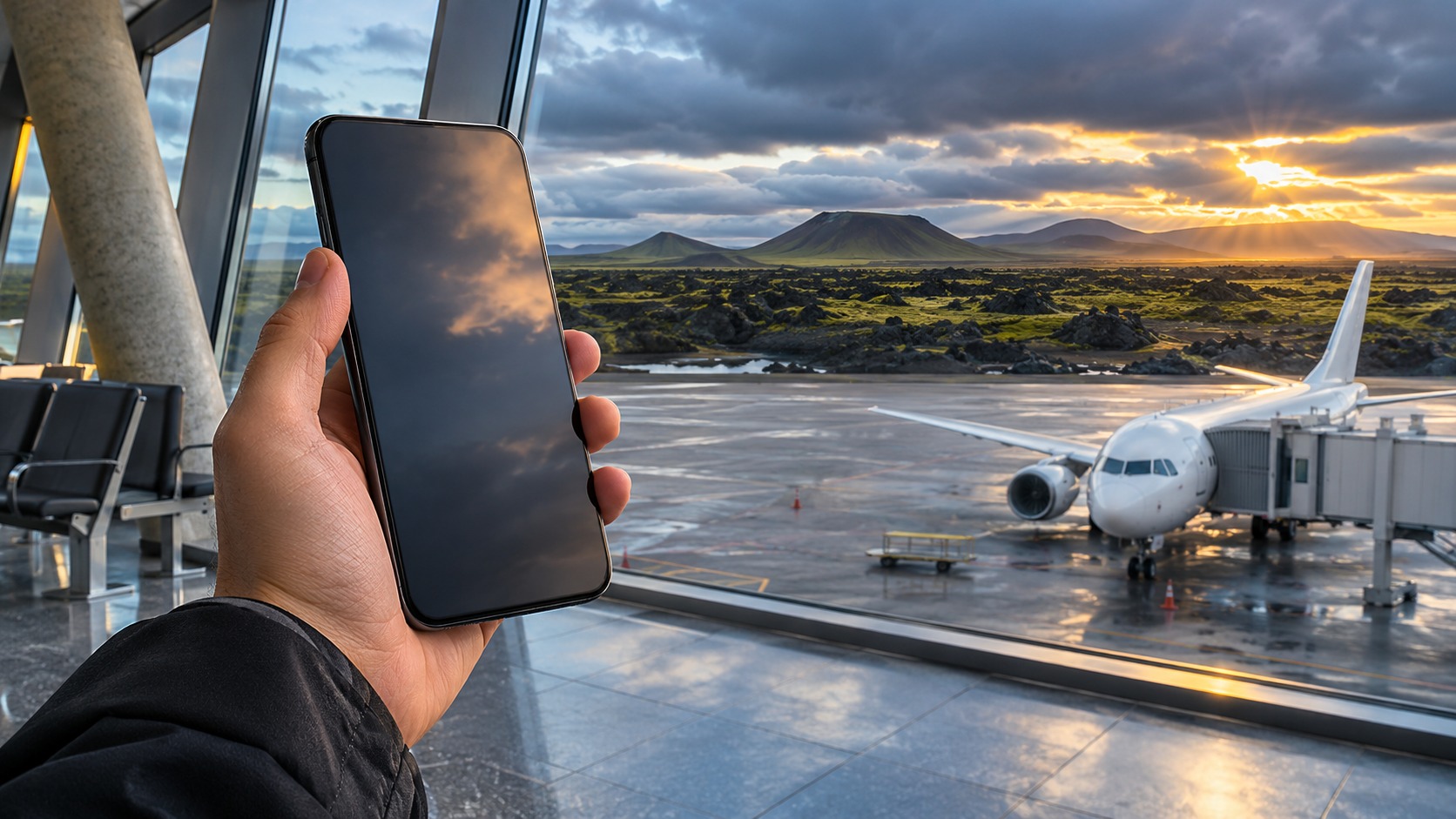
Iceland eSIM at Keflavik Airport: prepare before you fly
An Iceland eSIM at Keflavik Airport can give you a data connection for maps, messages and other arrival tasks, but it works best when you handle the setup before leaving Wi-Fi. Keflavík International Airport is the main arrival point for many visitors heading to Reykjavík, and others continue toward a different first stop. Your route matters: an eSIM package may access Síminn, Vodafone IS or Nova, and coverage should be checked for the places you plan to visit rather than assumed to be identical everywhere.
Start by choosing a package that fits the trip, checking that your phone supports eSIM and is not restricted to its current carrier, and reading the package’s start and roaming instructions. You can install an eSIM over Wi-Fi at home or at the airport. Installation and readiness are separate steps: a profile can be on your phone while its line is still off, or while its plan has not yet started. Airport Wi-Fi is useful for setup and troubleshooting, but it does not confirm that your package is ready or that mobile service will register.
If you want to compare options before departure, review MollySIM Iceland eSIM plans and coverage. For a trip continuing beyond Iceland, see global eSIM options for Iceland and onward travel. Check the selected plan’s allowance, validity and activation directions before you rely on it.
Iceland eSIM airport arrival setup: check the phone first
🇮🇸 Iceland High-Speed Travel eSIM & SIM Plans
Instant QR code activation, hotspot enabled, with guaranteed 384kbps fallback speed to keep Maps & Digital Wallets active.
A few checks at home can prevent a confusing first attempt after landing. Confirm your device model supports eSIM, then check that the phone is not restricted to its current carrier. eSIM support and carrier restriction are different questions; a compatible phone may still be limited to its current provider. Use your phone’s settings or the device maker’s guidance to check both.
Also make sure you can open the email containing the activation QR code and have access to a Wi-Fi network during installation. MollySIM travel eSIMs are delivered by email as an activation QR code, usually within minutes of payment; nothing ships. Keep the email available on a second screen or another device if you plan to scan the code with your phone. If you cannot scan it, follow the installation method and instructions supplied for that plan.
Before departure, note the plan’s validity period, high-speed data allowance, and any instructions about when to enable the line or start using data. These details belong to the selected package. Do not infer the start time from the fact that the profile installed successfully. Some plans can be installed in advance while their usage period begins at a different point; follow the package’s own directions.
How to activate an eSIM in Iceland
Use Wi-Fi for the installation and first checks. These steps describe the phone settings to review; menu names differ between phone models.
- Install the profile. Open the activation email and scan its QR code, or use the plan’s provided installation method. Give the eSIM a clear label such as “Iceland” so it is easy to identify beside your existing SIM.
- Follow the plan’s timing instructions. Some providers allow installation before travel. Read when the line should be enabled and when data use or validity begins. If you are unsure of the start timing, do not treat an installed profile as proof that service has started.
- Enable the eSIM line when directed. Keep your existing SIM available if you still need its number for calls or SMS. With dual SIM, an eSIM can run alongside your existing SIM; select the Iceland eSIM specifically for mobile data when you are ready to use it.
- Choose the data line. In cellular or SIM settings, assign mobile data to the Iceland eSIM. Check that the phone has not left mobile data assigned to your home line.
- Set roaming as instructed. Some travel eSIMs require data roaming on for their service to work. Use the selected provider’s directions rather than applying a blanket setting to every line on the phone.
- Test with a simple task. With Wi-Fi turned off, try loading a map or sending a message. A successful profile installation alone is not a connectivity test.
The order of these steps matters. If you enable the eSIM too early, you may start using the plan before you need it, depending on its rules. If you leave it disabled after arrival, the phone cannot use it for data. The provider’s instructions determine the right moment to switch it on.
Iceland eSIM at Keflavik Airport: coverage from Keflavik to Reykjavik
Think about your first journey as a route, not just a destination. A connection that works around Keflavík or Reykjavík does not establish coverage on every road or in every region you might visit. The local networks to compare are Síminn, Vodafone IS and Nova. Your package’s access to these networks, the places you intend to go, and the phone’s network selection all affect what you can use.
Check the coverage information for your intended route, including the airport area, Reykjavík and any first stop beyond the capital. If the plan offers more than one supported network, compare the listed access with the route you expect to travel. Do not assume two packages have the same network access simply because both are Iceland eSIMs. Availability and signal can vary by location and package.
At the airport, connect to Wi-Fi if available and finish any pending setup while you have it. Then switch off Wi-Fi briefly to see whether mobile data registers. If the connection does not appear, first check that the eSIM line is enabled and selected for data. Check the plan’s roaming directions, then allow the phone to search again. If automatic selection does not work, manually choose a network the package supports. A restart can also prompt the phone to register again.
Keep Wi-Fi available as a fallback while you diagnose the line. It can let you open the activation email or plan instructions, contact someone, and load information while mobile service is unavailable. It does not replace checking whether the eSIM plan is active and configured correctly. Once mobile data works, save the route or destination details you need before heading onward.
Iceland travel eSIM network comparison and plan shape
The network name is only one part of the decision. Compare the package’s usable allowance, validity, and fair-use terms alongside network access. A short city stop and a longer trip with several destinations may call for different plan shapes. A local prepaid SIM and home-carrier roaming are alternatives, but their terms depend on the product you choose. The table separates the questions to compare without assuming they share the same allowance or coverage.
| Plan shape | Network and route check | Validity and data allowance | After high-speed data |
|---|---|---|---|
| Travel eSIM | Check which of Síminn, Vodafone IS or Nova the selected package can access, then compare with your route. | Read the package’s stated validity and high-speed allowance; these depend on the plan selected. | MollySIM’s travel eSIM fair-use policy keeps data working at 384 kbps after the high-speed allowance is used. |
| Local prepaid SIM | Check the local provider’s network access and whether it fits your route. | Compare the specific SIM’s validity and included data before purchase. | Read that SIM’s own post-allowance terms. |
| Home-carrier roaming | Check your home carrier’s Iceland coverage and roaming arrangement. | Check the roaming plan’s validity, included data and charges. | Follow the home carrier’s terms for use after its included data. |
MollySIM’s 384 kbps fair-use speed can help with basic connectivity after high-speed data is used. Maps, messaging, email and QR payments are examples of tasks it can support. This is a reduced speed, so do not plan on it as a replacement for high-speed service for every activity. Whether it applies depends on the MollySIM travel eSIM plan selected and use of its high-speed allowance.
A useful comparison is practical rather than abstract: can the plan cover the expected trip length, does its allowance suit the way you will use your phone, and does its network access line up with the route? If you expect to use maps and messaging regularly, keep mobile data assigned to the Iceland plan and pay attention to the allowance. If you expect to rely on video or other data-heavy activity, that will use data faster than basic map checks or text messages. Avoid assuming one allowance suits every traveller.
Manage data for arrival tasks
The first connection often supports several small jobs: finding your way from Keflavík, messaging your accommodation, checking a ride or transit option, and looking up an address. Maps can use data to load places and routes; messaging needs a connection to send and receive messages; ride-hailing and payment apps need enough connectivity to refresh information or complete a transaction. QR payments can be useful where accepted, but keep another payment method available in case a connection is slow or unavailable.
The exact data use depends on the app and what you do in it, so a fixed per-task estimate would be misleading. Loading map areas ahead of time over Wi-Fi can reduce what you need to fetch while travelling. Sending text messages generally requires less data than streaming video, while image-heavy chats and repeated map refreshes use more. Check the allowance displayed for your chosen plan and save essential details over Wi-Fi before you leave the airport.
After the first stop, keep an eye on the phone’s data-use screen and the plan’s account or usage information if provided. Those views help you see whether the eSIM is carrying data and whether usage is approaching its included high-speed allowance. MollySIM’s fair-use policy provides continued data at 384 kbps after that allowance is used, which can help with basic tasks; it does not mean the original high-speed allowance has been restored.
Troubleshooting when the eSIM does not register
If the phone shows no service or apps cannot load, work through the settings in order. First confirm that the eSIM is installed and its line is turned on. Next confirm that the eSIM is the selected mobile-data line. Then check whether the plan instructs you to enable data roaming. A phone can show the eSIM profile while still using a different line for data, and a roaming setting may be required for some packages.
If those settings match the instructions, toggle the eSIM line off and on or restart the phone, then give it time to search. If it still does not connect, open network selection and choose a network supported by the package, such as Síminn, Vodafone IS or Nova only where listed for that plan. Do not assume every network name will be available to every eSIM. If you are at the airport, Wi-Fi can help you revisit the plan’s setup email while mobile service is being diagnosed.
When a manual network choice fails, return selection to automatic and recheck that the phone has not switched the data assignment back to your home SIM. Confirm the plan’s start timing and validity as well. Being in Iceland and seeing an installed profile do not by themselves show that the plan has started. Once the settings are right, test with a simple page or message before depending on the connection for navigation.
Frequently Asked Questions
Can I install my Iceland eSIM before I arrive at Keflavik Airport?
Often, yes. Many eSIMs can be installed over Wi-Fi before travel. Installation does not tell you when the plan’s validity or data use begins, so read the package’s instructions for when to enable the line and start using data. You can use home Wi-Fi for installation or airport Wi-Fi after arrival.
Which network should I choose for an Iceland eSIM?
Compare the package’s access to Síminn, Vodafone IS or Nova with coverage for your route. Signal and availability can vary by location and package. Choose a network manually only if it is supported by the plan; otherwise, use automatic selection and check the plan instructions.
What should I do if my Iceland eSIM does not connect after landing?
Confirm that the eSIM line is enabled, mobile data is assigned to it, and any data-roaming setting required by the provider is configured. Restart the phone or select a supported network manually if needed. Airport Wi-Fi can help you read the setup instructions while you troubleshoot.
Does airport Wi-Fi mean my Iceland eSIM is ready?
No. Wi-Fi can provide the connection needed to install a profile, open instructions or troubleshoot. It does not confirm the eSIM line is enabled, that mobile data is assigned to it, or that the plan has started. Turn Wi-Fi off briefly and test mobile data before you depend on the eSIM for the route from the airport.
SEO Score: 11/11
🇮🇸 Iceland High-Speed Travel eSIM & SIM Plans
Instant QR code activation, hotspot enabled, with guaranteed 384kbps fallback speed to keep Maps & Digital Wallets active.