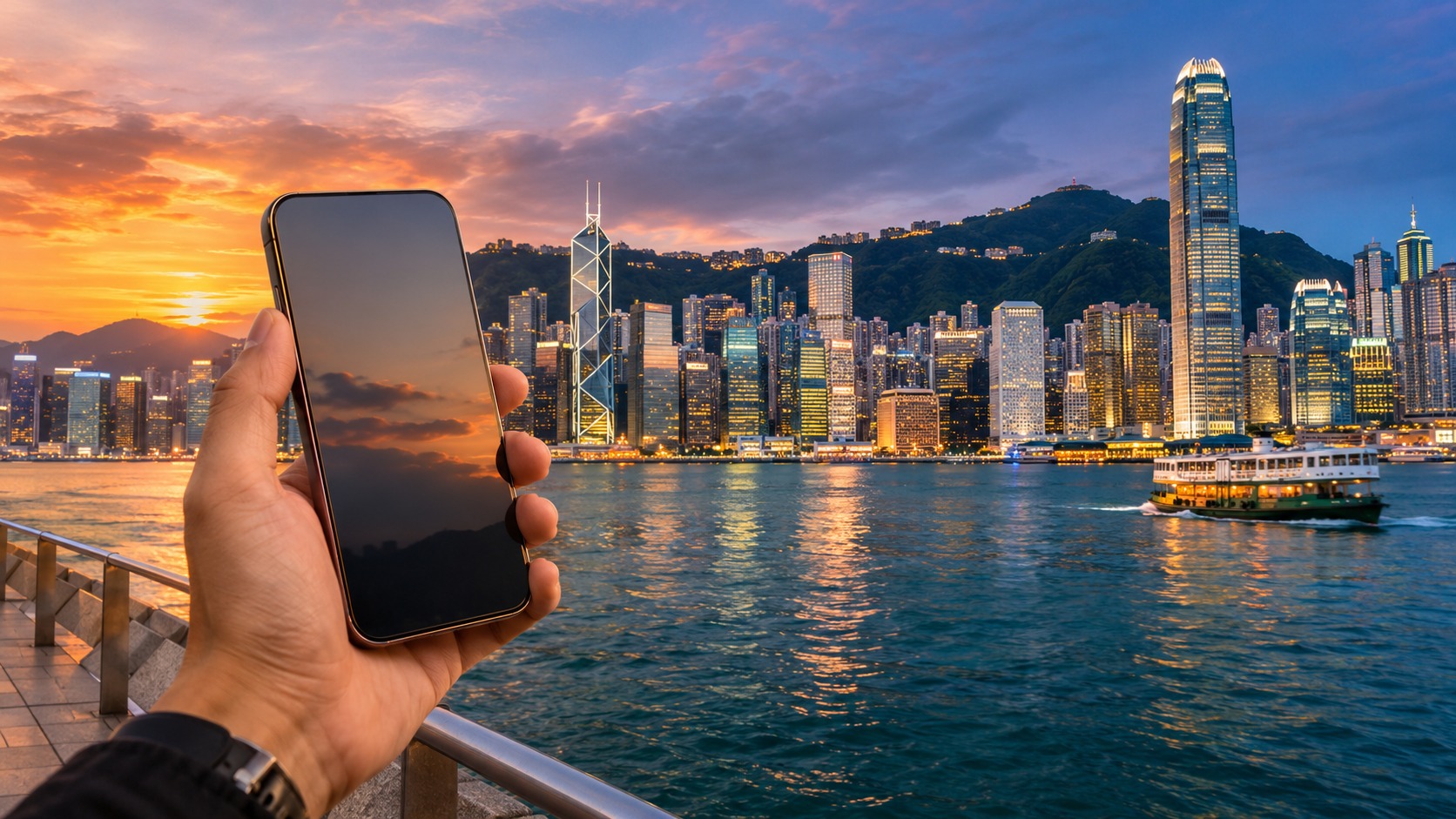
A Hong Kong eSIM for tourists can put mobile data on your phone before you leave Hong Kong International Airport. You can install the profile before travel, then select it for data when the plan is ready to connect. That removes the need to find a counter and swap the SIM in your phone, though a physical SIM may fit better if your device has no eSIM support or you want a local number.
The practical choice is about more than the word “eSIM.” Check the network, data allowance, validity, whether voice or SMS is included, and when the plan starts counting. Then set the right line for mobile data and test a map, message, or QR payment before heading into town. CSL and 3HK are options in MollySIM’s Hong Kong range; SmarTone is another local network visitors may encounter. Service can vary with the building, station, tunnel, and area you visit, so no single network label promises the same signal at every stop.
Hong Kong eSIM for tourists: decide before you land
An eSIM is a digital SIM profile. After purchase, a travel eSIM is delivered by email as an activation QR code, usually within minutes of payment. Nothing needs to ship. Your phone can run the eSIM alongside your existing SIM, so you can keep your home number available for calls and SMS while mobile data uses the MollySIM plan.
A physical SIM follows a different path: you need a compatible SIM slot, and you must place the card in the phone. MollySIM can also deliver any physical SIM card as an eSIM: write eSIM in the order note to request an activation QR code by email. That choice is useful if you prefer a particular physical-SIM product but want to install it digitally.
Before buying, confirm that your phone supports eSIM and is able to use the profile. Think about whether you need only internet access or also a Hong Kong number for local voice or SMS. Some plans include data only; others bundle local airtime. A data plan by itself should not be treated as a local phone number. If you need a number for calls or texts, read the product description for those inclusions.
Hong Kong eSIM for tourists: how to activate a Hong Kong eSIM
🇭🇰 Hong Kong High-Speed Travel eSIM & SIM Plans
Instant QR code activation, hotspot enabled, with guaranteed 384kbps fallback speed to keep Maps & Digital Wallets active.
You can prepare the setup while you have reliable internet, then connect after arrival when the plan’s activation conditions are met. Keep the QR code accessible on another screen or printed so you can scan it with the phone receiving the plan.
- Open your phone’s cellular or mobile-network settings and choose the option to add an eSIM or mobile plan.
- Scan the activation QR code from the MollySIM email, then follow the phone’s prompts to install the profile. If the phone asks you to label the line, use a clear name such as “Hong Kong data.”
- Leave your home SIM enabled if you want to keep receiving calls or SMS on your usual number. Set the Hong Kong eSIM as the line for mobile data when you are ready to use it.
- Check the plan’s activation instructions. Installment does not always mean the validity clock has started; confirm whether validity begins at installation or at the first network connection.
- If the plan requires data roaming, turn it on for that eSIM line. Roaming is a setting for the selected line, so check that you have not enabled it on the wrong SIM.
- After landing, give the phone a moment to register, then open a map or send a message. If it does not connect, check that the eSIM is switched on, selected for data, and allowed to roam when required. Review APN settings against the plan’s setup instructions if the phone shows a signal but data still does not load.
For a detailed explanation of using data and your existing number together, see MollySIM’s Wi-Fi calling and eSIM traveller guide. Hong Kong mobile data and Wi-Fi calling are separate things: the eSIM’s cellular data does not by itself make your home carrier’s voice and text service work abroad.
Hong Kong eSIM vs airport SIM card
At the airport, the choice is usually between connecting through a preinstalled eSIM and buying a physical card at a counter. An eSIM can avoid a counter visit and the small task of opening the SIM tray. A physical card can be the practical choice for a phone without eSIM support, or if you specifically need a local number included in the product.
| Plan shape | What it suits | Check before you travel |
|---|---|---|
| Data-only travel eSIM | You want data for maps, ride-hailing, messaging, email, and QR payments while keeping your current SIM in the phone. | Phone compatibility, allowance, validity start, network, and whether roaming must be enabled. Do not assume it includes voice or SMS. |
| Local prepaid SIM | You want a physical card, or a product that includes local airtime and possibly a local number. | Whether the product includes a number, how much data and airtime it has, validity, and the network it uses. |
| Home-carrier roaming | You want to keep using your existing mobile line while abroad. | Your home plan’s roaming rates, data allowance, and voice or text terms. These depend on that plan. |
MollySIM’s Hong Kong listings include the CSL Hong Kong SIM and network options and Three Hong Kong plan. The CSL Hong Kong Mobi plan provides 40GB over 365 days: 25GB in Hong Kong and 15GB shared across Mainland China, Macau, and Taiwan, plus 2,000 minutes of Hong Kong airtime; real-name registration is required. It costs $44.00. The Three Hong Kong plan provides 20GB for 395 days on 4G/5G across Hong Kong, Mainland China, Macau, and Taiwan, 2,000 minutes of Hong Kong airtime, and HK$20 stored value after activation. It costs $45.00.
These are defined plan inclusions, not a promise that CSL and 3HK behave identically in every location. SmarTone is another local network name you may see, but the MollySIM product details above describe CSL and Three plans. Compare the network and included services shown for the plan you choose.
Choose enough data for the way you travel
Your data use depends on what you do and how often you connect to Wi-Fi. A map session with a downloaded area is different from repeatedly loading map tiles, photos, or video. Messaging with text is usually lighter than sending many photos or clips. Ride-hailing needs a working connection to request a car and coordinate pickup, while browsing social video can use data quickly. QR payments need a connection when you make a payment, so keep a little allowance available rather than using every high-speed gigabyte for entertainment.
| Allowance shape | Typical travel pattern it can support |
|---|---|
| Smaller allowance | Basic messaging, occasional route checks, email, and QR payments, especially if you use Wi-Fi for larger downloads. |
| Mid-sized allowance | Regular map use, ride-hailing, messaging with photos, browsing, and some app updates or media. Keep video use in mind. |
| Larger or regional allowance | More frequent data use, travel across included destinations, or less dependence on Wi-Fi. Confirm which places share the allowance. |
These are usage patterns, not a promise of a fixed number of days. A video-heavy day can consume far more data than text messages and short route checks. For planning help, read how much data you may need for a week and data-only versus voice and SMS plans.
MollySIM travel eSIMs use a fair-use policy: after the high-speed allowance is used, data continues at 384 kbps. At that reduced speed, basic messaging, email, maps, and QR payments can remain available. Pages and apps may take longer to load, and the reduced rate is not the same experience as high-speed data. If you rely on maps during a transfer or need to call a ride, save important addresses and tickets for offline use before you run low.
Hong Kong eSIM coverage on MTR and across the city
Hong Kong combines dense high-rise districts, underground rail stations and tunnels, and outlying areas. Coverage can differ between a street, the inside of a building, an MTR platform, and a train tunnel. Crowded areas can also affect the experience. A network that works well at one hotel or station does not guarantee the same result in every district.
The local networks a traveller may encounter include CSL, 3HK, and SmarTone. MollySIM’s listed Hong Kong plans include CSL and Three, with the Three product describing 4G/5G access. Choose based on the plan’s stated network and coverage area, and download key maps, boarding information, and tickets while connected to Wi-Fi. If a connection drops underground, use the route information already saved on your phone until service returns.
For a multi-stop trip, compare the places a regional plan includes with a Hong Kong-only option. MollySIM’s global eSIM plans for multi-stop trips may be relevant when your itinerary spans destinations beyond Hong Kong. Always verify that the countries on your route are named in the plan allowance before relying on it.
Airport-to-city setup checklist
Before departure, install the profile if the activation instructions allow it, but check the validity start rule first. Keep your QR code and plan instructions available. Make sure your phone supports eSIM, and decide whether your home line should remain active for calls and SMS. Download an offline map of your hotel area and save the address in a form you can show a driver.
After landing at Hong Kong International Airport, select the Hong Kong eSIM for mobile data. Enable data roaming on that line only if the plan requires it. Check that the phone has selected the intended eSIM rather than your home line. Test a map, a message, and the apps you expect to use for transport or payment. If the signal appears but apps cannot load, review the APN or line settings in the plan instructions, then toggle the eSIM off and on or reconnect through the phone’s network settings.
Check hotspot rules before sharing the connection with a laptop or another traveller. Plan descriptions can differ, and you should not assume tethering is included just because phone data works. Also check whether voice or SMS is bundled. The CSL and Three listings above include Hong Kong airtime, while a data-only travel eSIM may not include voice or text service.
Frequently Asked Questions
Can I install a Hong Kong eSIM before I arrive?
Usually, yes. You can install it before travel, then connect after the plan’s activation conditions are met. Check whether validity starts at installation or at the first network connection so you know when the plan clock begins.
Does a Hong Kong tourist eSIM work on the MTR?
Coverage is generally available across much of the urban rail network, but the signal can vary in stations, tunnels, and crowded areas. Download key maps and tickets for offline access in case you lose service between stations.
Should I buy a Hong Kong eSIM or an airport SIM card?
An eSIM can connect you without a counter visit. A physical SIM may suit a phone without eSIM support or a trip where you need a local number included. Compare data allowance, validity, and network details before buying.
Is a Hong Kong tourist eSIM with local number the same as a data eSIM?
No. A data eSIM provides mobile data according to its plan. A product with a local number or airtime must state that inclusion. MollySIM’s CSL and Three Hong Kong listings include 2,000 minutes of Hong Kong airtime; check the individual listing for the product’s number and service details before purchase.
SEO Score: 11/11
🇭🇰 Hong Kong High-Speed Travel eSIM & SIM Plans
Instant QR code activation, hotspot enabled, with guaranteed 384kbps fallback speed to keep Maps & Digital Wallets active.