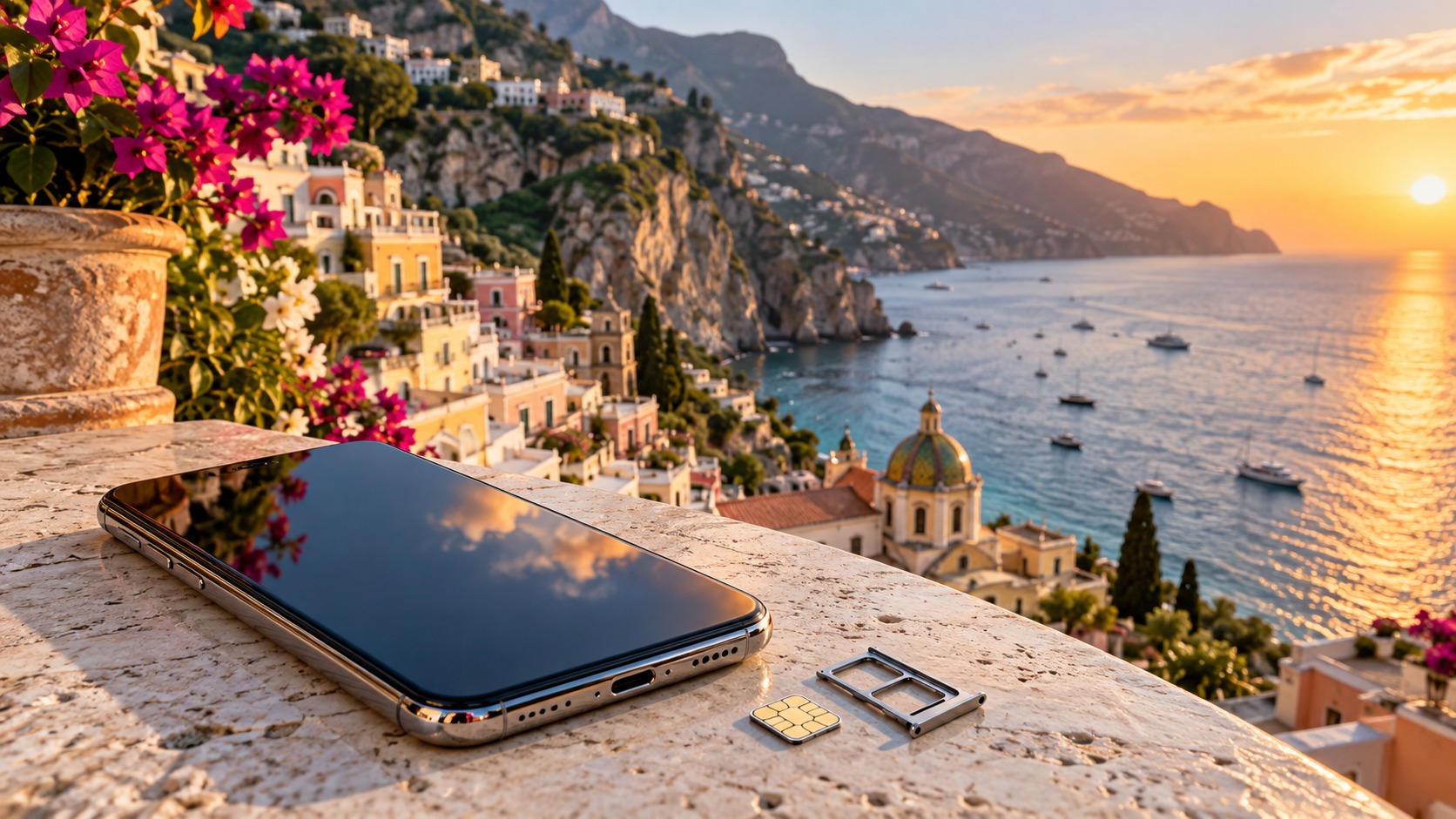
Dual SIM / eSIM vs physical SIM eSIM for travellers: how the setup works
A dual SIM phone can keep your home line available for calls and messages while a second line supplies travel data. That arrangement is useful when you need maps, ride-hailing, messaging or QR payments on arrival but still want to receive messages on your usual number. A travel eSIM is delivered as an activation QR code by email, usually within minutes of payment, so there is nothing to collect or ship.
The phrase Dual SIM / eSIM vs physical SIM eSIM for travellers describes two separate choices. Dual SIM is the phone’s ability to run two lines; eSIM and physical SIM describe how a mobile plan is installed. A physical SIM is a card that you insert. An eSIM is a digital profile you add by scanning a QR code. Either type may provide data, calls and SMS depending on the plan. MollySIM travel eSIMs run alongside your existing SIM, so you can assign data to the travel plan and leave your own number active for calls and SMS.
This guide uses Hong Kong products as concrete examples. MollySIM lists CSL and Three Hong Kong plans, including regional coverage across Hong Kong, Mainland China, Macau and Taiwan on the products described below. Those are distinct plan shapes, not interchangeable allowances. Review where each plan’s data applies before choosing it for a trip that crosses borders.
Dual SIM / eSIM vs physical SIM eSIM for travellers: local prepaid coverage and plan shapes
🇭🇰 CSL / Club SIM Hong Kong High-Speed Travel eSIM & SIM Plans
Instant QR code activation, hotspot enabled, with guaranteed 384kbps fallback speed to keep Maps & Digital Wallets active.
A local prepaid plan and a travel eSIM solve different problems. A local plan may include local airtime and a longer validity period; a regional travel eSIM is configured for travel data across its stated footprint. A home-carrier roaming arrangement keeps your home line in service, but the roaming charge depends on your carrier and is not included in the MollySIM facts here. Compare the allowances and destination coverage you can actually identify before you buy.
| Plan shape | What it does | Main trade-off |
|---|---|---|
| Data-only travel eSIM | Adds a travel data line delivered by QR code; your home SIM can stay active for its calls and SMS. | It does not itself provide a local phone number or local voice allowance unless the product says so. |
| Local prepaid SIM | Uses a local plan and may include local airtime. MollySIM’s CSL and Three Hong Kong examples include Hong Kong airtime. | You install it as a second line if your phone supports dual SIM, or swap it with your home SIM if it does not. |
| Home-carrier roaming | Keeps your home line as the active service while travelling. | The price and allowance are set by the home carrier; no roaming price is supplied here for comparison. |
For a Hong Kong trip, the CSL Hong Kong Mobi plan has 40GB over 365 days: 25GB for Hong Kong and 15GB shared across Mainland China, Macau and Taiwan, plus 2,000 minutes of Hong Kong airtime. Its MollySIM price is $44.00. The Three Hong Kong plan has 20GB on 4G/5G across Hong Kong, Mainland China, Macau and Taiwan, 2,000 minutes of Hong Kong airtime, and HK$20 stored value after activation. Its MollySIM price is $45.00. The CSL Hong Kong plan and Three Hong Kong plan each require real-name registration.
Data planning for a short trip
For maps, messaging and light browsing, a typical short trip uses 1–3GB per week. Video use calls for more. That estimate is a starting point, not a fixed bill: how often you open maps, send media, use ride-hailing or watch video changes your usage. Navigation and messages can be kept light by using text instead of sending large media files and limiting video when you are on mobile data.
| Activity | Data planning note |
|---|---|
| Maps and directions | Include regular map checks in your allowance; save offline areas where the app supports it and you have a connection. |
| Messaging | Text messages use less data than sending photos or video. Keep large media for Wi-Fi if you want to conserve data. |
| Ride-hailing | Leave data available to request a ride, view pickup details and message about the trip. |
| QR payments | Keep a working connection available when you need to open or refresh a payment QR code. |
| Video and large downloads | These can use data quickly; use Wi-Fi or reduce video use if your allowance is limited. |
MollySIM travel eSIMs have a fair-use policy: after the high-speed allowance is used, data continues at 384 kbps. At that speed, maps, messaging, email and QR payments remain usable. It is a reduced speed, so plan large downloads and video before you reach the limit. The speed is not the same as the high-speed allowance, and the policy does not add more high-speed data.
Install and configure the eSIM before departure
Install at home while you have a reliable internet connection, then choose which line handles mobile data. A QR code is the delivery method for MollySIM travel eSIMs. Keep the email accessible on a different screen or device if you need to scan it with the phone receiving the plan.
On iPhone: open the cellular or mobile-data settings, choose the option to add an eSIM, and scan the activation QR code. Follow the prompts to add the line. Give it a clear label such as “Travel data” and keep your usual line labelled as personal or home. Set the MollySIM line as the mobile-data line for the trip. Keep the home line enabled if you need its calls and SMS. Menu wording can differ by iOS version, but the important choices are the line label, default data line and whether the home line stays available.
On Android: open SIM or network settings, choose the option to add an eSIM, and scan the QR code. Follow the phone’s prompts, label the new line, and set it as the line for mobile data when you arrive. Android menu names differ between manufacturers. Make sure you know which line is selected for data and which line carries your home number.
Do not assume installation and first use are the same step. Add the profile before travel, then enable the travel line and select it for mobile data when you are ready to use it. Your phone may offer a data-roaming toggle for that line. If the plan’s instructions require roaming, enable it on the travel line only; leave the home line’s data roaming setting off if you are avoiding its roaming data. A wrong line selection can send data over the home plan instead of the travel plan.
If the travel line appears but data will not load, check that it is enabled, selected for mobile data, and has the required roaming setting. Then look at the APN (access point name). An incorrect or missing APN can prevent a phone from using data even when the plan is installed. Use the APN details supplied with that plan; do not copy settings from another SIM or guess a value. Restarting the phone after correcting a setting can prompt it to reconnect.
Dual SIM / eSIM vs physical SIM roaming cost comparison
Airport SIM counters are another way to buy connectivity, but no airport price or offer is listed here, so an exact price comparison would be false precision. Compare the actual card’s data amount, included destinations, validity and voice allowance with the travel eSIM or local prepaid plan you are considering. With MollySIM, a physical card can also be delivered as an eSIM: write eSIM in the order note to receive the activation QR code by email.
| Cost question | Travel eSIM | Local prepaid SIM | Home roaming |
|---|---|---|---|
| Price to compare | Use the listed price for the selected plan. | Use the listed price and included allowance. | Use the home carrier’s own price. |
| Data footprint | Follow the eSIM’s named destinations and shared allowances. | Follow the local plan’s coverage and regional data terms. | Follow the home carrier’s roaming terms. |
| Home number | Can stay on the home SIM for calls and SMS. | Can stay active if the phone supports two lines at once. | Remains on the home line. |
| Setup | Scan the emailed QR code and choose the data line. | Install the eSIM or insert the physical card, then select the line. | Enable roaming as required by the home plan. |
A physical SIM can make sense if you prefer a card or your phone does not support an eSIM. The cost is that a single-SIM phone usually requires a swap, so your home SIM is not in the handset while the travel card is inserted. A dual-SIM phone can reduce that trade-off by keeping both lines available. A travel eSIM avoids handling a card and works alongside a compatible home line.
Real-name registration for Hong Kong prepaid SIMs
Hong Kong’s OFCA requires prepaid SIM cards to complete real-name registration before service can be activated. You can register through the carrier website or app, or at a carrier retail store, where you show the original ID. The limit is up to 10 prepaid SIM cards per individual per telecom carrier.
Accepted documents include a Hong Kong Identity Card, PRC passport, Macao SAR passport, foreign passport, recognizance, or (in store only) an HKID application acknowledgement. HKSAR passports, BN(O) passports, Mainland Travel Permits for Hong Kong and Macau residents, and PRC Resident Identity Cards are not accepted for this registration. Hong Kong Identity Card holders registering online must use iAM Smart or register in a store. Anyone under 16 needs an accompanying adult aged 18 or older whose ID is also registered.
Keep your number and choose a MollySIM line
For a native US number, MollySIM’s T-Mobile plans and Lyca Mobile US plans have different terms. Outside the US, all T-Mobile plans except its $15 plan lack cellular voice and SMS roaming; calls and SMS work only through Wi-Fi Calling on Wi-Fi and only with US numbers. The $15 T-Mobile plan is the only one with cellular roaming, with 1GB China roaming and free incoming. Lyca’s plan allowance outside the US requires Wi-Fi Calling switched on; registering on a local tower abroad does not by itself provide that allowance. These are separate US-number products, so they are not substitutes for Hong Kong regional data.
For Hong Kong number preservation and roaming SMS, MollySIM lists a Hong Kong Mobile SIM for $27.49, with maintenance of about HK$15 per year. That is a different use from a regional data plan. Keeping a number for SMS and buying data for a trip are related but separate needs; select the product that matches what you need the line to do.
Frequently Asked Questions
Does an eSIM work in Hong Kong?
Yes, a modern phone with eSIM support can have a travel eSIM installed before departure and connect after arrival. Add it by scanning the activation QR code, then enable the line and choose it for mobile data when you are ready to use it. Coverage and allowance depend on the selected plan.
How much data should I plan for a short trip?
For maps, messaging and light browsing, a typical short trip uses 1–3GB per week. Video use needs more. Choose an allowance that fits your habits and the destinations on your route, and remember that the Hong Kong regional plans described here split or share data across multiple places.
Can I keep my own number active?
Yes. A travel eSIM can run alongside your home SIM. Keep the home line enabled for calls and messages, and set the travel line as the mobile-data line. Your home carrier’s own roaming conditions still govern service on that home line.
Is a physical SIM better than an eSIM?
It depends on your phone and how you want to install the plan. A physical card is an option if you prefer inserting a SIM or your phone lacks eSIM support. An eSIM arrives by email as a QR code and can run alongside your existing SIM on a compatible dual-SIM phone. Compare the plan coverage, allowance and price as well as the installation method.
SEO Score: 11/11
🇭🇰 CSL / Club SIM Hong Kong High-Speed Travel eSIM & SIM Plans
Instant QR code activation, hotspot enabled, with guaranteed 384kbps fallback speed to keep Maps & Digital Wallets active.