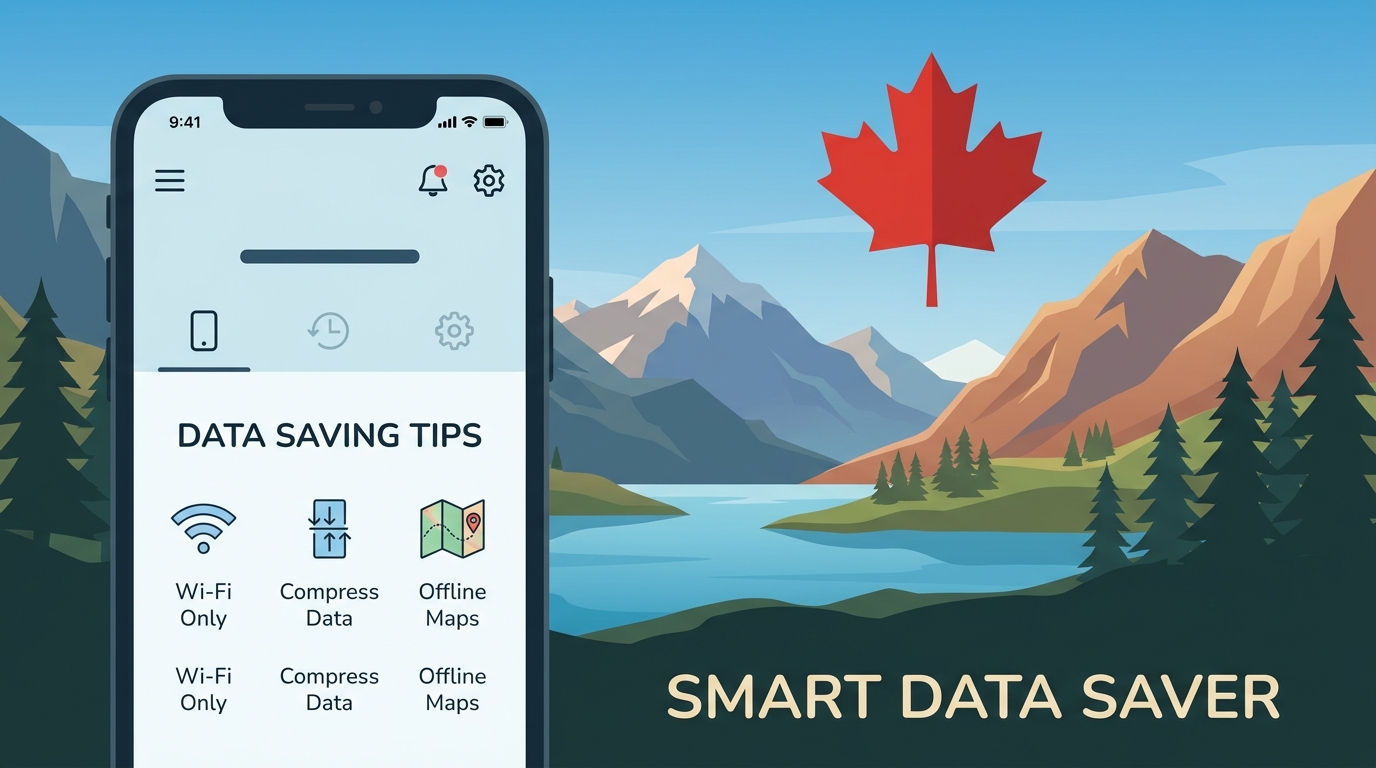
Débloquer des Économies : Meilleurs Conseils pour Économiser des Données lors de Votre Voyage au Canada
Voyager au Canada peut être une expérience exaltante, remplie de paysages à couper le souffle, de villes vibrantes et d'un riche patrimoine culturel. Cependant, gérer l'utilisation des données à l'étranger peut être une tâche décourageante, surtout avec le potentiel de frais d'itinérance élevés et le besoin de rester constamment connecté. Ce guide complet vise à vous fournir des stratégies efficaces pour économiser des données, adaptées à votre aventure canadienne, en mettant l'accent sur l'optimisation de l'utilisation de l'eSIM, l'exploitation des points d'accès Wi-Fi locaux et l'évitement des frais d'itinérance inutiles.
Comprendre l'Utilisation des Données au Canada
Avant de plonger dans des conseils spécifiques, il est crucial de comprendre comment fonctionne l'utilisation des données au Canada. Le voyageur moyen peut consommer des données pour diverses activités, notamment :
- Navigation : Utilisation d'applications comme Google Maps ou Waze pour les directions.
- Réseaux Sociaux : Partage d'expériences sur des plateformes comme Instagram ou Facebook.
- Communication : Rester en contact avec des amis et la famille via des applications de messagerie.
- Applications de Voyage : Réservation d'hébergements ou vérification des statuts de vol.
Selon un rapport de la Commission canadienne de radio-télévision et des télécommunications (CRTC), le Canadien moyen consomme environ 4,5 Go de données mobiles par mois. En tant que voyageur, votre consommation de données peut varier en fonction de vos activités, mais il est essentiel d'être conscient de votre utilisation des données pour éviter des frais inattendus.
eSIM : L'Avenir de la Connectivité
🌐 Global Travel High-Speed Travel eSIM & SIM Plans
Instant QR code activation, hotspot enabled, with guaranteed 384kbps fallback speed to keep Maps & Digital Wallets active.
Qu'est-ce que l'eSIM ?
Une eSIM (SIM intégrée) est une SIM numérique qui vous permet d'activer un forfait cellulaire sans avoir besoin d'une carte SIM physique. Cette technologie est particulièrement avantageuse pour les voyageurs, car elle vous permet de passer d'un opérateur à l'autre sans effort et d'accéder à des forfaits de données locaux sans le tracas de changer de carte SIM.
Avantages de l'Utilisation de l'eSIM au Canada
- Commodité : Activez votre forfait avant votre arrivée ou dès votre atterrissage sans avoir besoin de visiter un magasin.
- Flexibilité : Changez de forfait en fonction de vos besoins, comme des activités gourmandes en données ou des journées à faible utilisation.
- Économie : Évitez des frais d'itinérance exorbitants en optant pour des forfaits de données locaux.
Comment Activer l'eSIM sur Votre Appareil
Pour les Utilisateurs d'iPhone :
- Vérifiez la Compatibilité : Assurez-vous que votre modèle d'iPhone prend en charge l'eSIM (iPhone XS ou ultérieur).
- Achetez un Forfait eSIM : Choisissez un fournisseur comme MollySIM pour des tarifs compétitifs et un service fiable.
- Scannez le Code QR : Après l'achat, vous recevrez un code QR. Allez dans Réglages > Cellulaire > Ajouter un Forfait Cellulaire, et scannez le code.
- Étiquetez Vos Forfaits : Vous pouvez étiqueter vos forfaits pour une identification facile (par exemple, "Données de Voyage").
- Définissez la Ligne par Défaut : Choisissez quelle ligne utiliser pour les données et les appels.
Pour les Utilisateurs d'Android :
- Vérifiez la Compatibilité : Assurez-vous que votre appareil Android prend en charge l'eSIM (la plupart des modèles récents le font).
- Achetez un Forfait eSIM : Optez pour un service comme MollySIM pour des options abordables.
- Accédez aux Réglages : Allez dans Réglages > Réseau et Internet > Réseau Mobile > Ajouter un Opérateur.
- Scannez le Code QR : Utilisez le code QR fourni par votre fournisseur d'eSIM.
- Complétez la Configuration : Suivez les instructions pour finaliser l'activation de votre eSIM.
Points d'Accès Wi-Fi Locaux : Votre Meilleur Ami
Trouver du Wi-Fi Gratuit au Canada
Le Canada regorge de points d'accès Wi-Fi gratuits, surtout dans les zones urbaines. Voici quelques endroits courants pour trouver un Wi-Fi fiable :
- Cafés : Des chaînes comme Starbucks et Tim Hortons offrent souvent du Wi-Fi gratuit.
- Bibliothèques Publiques : La plupart des bibliothèques offrent un accès Internet gratuit aux visiteurs.
- Centres Commerciaux : De nombreux centres commerciaux disposent de Wi-Fi gratuit pour les acheteurs.
- Aéroports : Les principaux aéroports du Canada offrent un Wi-Fi gratuit, bien que parfois avec des limites de temps.
Conseils pour Utiliser le Wi-Fi Public en Toute Sécurité
Bien que le Wi-Fi gratuit soit pratique, il peut également poser des risques de sécurité. Voici quelques conseils pour rester en sécurité :
- Utilisez un VPN : Un Réseau Privé Virtuel crypte vos données, rendant plus difficile pour les pirates d'intercepter vos informations.
- Évitez les Transactions Sensibles : Évitez d'accéder à des informations bancaires ou personnelles sensibles via le Wi-Fi public.
- Oubliez le Réseau : Après avoir utilisé le Wi-Fi public, oubliez le réseau pour éviter une reconnexion automatique.
Éviter les Frais d'Itinérance : Stratégies pour Voyageurs Malins
Comprendre les Frais d'Itinérance
Les frais d'itinérance se produisent lorsque vous utilisez le réseau de votre opérateur à l'étranger. Ces frais peuvent s'accumuler rapidement, rendant essentiel de comprendre vos options. Voici quelques stratégies pour éviter ces frais :
1. Désactivez l'Itinérance des Données :
Avant de partir, désactivez l'itinérance des données sur votre appareil pour éviter une utilisation accidentelle des données.
- iPhone : Allez dans Réglages > Cellulaire > Options de Données Cellulaires et désactivez Itinérance des Données.
- Android : Accédez à Réglages > Réseau et Internet > Réseau Mobile et désactivez Itinérance des Données.
2. Achetez une Carte SIM ou eSIM Locale :
Comme mentionné précédemment, acheter un forfait SIM ou eSIM local peut réduire considérablement les coûts. MollySIM propose des forfaits de données compétitifs adaptés à divers besoins.
3. Utilisez les Appels Wi-Fi :
Si votre opérateur le prend en charge, activez les appels Wi-Fi pour passer des appels via Wi-Fi au lieu d'utiliser des données cellulaires.
- iPhone : Allez dans Réglages > Téléphone > Appels Wi-Fi et activez-le.
- Android : Accédez à Réglages > Réseau et Internet > Réseau Mobile > Avancé > Appels Wi-Fi et activez-le.
Comparer les Forfaits de Données : Opérateurs Locaux vs. Fournisseurs d'eSIM
Pour prendre une décision éclairée, comparons les offres des opérateurs locaux avec celles des fournisseurs d'eSIM comme MollySIM.
| Caractéristique | Opérateurs Locaux (ex. : Rogers, Bell, Telus) | MollySIM eSIM |
|---|---|---|
| Activation | Nécessite une carte SIM physique | Activation instantanée via code QR |
| Forfaits de Données | Options limitées, souvent coûteuses | Forfaits flexibles adaptés aux voyageurs |
| Vitesse | Jusqu'à 1 Gbps (varie selon l'emplacement) | Vitesse de 384 kbps (3x plus rapide que les concurrents) |
| Frais d'Itinérance | Frais d'itinérance élevés | Pas de frais d'itinérance |
| Couverture | Étendue mais varie selon la région | Couverture fiable dans les grandes villes |
| Support Client | Support en magasin disponible | Support en ligne via le site |
Pourquoi Choisir MollySIM ?
MollySIM se distingue par son engagement à fournir aux voyageurs des solutions de données économiques et flexibles. Avec une vitesse de 384 kbps, elle offre une connexion fiable qui est trois fois plus rapide que celle des concurrents typiques. Cela garantit que vous pouvez rester connecté sans vous ruiner.
Conseils Supplémentaires pour Économiser des Données
1. Limiter l'Utilisation des Données en Arrière-Plan
De nombreuses applications consomment des données en arrière-plan. Pour limiter cela :
- iPhone : Allez dans Réglages > Cellulaire et faites défiler vers le bas pour désactiver les données en arrière-plan pour des applications spécifiques.
- Android : Accédez à Réglages > Réseau et Internet > Utilisation des Données > Utilisation des Données Mobiles et restreignez les données en arrière-plan pour les applications.
2. Téléchargez du Contenu Avant de Voyager
Pour minimiser l'utilisation des données, téléchargez des cartes, de la musique et des vidéos avant votre voyage. Des applications comme Google Maps vous permettent de télécharger des zones pour une utilisation hors ligne.
3. Surveillez Votre Utilisation des Données
Gardez un œil sur votre consommation de données pour éviter les dépassements. Les appareils iPhone et Android disposent de moniteurs d'utilisation des données intégrés.
- iPhone : Allez dans Réglages > Cellulaire pour voir les statistiques d'utilisation des données.
- Android : Accédez à Réglages > Réseau et Internet > Utilisation des Données pour surveiller l'utilisation.
Conclusion
Voyager au Canada ne doit pas être un fardeau financier en ce qui concerne l'utilisation des données. En tirant parti de la technologie eSIM, en utilisant des points d'accès Wi-Fi locaux et en adoptant des stratégies intelligentes pour économiser des données, vous pouvez rester connecté sans encourir de frais d'itinérance élevés. Avec la bonne planification et des outils comme MollySIM, vous pouvez débloquer des économies significatives et profiter pleinement de votre aventure canadienne.
Adoptez ces conseils et partez en voyage en toute confiance, sachant que vous avez les outils pour gérer efficacement vos données tout en explorant la beauté du Canada.
🌐 Global Travel High-Speed Travel eSIM & SIM Plans
Instant QR code activation, hotspot enabled, with guaranteed 384kbps fallback speed to keep Maps & Digital Wallets active.