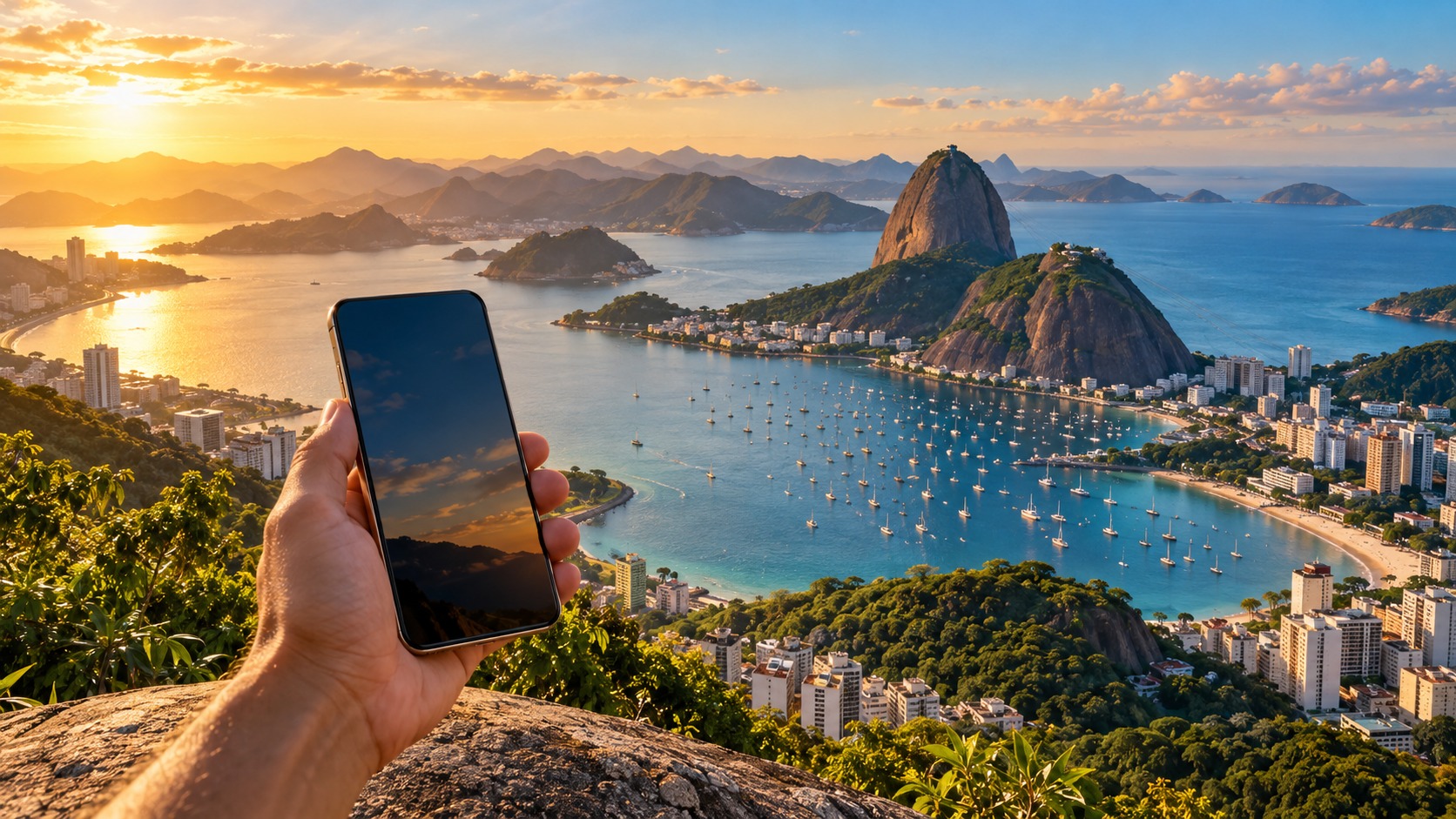
A Brazil eSIM for travellers lets you set up mobile data before departure and connect after landing, while your regular SIM can remain available for calls and messages. You can use it to find your way from São Paulo–Guarulhos or Rio de Janeiro–Galeão, contact a ride, message your accommodation and look up directions without first finding a kiosk. The important choice is not just how many gigabytes a plan includes: check how its high-speed allowance works, what happens after it is used, and whether your phone can install an eSIM.
Brazil has three familiar local network names: Vivo, Claro and TIM BR. The network available to you depends on the plan and where you travel, so think about your route as well as the headline allowance. A city stay with frequent Wi-Fi has different needs from a trip that moves between regions. This guide explains what you can decide before you fly, how to install a plan, and how to keep data use predictable once you arrive.
Brazil eSIM for travellers: how the networks fit
Vivo, Claro and TIM BR are the local mobile networks you may encounter when comparing Brazil connectivity. An eSIM plan connects through the network or networks arranged for that plan; the brand printed on the plan does not mean every network is available everywhere. Your phone also needs a usable signal at your current location. A connection that works at your hotel may behave differently on a road journey or in another region.
For that reason, start with your itinerary. Note the city where you land, the places where you will stay, and any intercity travel. For an urban visit, practical coverage means being able to use maps, messaging, ride-hailing and QR payments as you move around. If you plan to travel beyond the first city, look at the plan’s stated network and coverage details before buying, rather than assuming that one network name guarantees the same experience across Brazil.
A data eSIM is usually the simplest fit when your goal is internet access and you want to keep your home number. It does not automatically provide a Brazilian phone number or local voice service. If you need calls on a local number, confirm that the specific product includes that capability; a data plan alone should be treated as data.
Does eSIM work in Brazil, and what should you check?
🇧🇷 Brazil High-Speed Travel eSIM & SIM Plans
Instant QR code activation, hotspot enabled, with guaranteed 384kbps fallback speed to keep Maps & Digital Wallets active.
Yes. A compatible modern phone can install a Brazil data plan before departure and connect after you arrive. First confirm that your device supports eSIM and is not restricted from adding another mobile plan. Keep the device updated and connect to Wi-Fi for installation. The QR code is the setup credential, so open it on a second screen or use the phone’s manual installation option if your camera cannot scan a code displayed on that same device.
MollySIM travel eSIMs arrive by email as an activation QR code, usually within minutes of payment. Nothing physical ships. You can add the eSIM before you travel, then leave it turned off until you are ready to use it. Installing and activating are separate actions on many phones: follow the plan’s instructions for when to enable the line and when its validity begins. Keep the QR email available until setup is complete.
With dual SIM, your existing SIM can stay on for calls and SMS while the MollySIM eSIM supplies mobile data. In the phone settings, choose the eSIM for cellular data and decide whether your home line should remain enabled. If you leave the home line on, understand its roaming settings and charges before travel. The eSIM handles data; it does not make your home carrier’s voice or SMS service free.
Brazil prepaid data for tourists: choose an allowance
A typical short trip uses 1–3 GB per week for maps, messaging and light browsing. Video, frequent photo or video uploads, and long sessions away from Wi-Fi need more. Your actual use depends on how often you open apps, whether media plays automatically, and whether you download files over mobile data. Treat the weekly range as a starting point, then add room for the activities you know you will do.
Maps are useful throughout the day, and downloading an offline area over Wi-Fi can reduce the need to load map content repeatedly. Messaging is generally lighter when you send text; sharing photos, voice notes or video uses more. Ride-hailing needs a working connection to request and follow a trip. QR payments also need a connection at the point of payment, so keep some data available for practical tasks rather than using the entire high-speed allowance on entertainment.
For video, cloud backups and app updates, use Wi-Fi where convenient. Disable automatic media downloads and app updates over cellular data if you want the allowance to last. Check the phone’s data-use screen during the trip. It can show which apps are consuming the most, helping you adjust settings before you run low.
MollySIM’s travel eSIM fair-use policy keeps data working at 384 kbps after the high-speed allowance is used. That reduced speed is intended to remain useful for maps, messaging, email and QR payments. It is not the same experience as high-speed data for video or large downloads. This fallback can matter if you need to find a route or complete a practical task after using the included high-speed data. The details of a specific Brazil plan, including its allowance, are on the Brazil eSIM plans page.
Brazil roaming cost comparison: compare plan shapes
There is no single price comparison that fits every traveller: the total depends on the chosen plan and your home carrier’s roaming terms. Compare what you receive and when charges can apply, not only a displayed price. A travel eSIM avoids relying on the home carrier’s data roaming for ordinary internet use, while a local prepaid SIM can be an option if you want a locally sold plan and are prepared to obtain and set it up during the trip.
| Option | What it is suited to | Main trade-off |
|---|---|---|
| Data-only travel eSIM | Getting data soon after arrival while keeping your existing SIM for calls and SMS | Requires an eSIM-compatible phone; local voice service is not included unless the plan says so |
| Local prepaid SIM | Using a physical local product when you prefer to buy and set up service in Brazil | You need to find a seller and complete setup after landing; your phone must accept the SIM format |
| Home-carrier roaming | Keeping your existing line as the source of service abroad | The applicable allowance and charges depend on your home carrier’s terms |
Airport arrival is a common time to need connectivity: you may want to check a route from Guarulhos into São Paulo or from Galeão into Rio, contact a driver, or tell someone you have landed. A pre-installed eSIM means you can try the plan as soon as you have a supported connection, without making your first task after landing a search for a SIM counter. An airport purchase can still suit someone who prefers in-person help or wants a local physical product. Compare its actual allowance and terms with an eSIM before deciding; do not assume either format is automatically cheaper.
For a regional itinerary that extends beyond Brazil, a regional or global product may be more convenient than managing country-specific plans. Review the regional and global eSIM plans against the destinations on your route. A broader plan can simplify plan management, while a Brazil-specific plan may be the more direct match for a Brazil-only trip. Confirm that the plan covers every country you intend to visit.
Brazil eSIM for travellers: install and activate on iPhone and Android
Before departure, connect to Wi-Fi and keep the QR email accessible. Use the phone’s cellular or SIM settings to add a mobile plan, then scan the QR code or enter the details manually if offered. The labels vary by phone model and software version, but the task is the same: add the eSIM, name the line clearly, and choose which line provides mobile data.
On iPhone, open Settings and go to the mobile or cellular plan controls. Add an eSIM, scan the supplied QR code, and follow the prompts. Label the new line something recognizable, such as “Brazil data.” Keep your home line labelled separately. Set the Brazil eSIM as the data line when you are ready to use it. If you want to receive calls or SMS on your home number, leave that line enabled, but review its data roaming setting so it does not become the data line by mistake.
On Android, open Settings and look for Network, SIM, or SIM manager controls. Choose the option to add an eSIM, scan the QR code, and complete the prompts. Android menus vary by manufacturer, so the wording may differ. Give the plan a clear label and select it for mobile data after arrival. If the phone presents a data roaming switch for the travel eSIM, follow the plan’s activation instructions; some travel plans require roaming to be enabled on that line to connect.
At arrival, turn on the eSIM line and select it for mobile data. Check that mobile data is enabled and that the home SIM is not selected as the data line. If the phone shows a roaming toggle, use the instructions for the specific plan rather than changing every line indiscriminately. Keep the home SIM’s data roaming disabled if you do not want it to supply data abroad. Once connected, open a map or a messaging app to confirm that data works.
Common setup problems: data, APN and fair use
If the eSIM does not connect, check the basics in order. Confirm the eSIM line is enabled, selected for data, and in an area with signal. Toggle airplane mode briefly or restart the phone if it has not registered. Verify that mobile data is on for the eSIM. If the plan instructions require data roaming, enable it for that eSIM line only. These checks help distinguish a disabled setting from a local signal issue.
An APN is the access point setting a phone uses to connect to mobile data. Most users should first let the eSIM profile configure the network automatically. If the plan’s setup instructions provide a specific APN, compare the value in the phone with those instructions and correct it exactly. Do not copy an APN from an unrelated SIM or plan. A wrong value can prevent data from working even when the eSIM appears active.
If service starts and later feels slower, check whether the high-speed allowance has been used. MollySIM’s fair-use policy continues data at 384 kbps after that point. Use this speed for lightweight tasks such as maps, messaging, email and QR payments; defer video streaming, large uploads and app downloads until you have Wi-Fi or more high-speed data. This is a predictable trade-off: the line can stay useful for essentials, but data-heavy tasks will take longer.
If the phone still has no connection after these checks, compare the line’s settings with the supplied activation instructions and the details of the plan. Keep the QR email and order information available when you contact support. For a general explanation of the difference between data service and traditional voice or SMS, see data-only vs voice and SMS. For more about Wi-Fi calling and travel eSIMs, read the Wi-Fi Calling traveller guide.
Frequently Asked Questions
Does an eSIM work in Brazil?
Yes. A compatible phone can install a Brazil data plan before departure and connect after arrival. Install it over Wi-Fi, then enable the eSIM and select it for mobile data when you are ready to use the plan.
How much data do I need for Brazil?
For a typical short trip, 1–3 GB per week can cover maps, messaging and light browsing. Plan for more if you expect to watch video or do other data-heavy activities. Wi-Fi, offline maps and limiting automatic downloads can help your allowance last.
Can I keep my own number active?
Yes. A travel eSIM can run alongside your existing SIM, so your home line can remain available for calls and messages while data uses the eSIM. Your home carrier may charge for roaming service, so check its terms and keep the home line from being selected for mobile data if you intend to use the travel plan.
What if I use all the high-speed data?
Under MollySIM’s fair-use policy, data continues at 384 kbps after the high-speed allowance is used. Maps, messaging, email and QR payments remain practical uses at that speed. Video and large downloads are better left for a Wi-Fi connection or a period when high-speed data is available again.
SEO Score: 10/11
🇧🇷 Brazil High-Speed Travel eSIM & SIM Plans
Instant QR code activation, hotspot enabled, with guaranteed 384kbps fallback speed to keep Maps & Digital Wallets active.