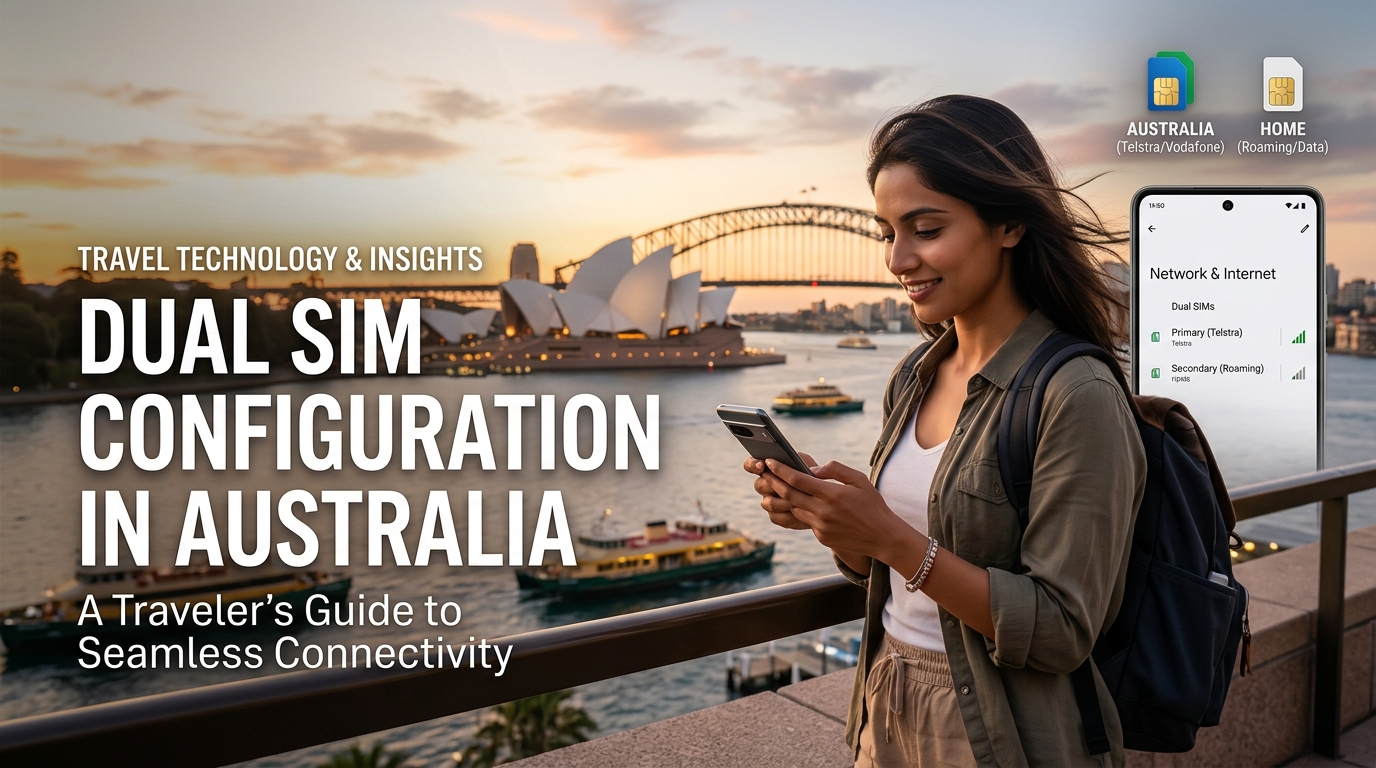
Dual SIM Configuration in Australia: A Traveler's Guide to Seamless Connectivity
Traveling to Australia can be an exhilarating experience, filled with breathtaking landscapes, vibrant cities, and unique wildlife. However, staying connected while exploring the Great Barrier Reef or wandering through Sydney's iconic landmarks is crucial. This guide will delve into the intricacies of configuring a dual SIM setup in Australia, focusing on the advantages of using both a local eSIM and an international physical SIM. We will cover major carriers like Telstra and Optus, provide step-by-step instructions for various devices, and highlight MollySIM's eSIM options as a practical solution for travelers.
Understanding Dual SIM Technology
Dual SIM technology allows users to operate two SIM cards simultaneously on a single device. This feature is particularly beneficial for travelers, enabling them to maintain their home number while also utilizing a local SIM for better rates and coverage.
Benefits of Dual SIM Configuration
- Cost Efficiency: Using a local SIM for data and calls can significantly reduce roaming charges.
- Seamless Connectivity: Travelers can receive calls and texts on their home number while using a local SIM for internet access.
- Flexibility: Users can switch between networks based on coverage and pricing, ensuring optimal connectivity.
- Access to Local Offers: Local SIM cards often provide better deals on data, which is essential for navigation and communication.
Choosing the Right Carriers in Australia
🌐 Global Travel High-Speed Travel eSIM & SIM Plans
Instant QR code activation, hotspot enabled, with guaranteed 384kbps fallback speed to keep Maps & Digital Wallets active.
Australia boasts several major telecommunications providers, each offering unique plans and services. The two most prominent carriers for travelers are Telstra and Optus.
Telstra
- Coverage: Telstra has the widest network coverage in Australia, particularly in rural areas.
- Data Plans: Offers a variety of prepaid plans with competitive pricing and data allowances.
- eSIM Availability: Supports eSIM activation for compatible devices.
Optus
- Coverage: Optus has extensive coverage in urban areas but may be less reliable in remote locations.
- Data Plans: Provides flexible prepaid options with generous data limits.
- eSIM Availability: Offers eSIM plans for travelers looking for quick activation.
MollySIM: A Premium eSIM Solution
MollySIM stands out as a reliable and cost-effective eSIM provider for travelers in Australia. With speeds up to 384kbps, MollySIM offers three times faster connectivity than many competitors, making it an ideal choice for data-hungry applications like navigation and video streaming.
Why Choose MollySIM?
- Easy Setup: Quick activation via QR code.
- Flexible Plans: Various data packages tailored for short and long-term stays.
- No Physical SIM Required: Eliminates the hassle of swapping SIM cards.
Configuring Dual SIM on Your Device
iPhone Dual SIM Setup
- Check Compatibility: Ensure your iPhone model supports dual SIM (iPhone XS, XS Max, XR, or later).
- Insert Physical SIM: Place your international SIM in the SIM tray.
- Activate eSIM:
- Go to Settings > Cellular > Add Cellular Plan.
- Scan the QR code provided by MollySIM or enter the details manually.
- Label Your Plans: Assign labels (e.g., "Home" for your international SIM and "Travel" for your local eSIM) for easy identification.
- Set Default Line: Choose which line to use as your default for calls and messages.
Android Dual SIM Setup
- Check Compatibility: Ensure your Android device supports dual SIM functionality.
- Insert Physical SIM: Place your international SIM in the designated SIM slot.
- Activate eSIM:
- Go to Settings > Network & internet > Mobile Network.
- Tap on Add Carrier and scan the QR code from MollySIM or enter the details manually.
- Manage SIM Settings: Label your SIMs for clarity and set your preferred SIM for calls and data.
Managing Dual SIM Settings
To ensure optimal connectivity, it’s essential to manage your dual SIM settings effectively:
Data Usage
- Prioritize Data: Set your local eSIM as the primary data source to leverage local rates.
- Monitor Usage: Regularly check your data usage to avoid overage charges.
Call Settings
- Call Forwarding: Set up call forwarding from your international number to your local number if needed.
- Voicemail Setup: Configure voicemail settings for both numbers to ensure you don’t miss important messages.
Troubleshooting Connectivity Issues
If you experience connectivity issues, consider the following steps:
- Restart Your Device: A simple restart can resolve many connectivity problems.
- Check Network Settings: Ensure that both SIMs are enabled and correctly configured.
- Update Carrier Settings: Regularly check for updates from your carrier to ensure optimal performance.
Comparative Analysis of Connectivity Options
To better understand the advantages of dual SIM configurations, here’s a comparative table of connectivity options available to travelers in Australia:
| Feature | Dual SIM Configuration | Pocket Wi-Fi | Local SIM Only |
|---|---|---|---|
| Cost | Varies (local + international rates) | Rental fees apply | Low prepaid costs |
| Coverage | Depends on carriers | Limited to device | Depends on carrier |
| Speed | Up to 384kbps (MollySIM) | Varies (often slower) | Depends on plan |
| Flexibility | High | Medium | Low |
| Ease of Use | Requires setup | Plug-and-play | Requires SIM swap |
| Data Sharing | Yes | No | No |
| Device Compatibility | iPhone & Android | Limited to Wi-Fi devices | iPhone & Android |
Exploring Australia with Seamless Connectivity
With your dual SIM setup configured, you can now explore Australia's stunning landscapes and vibrant cities without worrying about connectivity. Whether you’re diving into the Great Barrier Reef or enjoying the sights in Sydney, having both a local eSIM and an international SIM ensures you stay connected.
Tips for Staying Connected While Traveling
- Download Offline Maps: Use apps like Google Maps to download offline maps for navigation.
- Use Messaging Apps: Leverage apps like WhatsApp, Viber, or Facebook Messenger to stay in touch without incurring SMS charges.
- Monitor Your Data: Regularly check your data usage to avoid unexpected charges.
Conclusion
Configuring a dual SIM setup in Australia is a smart move for travelers seeking seamless connectivity. By utilizing a local eSIM from MollySIM alongside your international SIM, you can enjoy the best of both worlds—affordable data rates and the ability to stay in touch with loved ones back home. With the right setup and management, your Australian adventure can be as connected as it is exciting.
For more information on eSIM options and to explore MollySIM's offerings, visit MollySIM today. Enjoy your travels with confidence, knowing you’re connected wherever your journey takes you!
🌐 Global Travel High-Speed Travel eSIM & SIM Plans
Instant QR code activation, hotspot enabled, with guaranteed 384kbps fallback speed to keep Maps & Digital Wallets active.